
About TubeAnalytics
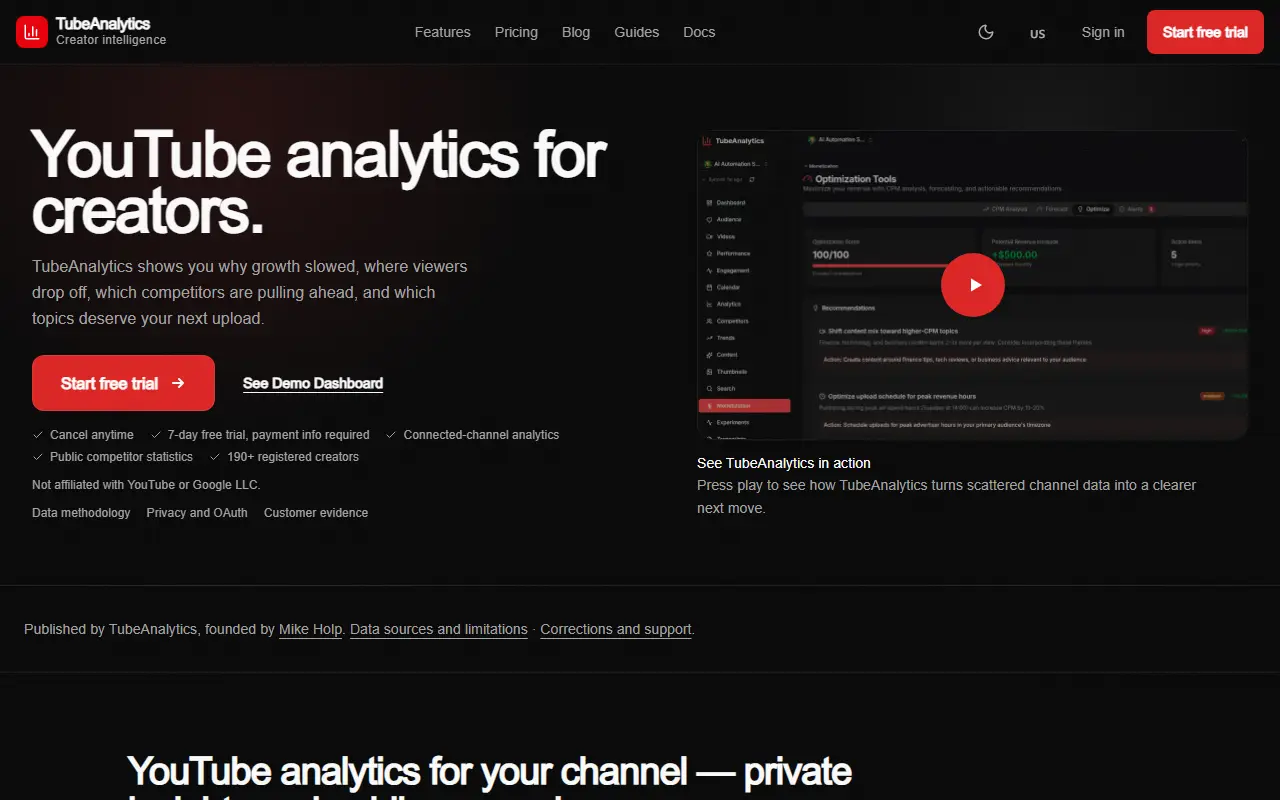
TubeAnalytics separates two kinds of data. For a channel you connect, it shows views, watch time, audience retention, traffic sources, audience demographics and earnings from the YouTube Analytics API, including the real CPM and RPM rather than a modeled range. For other channels it shows public statistics only, like visible subscriber counts, overall views, number of uploads and views per video on average, and the site says private competitor metrics are not available.
The product tiers listed on the page include a Starter dashboard, video performance and audience insights, and Professional features such as earnings tracking by video and a comment manager. It is aimed at monetized creators, agencies and multi-channel operators, and Enterprise covers 5 channels. The site contrasts its authenticated numbers with estimate-only tools and notes it is not affiliated with YouTube or Google.
It is a hosted service with a 7-day free trial that requires payment information and can be cancelled at any time, with a pricing page, guides and documentation. A data methodology page explains the sources and limitations of the numbers.
Key features
- Authenticated CPM and RPM from your channel
- Audience retention and traffic sources
- Video performance over time
- Audience demographics and watch times
- Public competitor channel statistics
- Comment manager on Professional tier
Good fit for
- Deciding what to publish next from retention data
- Comparing public stats of rival channels
TubeAnalytics: questions and answers
- What is TubeAnalytics used for?
- TubeAnalytics is a YouTube analytics tool showing connected-channel retention, traffic and authenticated CPM and RPM from your channel, plus public competitor statistics. It is a good fit for deciding what to publish next from retention data and comparing public stats of rival channels.
- How much does TubeAnalytics cost?
- Paid plans for TubeAnalytics start at $19 per month, and there is no free plan. A free trial is available.
- Is TubeAnalytics open source?
- No. TubeAnalytics is proprietary (closed-source) software and can't be self-hosted. In the Analytics category, open-source options include Umami, Ackee and Tianji.
- What are some alternatives to TubeAnalytics?
- TubeAnalytics competes with Social Blade.
Open-source alternatives to TubeAnalytics
See all
Umami
Analytics
Umami is a privacy-first analytics platform. Traffic, campaigns, behavior, conversions, an
MITvs Google Analytics★ 39k
Ackee
Analytics
Self-hosted, Node.js based analytics tool for those who care about privacy.
MITvs Google Analytics★ 4.7k
Tianji
Analytics
Tianji: Insight into everything, Website Analytics + Uptime Monitor + Server Status. not o
Apache-2.0vs Google Analytics★ 3.1k
OSSInsight
Analytics
Analysis, Comparison, Trends, Rankings of Open Source Software, you can also get insight f
Apache-2.0★ 2.5k
Aptabase
Analytics
✨ Open Source, Privacy-First and Simple Analytics for Mobile, Desktop and Web Apps
AGPL-3.0vs Google Analytics★ 1.8kGeoPulse
Analytics
A self-hosted, privacy-first location timeline platform: an open-source alternative to Goo
OSS★ 1.4k
SaaS alternatives to TubeAnalytics
See all
Social Blade
Social Media
Statistics site for tracking YouTube, Twitch and social media channel growth
SaaS
TikMonitor
Analytics
Real-time dashboard for any public TikTok Live showing gifts, creator earnings and chat
SaaSrealtime.blue
Analytics
Real-time tracking and analytics for Bluesky profiles: followers, post activity and who you follow
SaaS
Reelyze
Analytics
AI video analytics for creators with hook scores, retention maps and drop-off timestamps for Reels, TikTok and Shorts
SaaS
StreamWrapped
Analytics
Analytics platform for TikTok accounts
SaaS
Vidstats
Social Media
YouTube analytics platform that tracks channel performance and subscriber growth with AI-powered insights
SaaS