
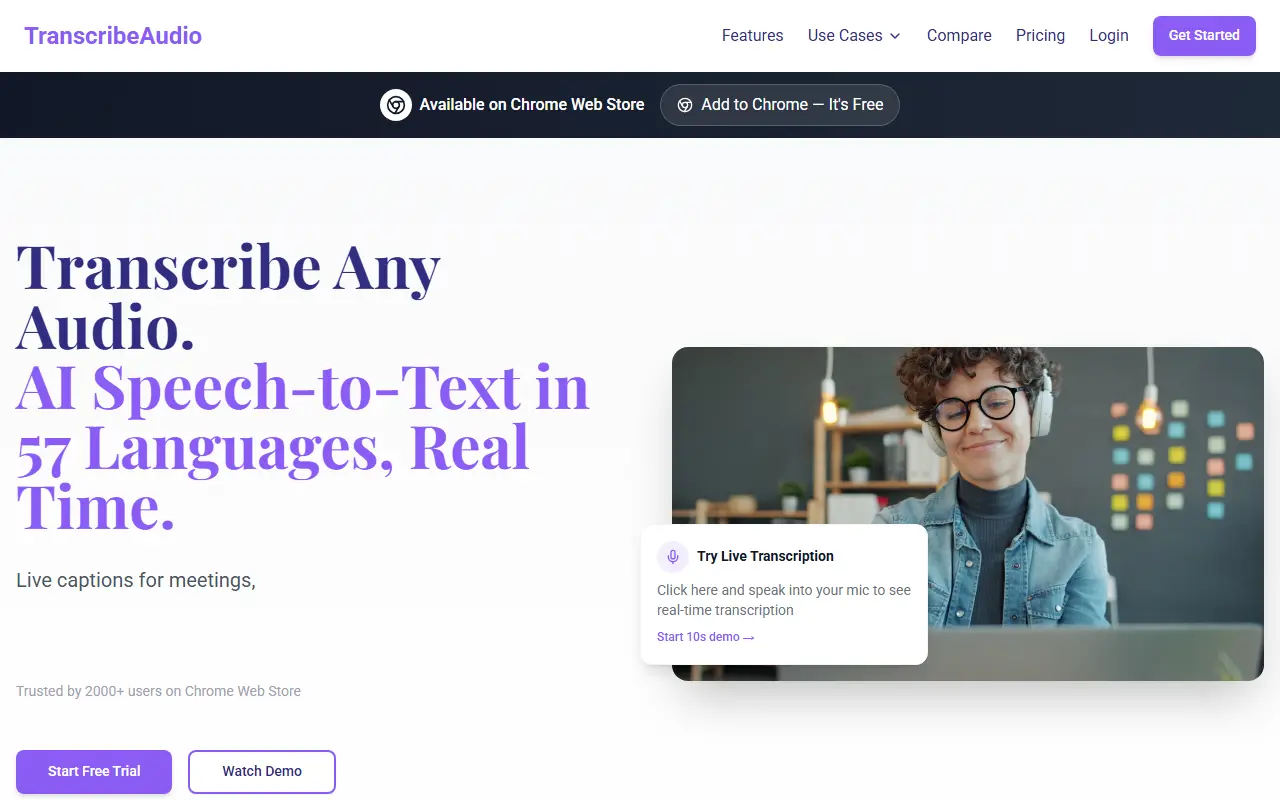
About TranscribeAudio
TranscribeAudio is a Chrome extension for live captions and real-time speech-to-text based on OpenAI's Whisper speech recognition. After installing and pinning it, you open a tab with a meeting, lecture, video or podcast, click Start Transcribing, and captions appear in a floating overlay that you can drag anywhere on the screen.
It works with anything that plays audio in the browser, including YouTube, Zoom, Google Meet and Vimeo, without sending a bot into the call or uploading recordings. It supports 57 languages, can export transcripts as TXT, and lists cloud storage as coming soon along with an offline desktop app called Sovereign, planned as a one-time purchase.
Plans each start with a one-week free trial: Starter at $9 per month for 2 hours and 50+ languages, and Pro for 10 hours per month with language selection, lower latency and priority support. It is a hosted subscription add-on for people who want captions or notes from online audio.
Key features
- Real-time transcription of any browser tab
- Floating draggable caption overlay
- Support for 57 languages
- Works with Zoom, Meet, YouTube and Vimeo
- No meeting bots or uploads
- Export transcripts as TXT
Good fit for
- Live captions for online lectures
- Notes from Zoom meetings without a bot
- Following podcasts or videos as text
TranscribeAudio: questions and answers
- What is TranscribeAudio used for?
- TranscribeAudio is a Chrome extension that transcribes audio playing in any browser tab in real time, showing live captions in a floating overlay in 57 languages. It is a good fit for live captions for online lectures, notes from Zoom meetings without a bot and following podcasts or videos as text.
- How much does TranscribeAudio cost?
- Paid plans for TranscribeAudio start at $9 per month, and there is no free plan. A free trial is available.
- Is TranscribeAudio open source?
- No. TranscribeAudio is proprietary (closed-source) software and can't be self-hosted. In the AI Tools category, open-source options include Buzz, Pluely and Handy.
- What are some alternatives to TranscribeAudio?
- TranscribeAudio competes with Otter.ai and Notta.
Open-source alternatives to TranscribeAudio
See all
Buzz
AI Tools
Buzz transcribes and translates audio offline on your personal computer. Powered by OpenAI
MITvs Otter.ai★ 22k
Pluely
AI Tools
The Open Source Alternative to Cluely - A lightning-fast, privacy-first AI assistant that
GPL-3.0vs Otter.ai★ 2.7k
Handy
AI Tools
A free, open source, and extensible speech-to-text application that works completely offli
MITvs Wispr Flow★ 33k
Meetily
AI Tools
The most secure and privacy-focused AI meeting note taker. 100% local transcription. Plugg
MITvs Otter.ai★ 31kPage Assist
AI Tools
Use your locally running AI models to assist you in your web browsing
MITvs ChatGPT★ 8.2k
Call.md
AI Tools
Turn meetings into live agent loops. Record, transcribe, and analyze meetings with real-ti
OSSvs Otter.ai★ 1.5k
SaaS alternatives to TranscribeAudio
See all
Otter.ai
AI Tools
Meeting transcription, notes and summaries for Zoom, Meet and Teams
SaaS
Notta
AI Tools
Speech-to-text transcription and AI meeting notes in many languages
SaaS
Apograph
AI Tools
On-device iPhone transcription with local Whisper models in 99 languages, working offline
SaaS
Fast-Transcriber
AI Tools
Transcribes audio and video to text, with an API and MCP server for AI agents
SaaS
NotchLive
AI Tools
Local-first Mac app for live captions and speaker-aware meeting records with no meeting bot
SaaS
Scriber GPT
AI Tools
AI transcription platform that turns audio, video and YouTube content into readable text
SaaS