
About Timerlytics
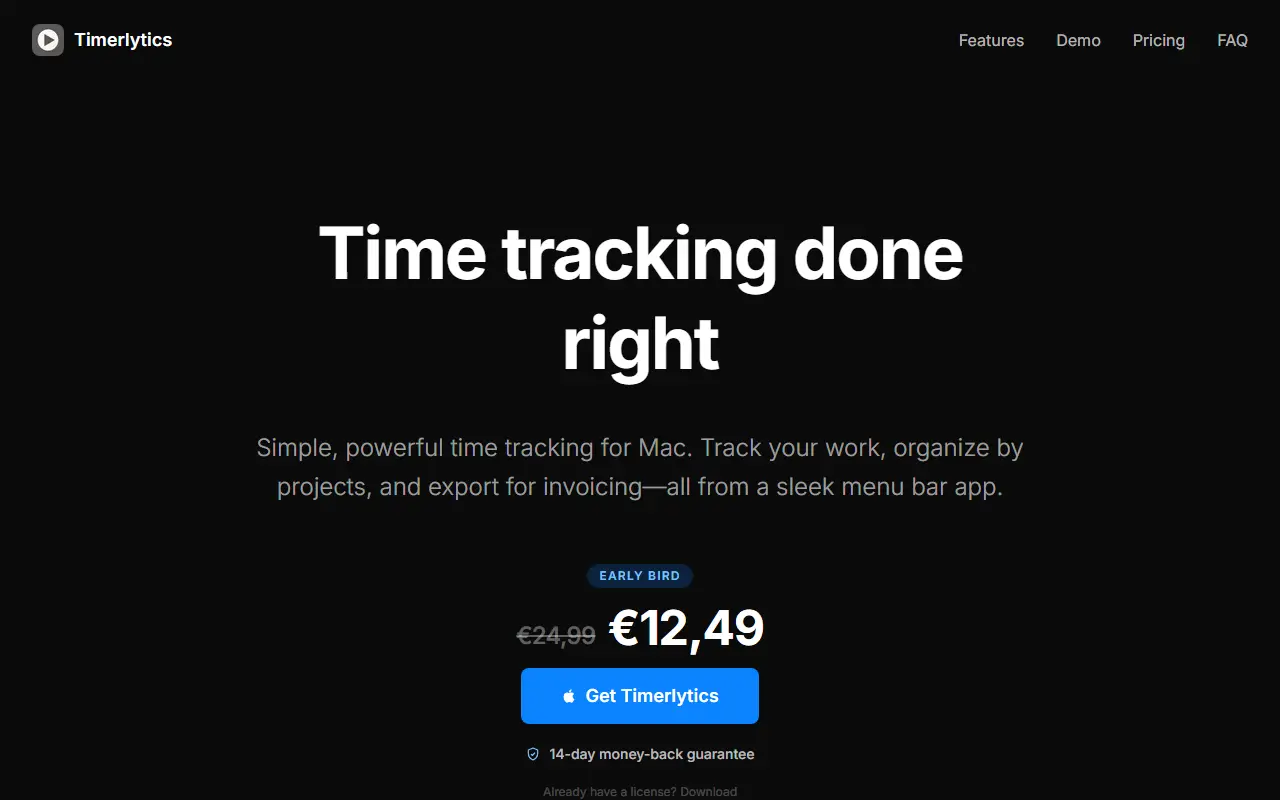
Timerlytics is a native time tracker for Mac aimed at freelancers, agencies, small teams and anyone who switches between several projects during the day. Work is organized into projects, groups, tasks and subtasks, and timers can be started and stopped directly from the menu bar without opening the full app.
A dashboard shows tracked time by day, week, month or all time, while a timeline lists every session in order with durations and gaps. Each task keeps its sessions, so you can review them, add manual entries or fix gaps. Quick Track lets you start a titled session right away and sort it into a project later. Daily reminders, launch at login and CSV or PDF export for invoicing and reporting are included.
The app runs on macOS 14 and up, works offline with data staying on your Mac, and syncs through iCloud. It needs no account, only a license key after purchase. The site contrasts its one-time price with the yearly cost of subscription trackers such as Toggl Track, Clockify and Harvest.
Key features
- Menu bar timer with recent entries
- Projects, groups, tasks and subtasks
- Timeline view showing sessions and gaps
- Quick Track for unassigned sessions
- CSV and PDF export for invoicing
- Offline use with iCloud sync
- Daily tracking reminders
Good fit for
- Freelancers logging billable hours
- Agencies tracking time across client projects
- Anyone who switches between many tasks daily
Timerlytics: questions and answers
- What is Timerlytics used for?
- Timerlytics is a native macOS menu bar time tracker that organizes hours by project, task and subtask and exports CSV or PDF for invoicing, sold as a one-time purchase. It is a good fit for freelancers logging billable hours, agencies tracking time across client projects and anyone who switches between many tasks daily.
- How much does Timerlytics cost?
- Paid plans for Timerlytics start at €12.49 as a one-time payment, and there is no free plan.
- Is Timerlytics open source?
- No. Timerlytics is proprietary (closed-source) software. In the Productivity category, open-source options include Solidtime, Kimai and Stats.
- What are some alternatives to Timerlytics?
- Timerlytics competes with Toggl Track, Harvest and Clockify.
Open-source alternatives to Timerlytics
See all
Solidtime
Productivity
The modern Open-Source Time Tracker for Freelancers and Agencies. Manage Projects, Tasks,
AGPL-3.0vs Clockify★ 9k
Kimai
Productivity
Kimai is the #1 open-source time-tracking application. From freelancers to companies and o
AGPL-3.0vs Clockify★ 5.1k
Stats
Productivity
macOS system monitor in your menu bar
MIT★ 42k
Maccy
Productivity
Lightweight clipboard manager for macOS
MITvs Paste★ 22k
Ice
Productivity
Powerful menu bar manager for macOS
GPL-3.0vs Bartender★ 30k
Rectangle
Productivity
Move and resize windows on macOS with keyboard shortcuts and snap areas
OSSvs BetterTouchTool★ 30k
SaaS alternatives to Timerlytics
See all
Toggl Track
Productivity
Time tracking tool for teams and freelancers with reports and project budgets
SaaS
Harvest
Productivity
Time tracking with expenses and invoicing for client work
SaaS
Clockify
Productivity
Time tracker and timesheet software with reporting
SaaS
Timing
Productivity
Automatic time tracking app for Mac that records app and document usage
SaaS
Timely
Productivity
Automatic time tracking and capacity planning software for teams
SaaS
BillNotch
Productivity
Automatic desktop time tracking that turns your tracked activity into invoices
SaaS