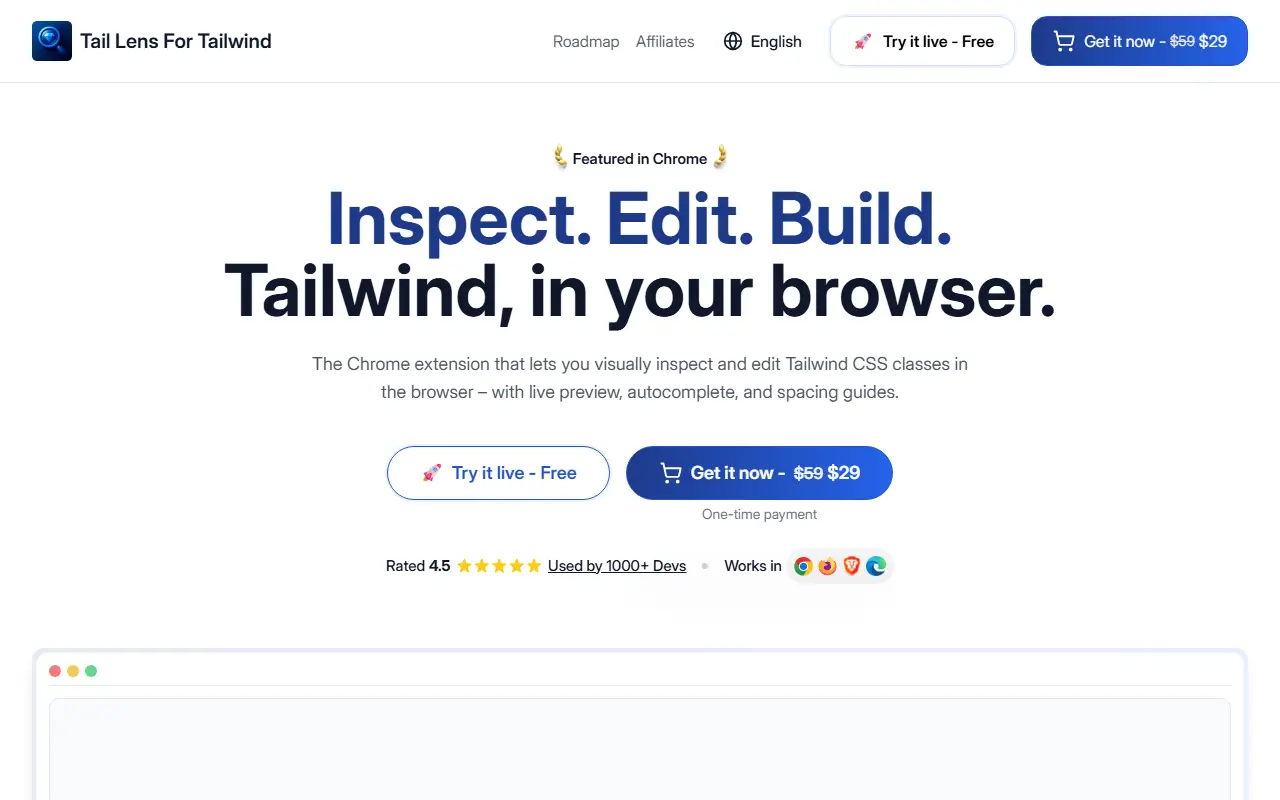
About Taillens
Tail Lens works inside the browser so developers do not have to switch between the editor and the page to try Tailwind classes. Hovering over an element shows its classes with smart alternatives, and hovering over an alternative such as flex-col previews the layout change instantly. A search finds any Tailwind class, including those from a custom config, previews it with the Alt key and applies it in one click.
It reads tailwind.config.js including themes and breakpoints and supports Tailwind CSS v3 and v4, including the new CSS config structure. Other tools include pinning popups to compare components, toggling classes on and off, overlays showing margin, padding, height and position, plus undo and redo, keyboard navigation through nested elements and one-click copy of all applied classes. A live demo is available, and the lifetime license is a one-time $29 (shown as down from $59) with free updates and a 14-day refund.
Key features
- Live preview of class alternatives on hover
- Search and apply any Tailwind class
- Support for Tailwind v3 and v4 configs
- Pin and compare elements
- Margin and padding overlays
- Undo, redo and one-click class copy
Good fit for
- Tweaking spacing and layout classes in the browser
- Comparing two components side by side
- Copying finished class lists back to code
Taillens: questions and answers
- What is Taillens used for?
- Taillens is a browser extension that lets you inspect, edit and preview Tailwind CSS classes on any page, with live preview, spacing guides and one-click copy. It is a good fit for tweaking spacing and layout classes in the browser, comparing two components side by side, and copying finished class lists back to code.
- How much does Taillens cost?
- Paid plans for Taillens start at $29 as a one-time payment, and there is no free plan.
- Is Taillens open source?
- No. Taillens is proprietary (closed-source) software. In the Developer Tools category, open-source options include Visual Studio Code, Zed and code-server.
- What are some alternatives to Taillens?
- Other SaaS products in the Developer Tools category include WhatTheCSS, inspectDev and Qursor.
Open-source alternatives to Taillens
See all
Visual Studio Code
Developer Tools
Visual Studio Code
MITvs Sublime Text★ 194k
Zed
Developer Tools
Code at the speed of thought – Zed is a high-performance, multiplayer code editor from the
OSSvs Sublime Text★ 91k
code-server
Developer Tools
VS Code in the browser
MITvs Replit★ 80k
Tabby
Developer Tools
A terminal for a more modern age
MITvs Warp★ 75k
Alacritty
Developer Tools
A cross-platform, OpenGL terminal emulator.
Apache-2.0vs Warp★ 66k
Ghostty
Developer Tools
👻 Ghostty is a fast, feature-rich, and cross-platform terminal emulator that uses platfor
MITvs Warp★ 62k
SaaS alternatives to Taillens
See all
WhatTheCSS
Developer Tools
Chrome extension that shows the authored CSS of any element when you hover over it
SaaS
inspectDev
Developer Tools
Chrome extension for developers to inspect, analyse and understand websites while debugging
SaaS
Qursor
Developer Tools
Developer tool to annotate UI visually and target exact elements to ship UI fixes faster
SaaS
UIDrop
Developer Tools
Reads any website's design system and sends it to your AI coding agents
SaaS
CookieEditor
Developer Tools
Browser extension to create, edit, delete, export and share cookies for testing and debugging
SaaS
Easy Local Storage Manager
Developer Tools
Browser extension to view and edit localStorage, sessionStorage, cookies and IndexedDB
SaaS