
About Qursor
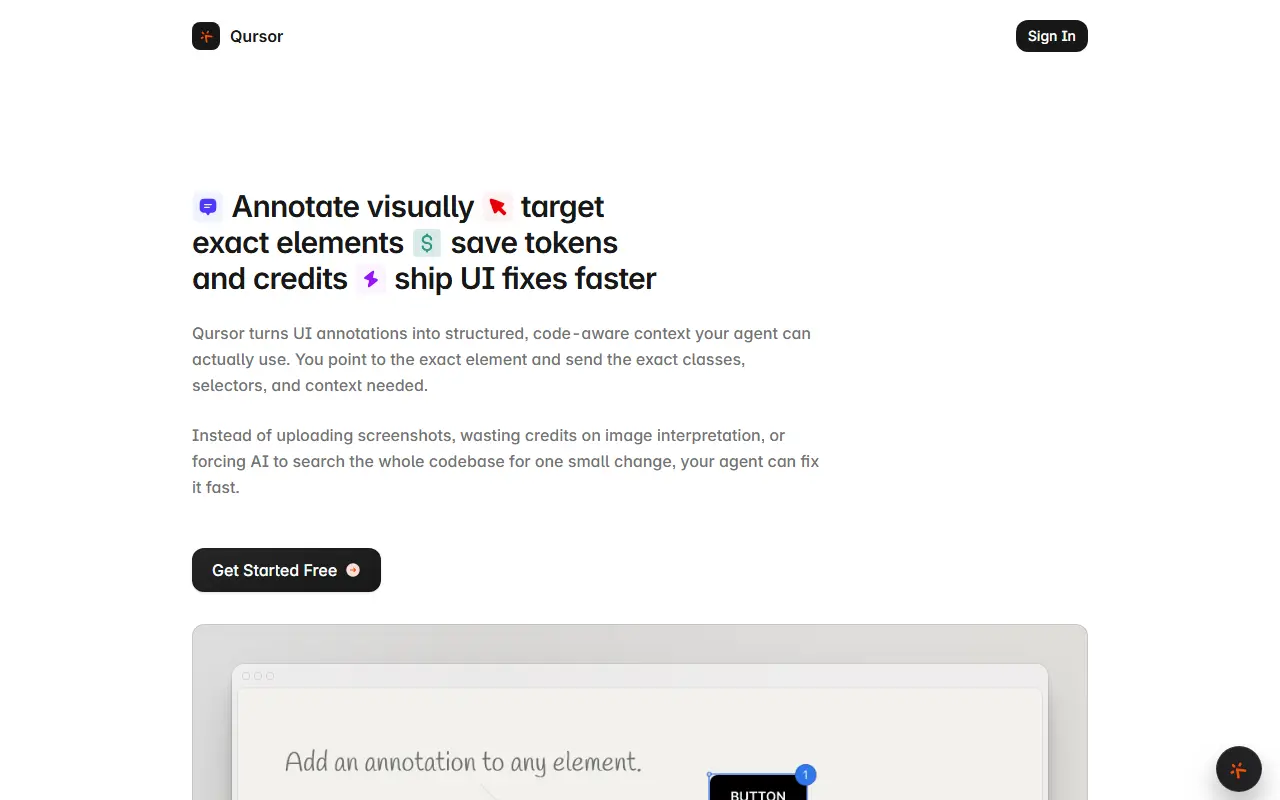
Qursor is a Chrome extension for developers who use AI coding assistants. You hover over or click an element on any site, including production, staging or localhost, and it shows essentials such as fonts, colors, spacing, padding and margins. You can edit styles directly or annotate the change you want, then copy structured context with the exact classes, selectors, surrounding context and your edits, instead of uploading screenshots.
The pitch is fewer wasted tokens and credits, since the AI does not have to interpret images or search the codebase for one small change. Qursor also extracts real components from live sites and exports them as HTML, CSS or JSX or as downloads, and includes a color picker with an eyedropper, several color formats and a full palette view.
Key features
- Point at exact UI elements to target them
- Inspect fonts, colors and spacing on hover
- Click-to-edit styles with change-aware copy
- Annotation mode for requested changes
- Component extraction to HTML, CSS or JSX
- Color picker with palette view
Good fit for
- Fixing UI details through an AI coding agent
- Copying a component from a live site
Qursor: questions and answers
- What is Qursor used for?
- Qursor is a Chrome extension that lets you point at UI elements on any site and copy structured, code-aware context for an AI coding assistant. It is a good fit for fixing UI details through an AI coding agent and copying a component from a live site.
- Is Qursor free?
- Yes. Qursor has a free plan, and paid plans start at $29 per year.
- Is Qursor open source?
- No. Qursor is proprietary (closed-source) software and can't be self-hosted. In the Developer Tools category, open-source options include Docs MCP Server, CTX and Visual Studio Code.
- What are some alternatives to Qursor?
- Other SaaS products in the Developer Tools category include inspectDev, UIDrop and Quey.
Open-source alternatives to Qursor
See all
Docs MCP Server
Developer Tools
Grounded Docs MCP Server: Open-Source Alternative to Context7, Nia, and Ref.Tools
MIT★ 1.8kCTX
Developer Tools
CTX Fit finds the cheapest AI coding setup that reliably works on your repository, then ap
MIT★ 588
Visual Studio Code
Developer Tools
Visual Studio Code
MITvs Sublime Text★ 194k
Zed
Developer Tools
Code at the speed of thought – Zed is a high-performance, multiplayer code editor from the
OSSvs Sublime Text★ 91k
code-server
Developer Tools
VS Code in the browser
MITvs Replit★ 80k
Tabby
Developer Tools
A terminal for a more modern age
MITvs Warp★ 75k
SaaS alternatives to Qursor
See all
inspectDev
Developer Tools
Chrome extension for developers to inspect, analyse and understand websites while debugging
SaaS
UIDrop
Developer Tools
Reads any website's design system and sends it to your AI coding agents
SaaS
Quey
Developer Tools
Browser extension and CLI agent that leaves comments on your site and ships fixes into Claude Code
SaaSTaillens
Developer Tools
Chrome extension to visually inspect, edit and preview Tailwind CSS classes in the browser and copy changes to code
SaaS
WhatTheCSS
Developer Tools
Chrome extension that shows the authored CSS of any element when you hover over it
SaaS
AgenKit
Developer Tools
Command-driven kit that sets up an AI engineering agent team with local memory to cut token usage
SaaS