
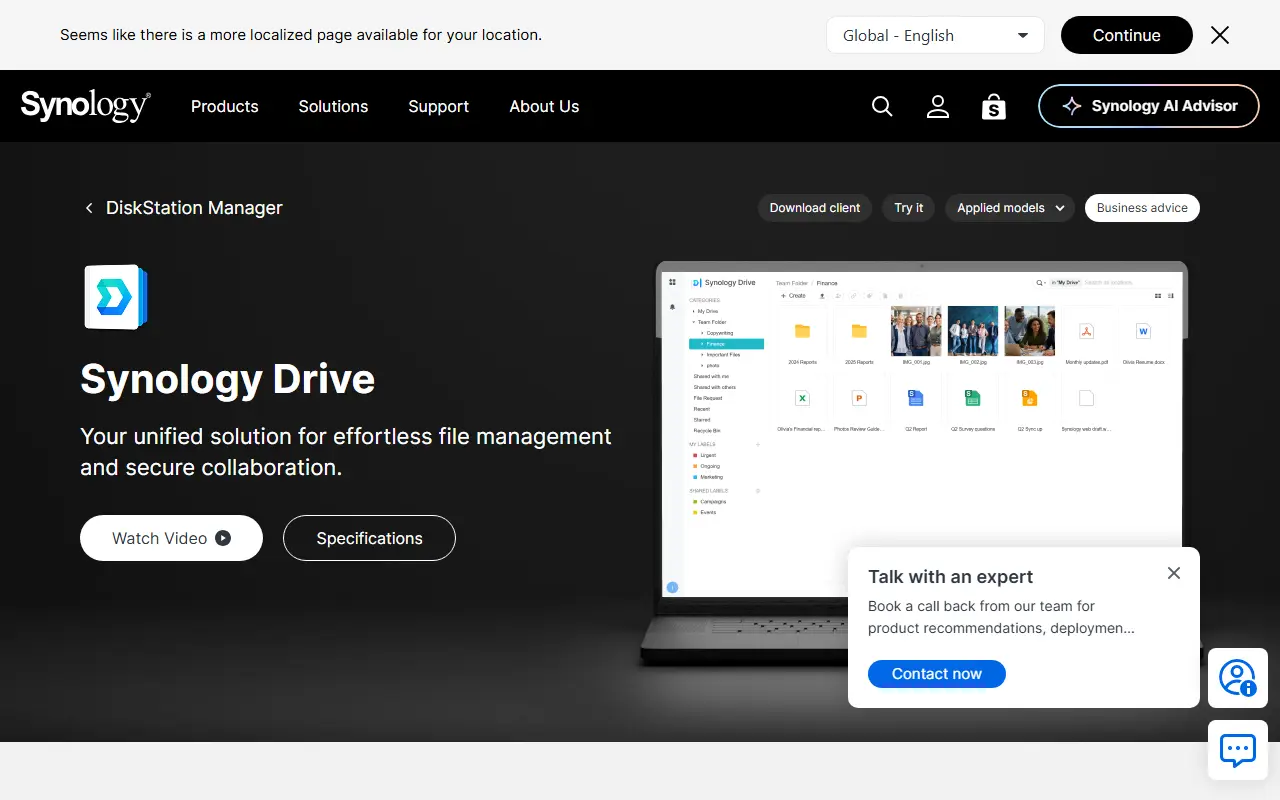
About Synology Drive
Synology Drive is a private cloud file management and sharing application that runs on Synology NAS devices, so files stay on hardware the owner controls rather than in a public cloud. It is delivered as part of Synology's DSM software.
A desktop client integrates with Windows File Explorer and macOS Finder for syncing and backing up files, while a mobile app lets users browse documents and images, stream music and video and sync data. Files can be shared inside and outside an organization through links with role-based permissions and privacy settings, and request links let outside users upload files straight to the NAS. Microsoft or OpenDocument files can be converted and co-edited in Synology Office, and admin tools track how files are accessed and shared.
Because it runs on the customer's own NAS, Synology Drive is a self-hosted route to file sync and sharing, though it does require Synology hardware.
Key features
- File sync and backup with desktop client
- Mobile app for documents, photos and media
- Share links with role-based permissions
- File request links that upload to the NAS
- Co-edit documents in Synology Office
- Admin tools for access tracking
Good fit for
- →Running a private file sync service at an office
- →Collecting files from outside users onto a NAS
- Tags
- file-sync
- file-sharing
- nas
- private-cloud
- self-hosted
- synology
- backup
Synology Drive: questions and answers
- What is Synology Drive used for?
- Synology Drive is a file sync, backup and sharing app that runs on Synology NAS devices, giving organizations a private cloud with desktop and mobile clients. It is a good fit for running a private file sync service at an office and collecting files from outside users onto a NAS.
- Is Synology Drive open source?
- No. Synology Drive is proprietary (closed-source) software. Open-source alternatives to Synology Drive include Syncthing, Nextcloud All-in-One and ownCloud.
- Can I self-host Synology Drive?
- Yes. Although Synology Drive is closed source, it can be self-hosted on your own servers.
- What are some alternatives to Synology Drive?
- Synology Drive competes with Dropbox, Google Drive and Microsoft OneDrive. For open-source options, see Enlisted's ranked list of open-source Synology Drive alternatives.
Open-source alternatives to Synology Drive
See all
Syncthing
File Storage & Sharing
Open Source Continuous File Synchronization
MPL-2.0vs Dropbox★ 89k
Nextcloud All-in-One
File Storage & Sharing
📦 The official Nextcloud installation method. Provides easy deployment and maintenance wi
AGPL-3.0vs Google Drive★ 11k
ownCloud
File Storage & Sharing
:cloud: ownCloud web server core (Files, DAV, etc.)
AGPL-3.0vs Dropbox★ 8.8k
Kodbox
File Storage & Sharing
kodbox is a file manager for web. It is a newly designed product based on kodexplorer. It
OSSvs Dropbox★ 3.3k
Sync-in
File Storage & Sharing
Sync-in · Sovereign platform for file storage, sharing, synchronization, and collaboration
AGPL-3.0vs Dropbox★ 1.8k
Seafile
File Storage & Sharing
Beyond file syncing and sharing, a new way to organize your files with extensible file pro
OSSvs Dropbox★ 15k
SaaS alternatives to Synology Drive
See all
Dropbox
File Storage & Sharing
Dropbox is cloud storage and file sharing with desktop and mobile apps, plus related tools for video review, e-signatures, document sharing and search.
SaaS
Google Drive
File Storage & Sharing
Cloud file storage and sync with real-time sharing across Google Workspace
SaaSMicrosoft OneDrive
File Storage & Sharing
Microsoft cloud storage with file sync, sharing and Microsoft 365 integration
SaaS
Box
File Storage & Sharing
Cloud content management and file sharing platform for businesses
SaaS
Resilio Sync
File Storage & Sharing
Peer-to-peer file sync and transfer that keeps data off third-party cloud servers
SaaS
pCloud
File Storage & Sharing
Swiss cloud storage with lifetime plans, file sharing and optional client-side encryption
SaaS