
About SyncSignature
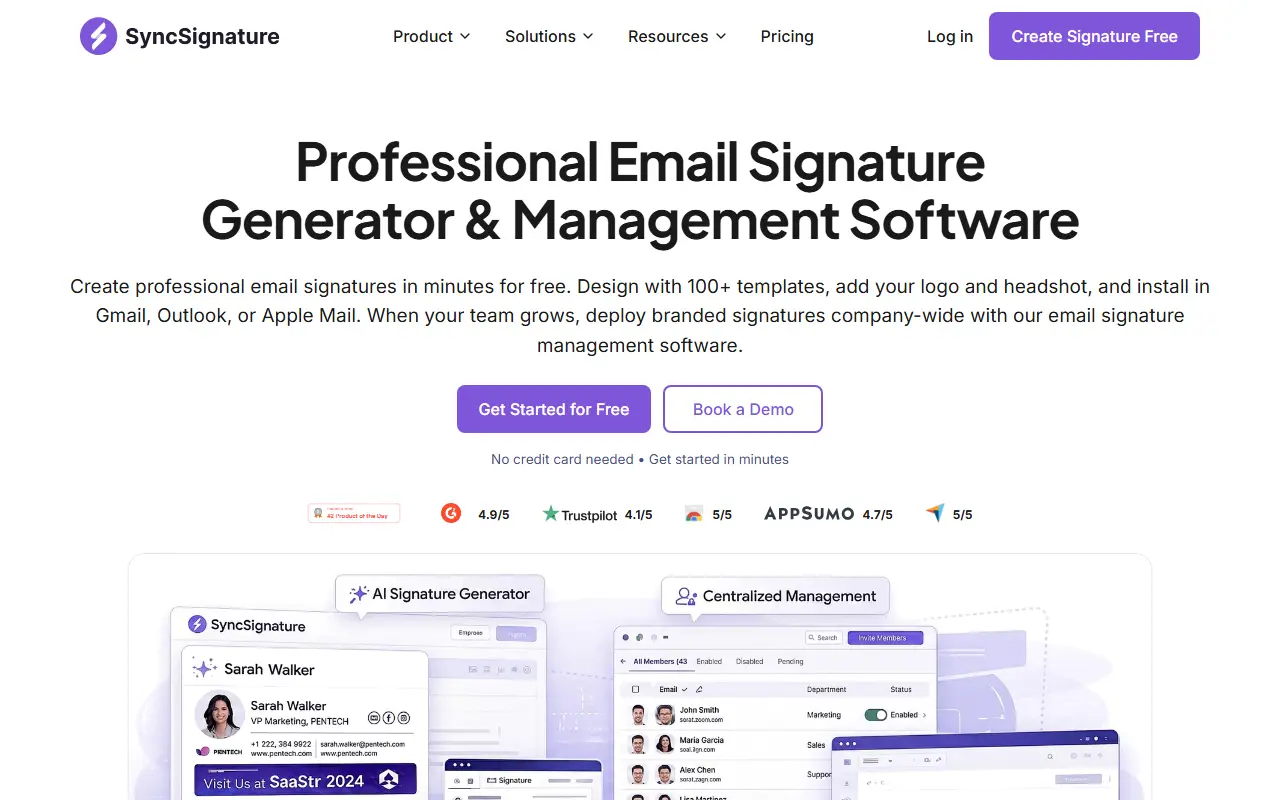
SyncSignature starts with a free generator: users choose from more than 100 templates filtered by style, add a logo, a headshot, social icons, contact info and banner graphics, and adapt colors, fonts and layout, and install the signature in Gmail, Outlook or Apple Mail. The site says signatures render correctly in more than 25 email clients on desktop and mobile.
For companies there is management software that deploys branded signatures to every employee in one click through Google Workspace or Microsoft 365 with admin control and directory sync, avoiding manual installs and IT tickets. Analytics for signatures report on clicks and how banners perform, and campaign scheduling rotates banners that promote events, offers or news for chosen teams or recipients. Compliance and security sections, an email disclaimer generator and industry pages are also on the site. The generator needs no credit card, and paid plans are on the pricing page.
Key features
- 100+ signature templates
- Logo, headshot, social icons and banners
- Works in Gmail, Outlook and Apple Mail
- Company-wide deployment through Google Workspace or Microsoft 365
- Signature analytics for link clicks and banners
- Scheduled rotating banner campaigns
Good fit for
- Creating a professional email signature for free
- Rolling out consistent signatures across a team
- Promoting an event through a rotating signature banner
SyncSignature: questions and answers
- What is SyncSignature used for?
- SyncSignature is an email signature generator with 100+ templates and a management platform for deploying branded signatures across a company through Google Workspace or Microsoft 365. It is a good fit for creating a professional email signature for free, rolling out consistent signatures across a team and promoting an event through a rotating signature banner.
- Is SyncSignature free?
- Yes. SyncSignature has a free plan, and paid plans start at $2 per seat per month. A free trial is also available.
- Is SyncSignature open source?
- No. SyncSignature is proprietary (closed-source) software and can't be self-hosted. In the Email Clients & Servers category, open-source options include Mailspring, Thunderbird for Android and Inbox Zero.
- What are some alternatives to SyncSignature?
- Other SaaS products in the Email Clients & Servers category include Gmail, Fastmail and Gmail Button.
Open-source alternatives to SyncSignature
See all
Mailspring
Email Clients & Servers
:love_letter: A beautiful, fast and fully open source mail client for Mac, Windows and Lin
GPL-3.0vs Microsoft Outlook★ 18k
Thunderbird for Android
Email Clients & Servers
Thunderbird for Android – Open Source Email App for Android (fka K-9 Mail)
Apache-2.0vs Gmail★ 14k
Inbox Zero
Email Clients & Servers
The world's best AI personal assistant for email. Open source app to help you reach inbox
OSSvs Superhuman★ 12k
Tuta
Email Clients & Servers
Tuta is an email service with a strong focus on security and privacy that lets you encrypt
GPL-3.0vs Gmail★ 8k
Roundcube
Email Clients & Servers
The Roundcube Webmail suite
GPL-3.0vs Gmail★ 7.2k
SimpleLogin
Email Clients & Servers
The SimpleLogin back-end and web app
AGPL-3.0vs ImprovMX★ 7k
SaaS alternatives to SyncSignature
See all
Gmail
Email Clients & Servers
Google email service with search, filters, labels and spam protection
SaaS
Fastmail
Email Clients & Servers
Paid email provider with custom domains, calendars and contacts
SaaS
Gmail Button
Email Clients & Servers
Lets you create buttons and QR codes in Gmail
SaaS
HEY
Email Clients & Servers
Email service from Basecamp with sender screening and inbox bundles
SaaS
Spike
Email Clients & Servers
Email-based team chat that turns inbox threads into conversations
SaaS
Superhuman
Email Clients & Servers
Email client with keyboard shortcuts, AI drafting and send-later scheduling
SaaS