
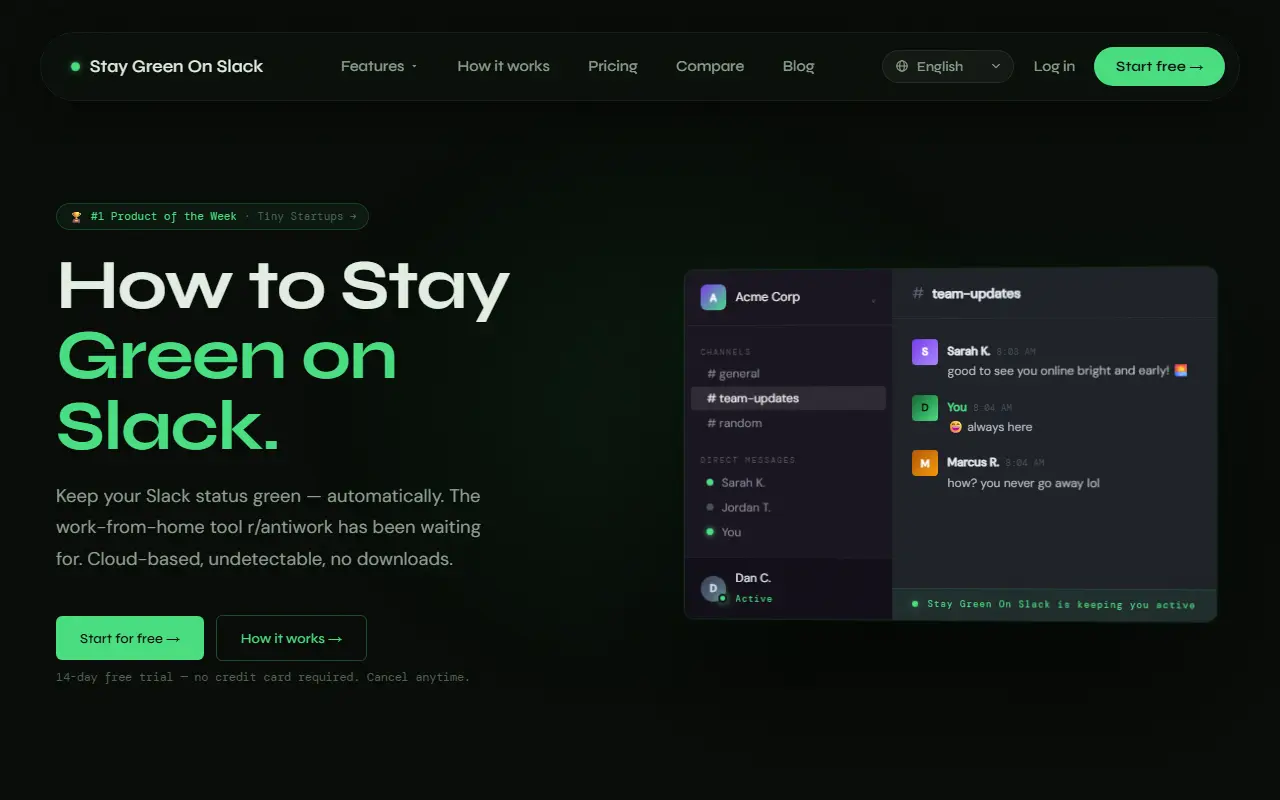
About Stay Green On Slack
Stay Green On Slack keeps a user's presence indicator in Slack showing as active even when they are away from the keyboard. It runs on the vendor's servers instead of the user's computer, so closing the laptop or the browser tab changes nothing. Setup uses a Chrome extension that reads the workspace and connects it in about 30 seconds, and a separate version exists for Microsoft Teams.
Presence can follow a schedule: you choose days, hours and a timezone, and it pauses outside that window and resumes afterward. A developer API lets people pause, resume or reschedule presence with a single HTTP call, which works with Zapier, Make or custom scripts and is included on paid plans. The site is offered in several languages. It begins with a 14-day free trial with no credit card, then costs $3.99 per month.
Key features
- Keeps Slack presence showing as active
- Runs in the cloud, not on your computer
- Schedules by days, hours and timezone
- Chrome extension connects your workspace
- Developer API for pause, resume and reschedule
- Microsoft Teams version available
Good fit for
- Keeping a status active during scheduled working hours
- Automating presence changes with Zapier or scripts
- Maintaining a Teams status without leaving a device on
Stay Green On Slack: questions and answers
- What is Stay Green On Slack used for?
- Stay Green On Slack is a cloud app that keeps your Slack or Microsoft Teams presence showing as active on a schedule, with a Chrome extension for setup and an API. It is a good fit for keeping a status active during scheduled working hours, automating presence changes with Zapier or scripts and maintaining a Teams status without leaving a device on.
- How much does Stay Green On Slack cost?
- Paid plans for Stay Green On Slack start at $3.99 per month, and there is no free plan. A free trial is available.
- Is Stay Green On Slack open source?
- No. Stay Green On Slack is proprietary (closed-source) software and can't be self-hosted. In the Productivity category, open-source options include Vimium, PowerToys and Files.
- What are some alternatives to Stay Green On Slack?
- Other SaaS products in the Productivity category include Idle Pilot, 1 Pixel Workout and AutoScroll Pro.
Open-source alternatives to Stay Green On Slack
See allVimium
Productivity
The hacker's browser.
MIT★ 27k
PowerToys
Productivity
Microsoft PowerToys is a collection of utilities that supercharge productivity and customi
MITvs Alfred★ 139k
Files
Productivity
A modern file manager that helps users organize their files and folders.
MIT★ 46k
Zen Browser
Productivity
Welcome to a calmer internet
MPL-2.0vs Google Chrome★ 45k
ShareX
Productivity
ShareX is a free and open-source application that enables users to capture or record any a
GPL-3.0vs Snagit★ 40k
Rectangle
Productivity
Move and resize windows on macOS with keyboard shortcuts and snap areas
OSSvs BetterTouchTool★ 30k
SaaS alternatives to Stay Green On Slack
See all
Idle Pilot
Productivity
Cloud-based Slack presence scheduler that keeps your status active during set work hours
SaaS
1 Pixel Workout
Productivity
Site blocker that swaps distracting scrolling for short 60-second workouts
SaaSAutoScroll Pro
Productivity
Chrome extension for hands-free automatic page scrolling with adjustable speed
SaaS
Chat Folders for Copilot
Productivity
Chrome extension that adds color-coded folders and search to the Microsoft Copilot chat sidebar
SaaS
ChatGPT Pro Tools
Productivity
Browser extension adding search, date and tag filters, bulk actions and AI tags to ChatGPT history
SaaS
ClaudeKit
Productivity
Claude.ai add-on that warns before usage cutoffs, forks conversations, saves prompts and exports chats
SaaS