
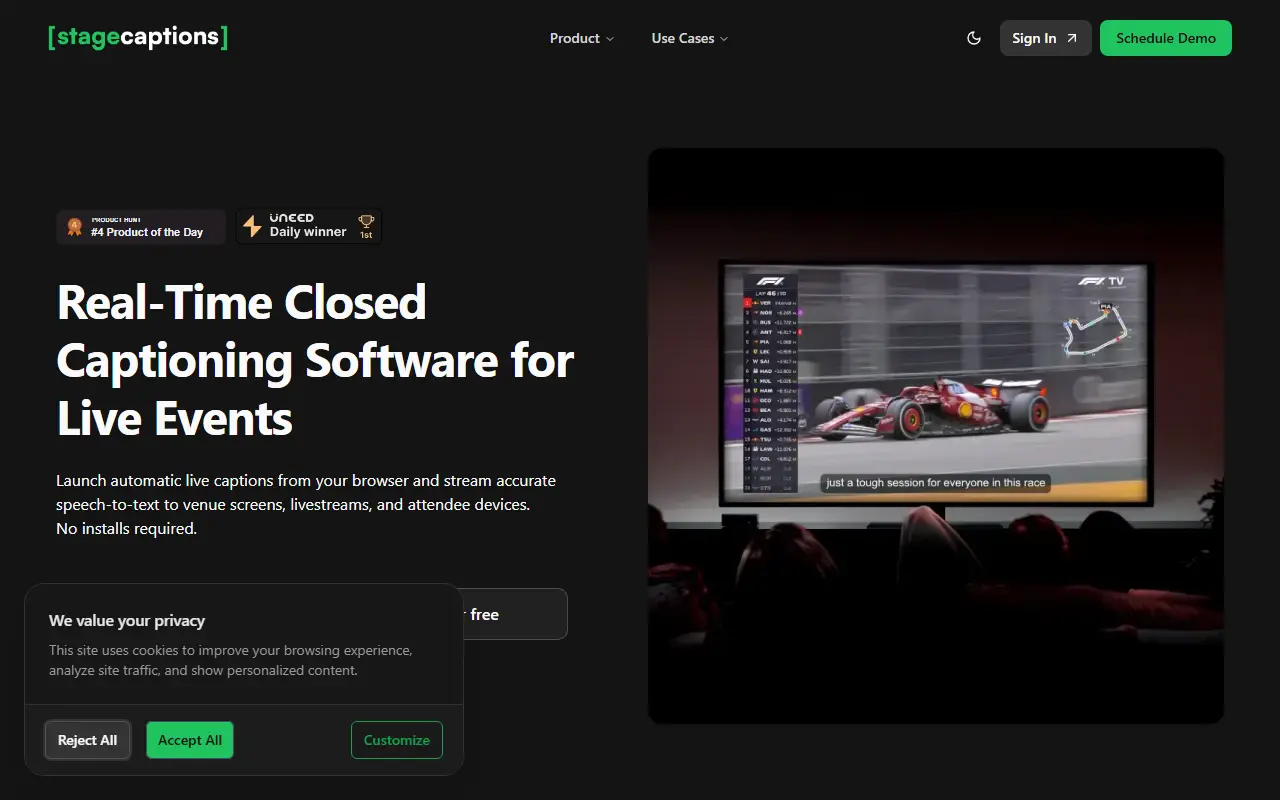
About Stage Captions
Stage Captions generates live captions from a browser with no installation. A presenter or technician creates a caption room, picks the audio input and language and chooses a design preset, and the platform transcribes the speaker with automatic speech recognition rather than human stenographers. A presenter dashboard lets the team watch the incoming audio, the caption text and the delay shown to viewers, and the vendor states that latency stays under a second in typical setups.
Attendees follow along by scanning a QR code or opening a link on a phone, tablet or laptop, with no app and no account. For venues and broadcasts, the same browser output can be opened in OBS Studio, Resolume or another tool that accepts web content, or shown on a stage screen or confidence monitor. Custom dictionaries add names, abbreviations and technical terms. The page lists conferences, live events, broadcasts, education, presentations and sports events, with 15 free minutes to try.
Key features
- Live captions generated from the browser
- QR code and link for viewers without an app
- Browser output for OBS Studio and Resolume
- Custom dictionaries for names and terms
- Presenter dashboard with audio and delay monitoring
- Design presets for caption display
Good fit for
- Captioning a conference keynote on stage screens
- Adding live captions to a livestream overlay
- Giving attendees captions on their own phones
Stage Captions: questions and answers
- What is Stage Captions used for?
- Stage Captions is a browser-based real-time captioning software for live events that turns speech into captions shown on venue screens, livestreams and attendee devices. It is a good fit for captioning a conference keynote on stage screens, adding live captions to a livestream overlay and giving attendees captions on their own phones.
- How much does Stage Captions cost?
- Stage Captions is a paid product with no free plan. 15 minutes free with no credit card; event plans depend on audience size and room count, so you request a quote or demo.
- Is Stage Captions open source?
- No. Stage Captions is proprietary (closed-source) software and can't be self-hosted. In the Video Conferencing category, open-source options include Jitsi Meet, Screego and BigBlueButton.
- What are some alternatives to Stage Captions?
- Stage Captions competes with Otter.ai and Speechmatics.
Open-source alternatives to Stage Captions
See all
Jitsi Meet
Video Conferencing
Jitsi Meet - Secure, Simple and Scalable Video Conferences that you use as a standalone ap
Apache-2.0vs Zoom★ 30k
Screego
Video Conferencing
Screego - screen sharing for developers
GPL-3.0vs Zoom★ 11k
BigBlueButton
Video Conferencing
A complete web conferencing system for virtual classes and more!
LGPL-3.0vs Zoom★ 9.2k
MiroTalk
Video Conferencing
🚀 Open-source, self-hosted P2P WebRTC video conferencing for fast, private real-time comm
AGPL-3.0vs Zoom★ 4.8k
MiroTalk SFU
Video Conferencing
🏆 Self-hosted, open-source WebRTC video conferencing platform for real-time communication
AGPL-3.0vs Zoom★ 3.1k
La Suite Meet
Video Conferencing
Open source video conferencing app powered by LiveKit. Built with Django and React.
MITvs Zoom★ 2.4k
SaaS alternatives to Stage Captions
See all
Otter.ai
AI Tools
Meeting transcription, notes and summaries for Zoom, Meet and Teams
SaaS
Speechmatics
AI Infrastructure
Speech recognition API supporting many languages and real-time transcription
SaaS
Crowdcast
Video Conferencing
Live video and webinar platform for creators and online communities
SaaS
Adobe Connect
Video Conferencing
Web conferencing and virtual classroom software with persistent rooms
SaaS
Airmeet
Video Conferencing
Virtual and hybrid event platform for conferences and webinars
SaaS
Beelink
Video Conferencing
Professional networking platform for instant video conversations between people with shared interests
SaaS