
About SignQuick
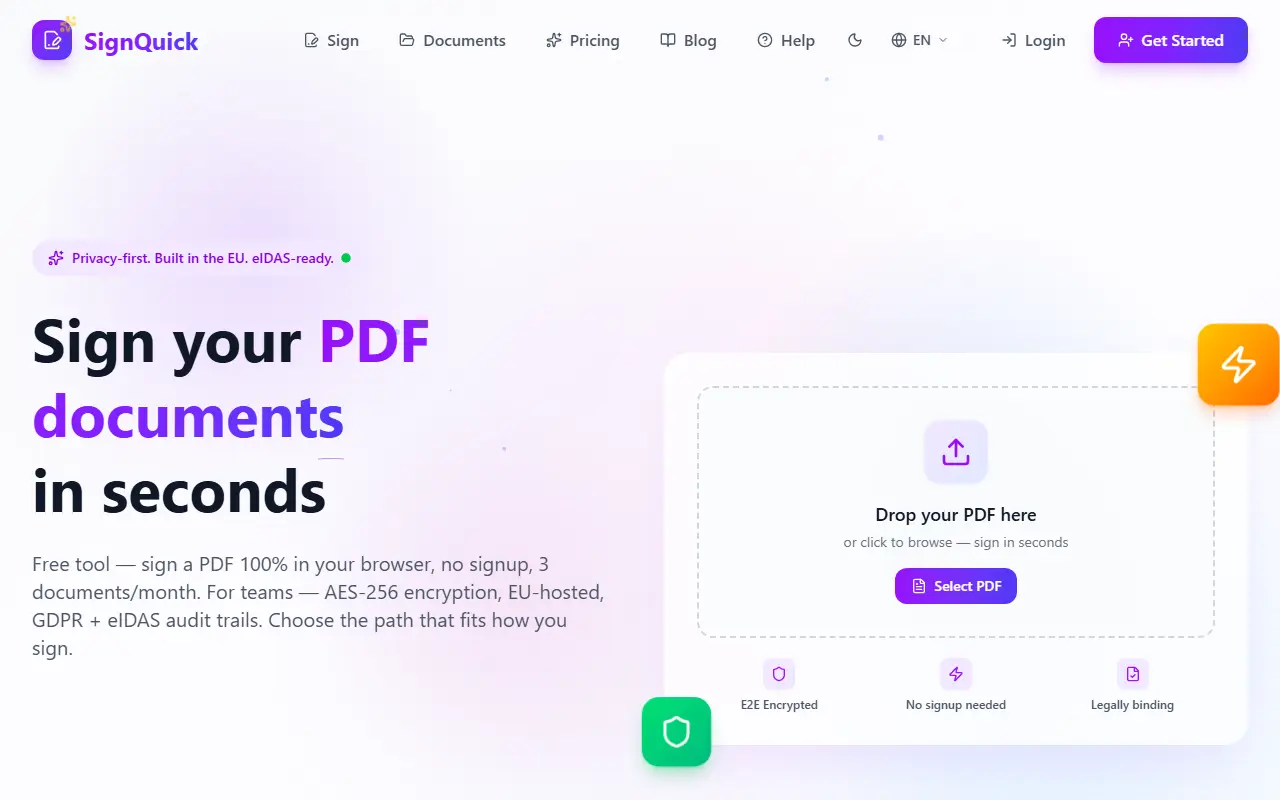
SignQuick lets you sign PDFs in the browser. The free tool processes the document entirely in the browser with nothing sent to its servers, no account and no watermark, for 3 documents a month: drag in a PDF, draw a signature with mouse or finger, place it and download. It also works offline as a PWA and is available in 14 languages.
For teams, accounts add AES-256 encryption in transit and at rest, EU data center storage with the user keeping the key, and GDPR and eIDAS-oriented audit trails. Signing requests can be sent to several signers with tracking of who opened and signed, automatic reminders, a deadline and an audit certificate in which each action is logged with a timestamp and IP address and sealed into the finished PDF.
Lifetime plans are Pro for life at 180 euros once (25 documents a month, multi-party signing, your logo) and Business for life at 299 euros once (unlimited documents, API access, longest retention), with yearly plans from 72 euros.
Key features
- Browser-based PDF signing with no signup
- Draw signature with mouse or finger
- Offline PWA support
- Multi-party signing requests with tracking
- Audit certificate sealed into the PDF
- EU-hosted AES-256 encryption for accounts
Good fit for
- Signing a PDF without creating an account
- Collecting signatures from several people with an audit trail
SignQuick: questions and answers
- What is SignQuick used for?
- SignQuick is an in-browser PDF signing without an account for free, with a separate EU-hosted encrypted service for teams that adds audit trails and signing requests. It is a good fit for signing a PDF without creating an account and collecting signatures from several people with an audit trail.
- How much does SignQuick cost?
- Paid plans for SignQuick start at $9 per month, and there is no free plan. A free trial is available.
- Is SignQuick open source?
- No. SignQuick is proprietary (closed-source) software and can't be self-hosted. In the Productivity category, open-source options include OpenSign, Zen Browser and Ungoogled Chromium.
- What are some alternatives to SignQuick?
- SignQuick competes with DocuSign, SignWell and SignNow.
Open-source alternatives to SignQuick
See all
OpenSign
Productivity
🔥 The free & Open Source DocuSign alternative
OSSvs DocuSign★ 7.1k
Zen Browser
Productivity
Welcome to a calmer internet
MPL-2.0vs Google Chrome★ 45kUngoogled Chromium
Productivity
Google Chromium, sans integration with Google
BSD-3-Clausevs Google Chrome★ 28k
Brave Browser
Productivity
Brave browser for Android, iOS, Linux, macOS, Windows.
MPL-2.0vs Google Chrome★ 24k
Neko
Productivity
A self hosted virtual browser that runs in docker and uses WebRTC.
Apache-2.0★ 22k
Obtainium
Productivity
Get Android app updates straight from the source.
GPL-3.0★ 20k
SaaS alternatives to SignQuick
See all
DocuSign
Productivity
Docusign is an electronic signature and agreement management platform for sending, signing, tracking and managing contracts.
SaaS
SignWell
Productivity
Electronic signature software for sending, signing and tracking documents
SaaS
SignNow
Productivity
E-signature and document workflow tool from airSlate
SaaS
Dropbox Sign
Productivity
E-signature service from Dropbox, formerly HelloSign
SaaS
Smallpdf
Productivity
Browser-based PDF tools for merging, compressing, editing and signing
SaaS
Signeasy
Productivity
eSignature and contract management software for sending and storing signed documents
SaaS