
About ScreenDetect
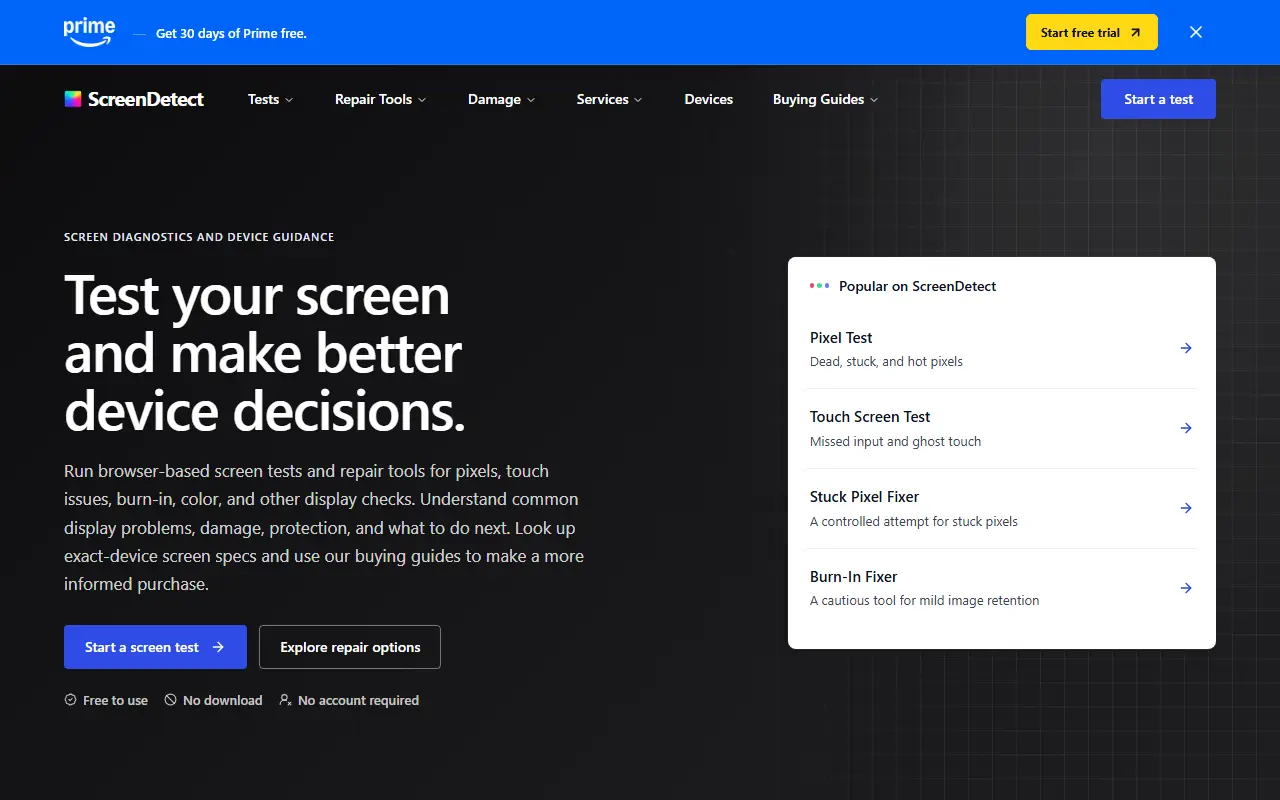
ScreenDetect is a free website for diagnosing display problems. It runs browser-based tests for dead, stuck and hot pixels, backlight bleed, OLED burn-in, color, touch response and refresh rate, with no download or account needed. The test patterns are meant to be run on the device that has the problem.
Beyond testing, it explains common problems such as dark spots, lines, ghost touch and discoloration, guides damage assessment for pressure, liquid, heat and cracks, and helps choose between repair, replacement, warranty or return. Limited repair tools include a stuck-pixel fixer that cycles colors and a cautious burn-in fixer for mild image retention, which are not meant for cracked glass, liquid or spreading damage. The site also offers exact-device screen specs and buying guides, and notes that a browser cannot identify every failed component.
Key features
- Dead, stuck and hot pixel tests
- Backlight bleed and OLED burn-in tests
- Touch screen and refresh rate tests
- Stuck pixel fixer and burn-in mitigation
- Damage guides and repair path comparison
- Device screen spec lookup
Good fit for
- Checking a new screen for dead pixels
- Diagnosing ghost touch or burn-in
- Deciding between repair and replacement
ScreenDetect: questions and answers
- What is ScreenDetect used for?
- ScreenDetect is a free website that checks displays for dead pixels, backlight bleed, burn-in, touch problems and refresh rate, with repair tools and device guides. It is a good fit for checking a new screen for dead pixels, diagnosing ghost touch or burn-in, and deciding between repair and replacement.
- How much does ScreenDetect cost?
- ScreenDetect is a paid product with no free plan.
- Is ScreenDetect open source?
- No. ScreenDetect is proprietary (closed-source) software and can't be self-hosted. In the Testing & QA category, open-source options include Playwright, k6 and Locust.
- What are some alternatives to ScreenDetect?
- Other SaaS products in the Testing & QA category include Acceslab, Agent Checker and Agiletestware.
Open-source alternatives to ScreenDetect
See all
Playwright
Testing & QA
Playwright is a framework for Web Testing and Automation. It allows testing Chromium, Fire
Apache-2.0vs BrowserStack★ 97k
k6
Testing & QA
A modern load testing tool, using Go and JavaScript
AGPL-3.0vs OpenText LoadRunner★ 32k
Locust
Testing & QA
Write scalable load tests in plain Python 🚗💨
MITvs OpenText LoadRunner★ 28k
Appium
Testing & QA
Cross-platform automation framework for all kinds of apps, built on top of the W3C WebDriv
Apache-2.0vs BrowserStack★ 22k
Detox
Testing & QA
Gray box end-to-end testing and automation framework for mobile apps
MITvs Kobiton★ 12k
Robot Framework
Testing & QA
Generic automation framework for acceptance testing and RPA
Apache-2.0vs Katalon★ 12k
SaaS alternatives to ScreenDetect
See all
Acceslab
Testing & QA
AI-powered WCAG scanner that checks website accessibility and produces compliance reports
SaaS
Agent Checker
Testing & QA
Sends an AI agent through your live site to find where search, sign-up and checkout flows break
SaaSAgiletestware
Testing & QA
Connects ReadyAPI, Jenkins, JUnit, Selenium and other test tools to HP ALM and OpenText ALM
SaaS
AlwaysQA
Testing & QA
AI QA agent that tests signup, login, checkout and other user flows in a real browser
SaaS
Applitools
Testing & QA
Visual AI testing platform that detects UI differences across browsers and devices
SaaS
AWS Device Farm
Testing & QA
AWS service for testing web and mobile apps on real devices in the cloud
SaaS