
About ProgeCAD
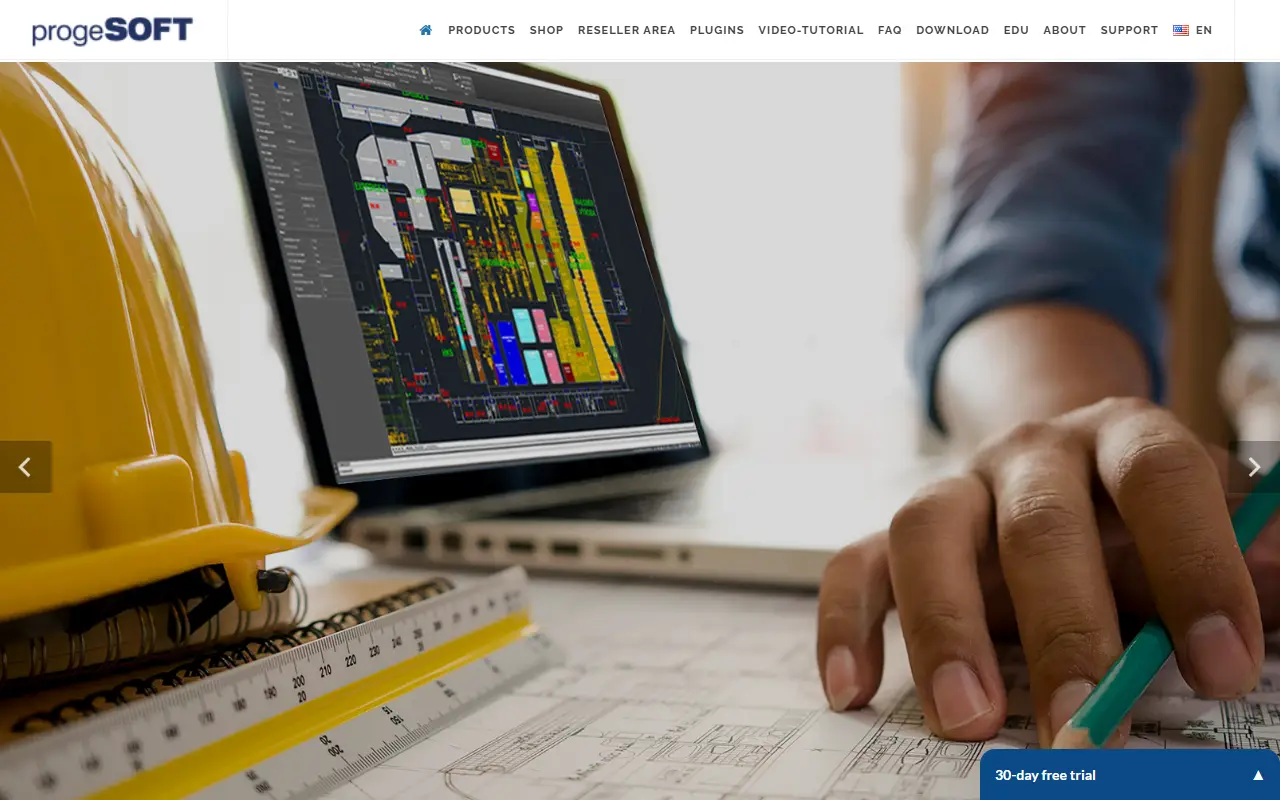
progeCAD Professional is a 2D/3D CAD application that works natively with DWG files and is compatible with AutoCAD. It is intended for AEC, MCAD, and general CAD use, supporting dynamic blocks, BIM import from Autodesk Revit and IFC files, and import of STEP, SolidWorks, and Shape files.
The software includes features such as geolocation with interactive background maps, PDF to DWG conversion, Excel linking, raster design, and sheetset management. It is licensed perpetually with no annual fee, allowing users to decide when to upgrade.
Key features
- Native DWG/DXF support with AutoCAD compatibility
- Dynamic blocks support
- Import from Autodesk Revit, IFC, STEP, SolidWorks, and Shape files
- PDF to DWG conversion
- Geolocation with interactive background maps from Microsoft Bing and ESRI ArcGIS
- Perpetual license with no annual fee
Good fit for
- AEC architectural and civil engineering
- MCAD mechanical and industrial engineering
- Generic CAD drafting and design
ProgeCAD: questions and answers
- What is ProgeCAD used for?
- progeCAD Professional is a 2D/3D DWG/DXF CAD application for Windows, designed as a lower-cost alternative to AutoCAD with a perpetual license. It is a good fit for AEC architectural and civil engineering, MCAD mechanical and industrial engineering, and generic CAD drafting and design.
- Is ProgeCAD open source?
- No. ProgeCAD is proprietary (closed-source) software. In the Design category, open-source options include Penpot, Graphite and Krita.
- What are some alternatives to ProgeCAD?
- ProgeCAD competes with BricsCAD.
Open-source alternatives to ProgeCAD
See all
Penpot
Design
Penpot: The open-source design platform for Product teams that need scalable collaboration
MPL-2.0vs Figma★ 61k
Graphite
Design
Community-built comprehensive 2D content creation appplication for graphic design, digital
Apache-2.0vs Affinity★ 28k
Krita
Design
Krita is a free and open source cross-platform application that offers an end-to-end solut
GPL-3.0vs Adobe Photoshop★ 11k
GIMP
Design
Read-only mirror of https://gitlab.gnome.org/GNOME/gimp
OSSvs Adobe Photoshop★ 6.5k
OpenPencil
Design
Generate complete, multi-screen product interfaces on a live canvas. Refine every layer wi
MITvs Figma★ 6.1k
TiXL
Design
TiXL is an open source software to create realtime motion graphics.
MITvs Adobe After Effects★ 5.1k
SaaS alternatives to ProgeCAD
See all
BricsCAD
3D & CAD
DWG-based CAD and BIM software from Bricsys
SaaS
ARES Commander
Design
2D/3D CAD software for creating and modifying DWG drawings on desktop, mobile and cloud
SaaS
CADintosh
Design
2D drawing program for creating technical drawings on macOS
SaaS
DataCAD
Design
Architectural design software for AEC professionals
SaaS
OneCNC
Design
CAD/CAM software for CNC machining, design, and manufacturing
SaaS
SelfCAD
Design
3D modeling software for designing, modeling, sculpting, sketching, rendering, and animating
SaaS