 TrackMedia
 TrackRev

About Portabase
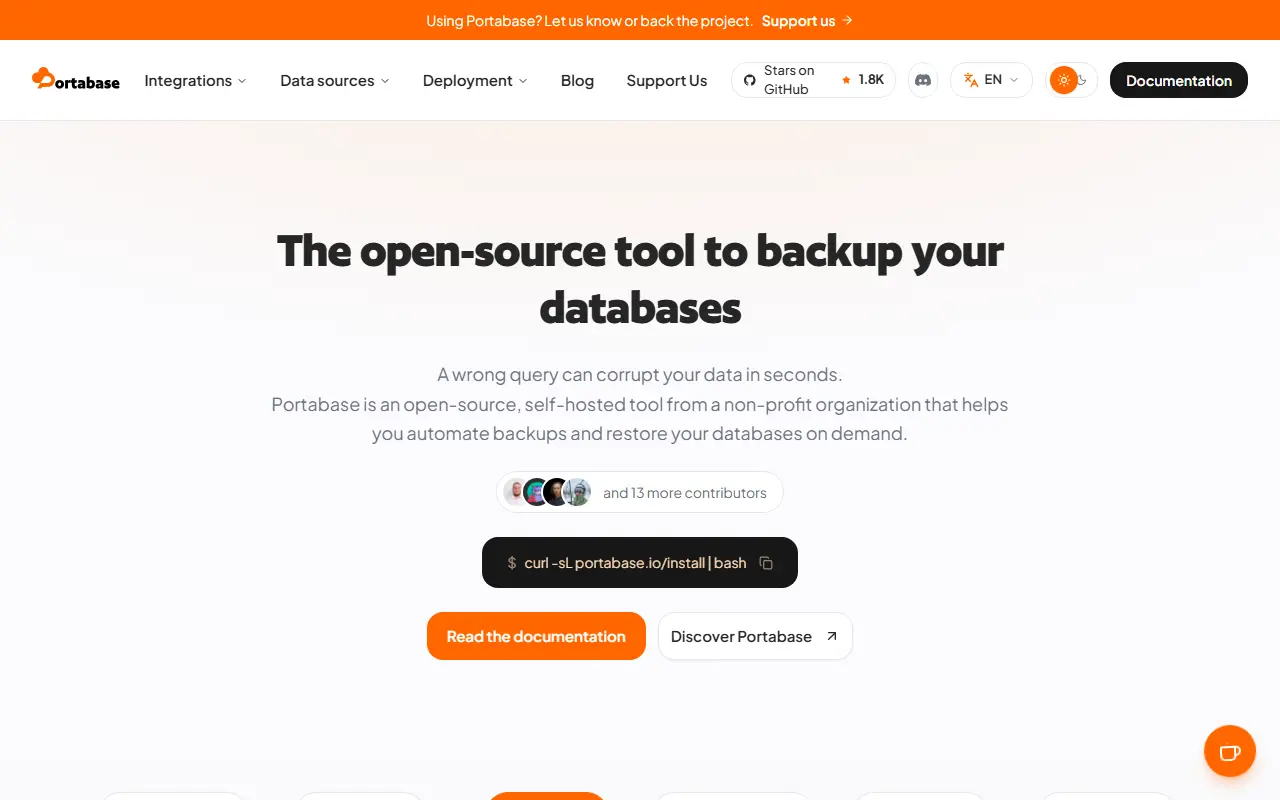
Portabase is a tool designed to simplify backing up and restoring database instances. It works with PostgreSQL, MySQL, MariaDB, MSSQL, Firebird SQL, SQLite, MongoDB, Redis, and Valkey, and it can also back up Docker volumes. It uses Portabase agents to carry out operations securely, and it is released under the Apache-2.0 license.
The web application is built with Next.js, Better Auth, Drizzle, and shadcn/ui and runs in Docker. The README lists five installation routes: an automated CLI that it recommends, Docker run, Docker Compose, Unraid Community Apps, and Kubernetes with Helm, plus a development setup. A demo, documentation, and a bug and feature request tracker are provided.
Portabase suits developers, homelab owners, and small operations teams who run several databases and want a single dashboard for scheduling and managing backups without writing cron scripts for each engine.
Key features
- Backup and restore for many database engines
- Docker volume backups
- Agents for secure remote operations
- Web dashboard built with Next.js
- Docker, Compose, Helm, and Unraid installs
- Automated CLI installer
Good fit for
- Central backup management for several databases
- Homelab database and volume backups
Portabase: questions and answers
- What is Portabase used for?
- Portabase is a self-hosted backup and restore tool for databases and Docker volumes, supporting PostgreSQL, MySQL, MariaDB, MongoDB, Redis, SQLite, MSSQL, and Firebird. It is a good fit for central backup management for several databases, and homelab database and volume backups.
- Is Portabase open source?
- Yes. Portabase is open source under the Apache-2.0 licence. Its source code is on GitHub at Portabase/portabase and is written mainly in TypeScript.
- Is Portabase free?
- Yes. Portabase is open source, so the software itself is free to use.
- Can I self-host Portabase?
- Yes. Portabase can be self-hosted on your own server or infrastructure.
- What are some alternatives to Portabase?
- Similar open-source tools in the Database Tools category include Databasus, Nosqlclient and DbGate. SaaS products in the same category include Navicat, QueryGlow and Valentina Studio.
- Is Portabase actively maintained?
- Yes. The most recent commit to Portabase was on 10 November 2026, and the latest release is 1.36.1, published on 10 November 2026. The project has 1.9k stars on GitHub, with 68 added in the last 30 days.
Open-source alternatives to Portabase
See all
Databasus
Database Tools
Free and open source tool for PostgreSQL scheduled backups (with MySQL and MongoDB support
Apache-2.0★ 9.3k
Nosqlclient
Database Tools
Cross-platform and self hosted, easy to use, intuitive mongodb management tool - Formerly
AGPL-3.0vs Studio 3T★ 3.5k
DbGate
Database Tools
Database manager for MySQL, PostgreSQL, SQL Server, MongoDB, SQLite and others. Runs under
GPL-3.0vs DataGrip★ 7.4k
NocoDB
Database Tools
🔥 🔥 🔥 A Free & Self-hostable Airtable Alternative
OSSvs Airtable★ 66k
Teable
Database Tools
✨ AI Spreadsheet for Business
OSSvs Airtable★ 22k
CloudBeaver
Database Tools
Cloud Database Manager
Apache-2.0vs DataGrip★ 5.2k
SaaS alternatives to Portabase
See all
Navicat
Database Tools
Database administration and development client for many SQL and NoSQL systems
SaaS
QueryGlow
Database Tools
Self-hosted database GUI for PostgreSQL and MySQL where AI writes SQL from plain English
SaaSValentina Studio
Database Tools
Database administration and query tool with a free edition for several database engines
SaaS
ClusterControl (by Severalnines)
Database Tools
Hybrid database automation and self-hosted DBaaS platforms
SaaS
DBCode
Database Tools
VS Code extension for browsing and querying databases
SaaS
dbForge Studio
Database Tools
Devart IDE suite for developing and managing MySQL, SQL Server, Oracle and PostgreSQL
SaaS