
About Pika
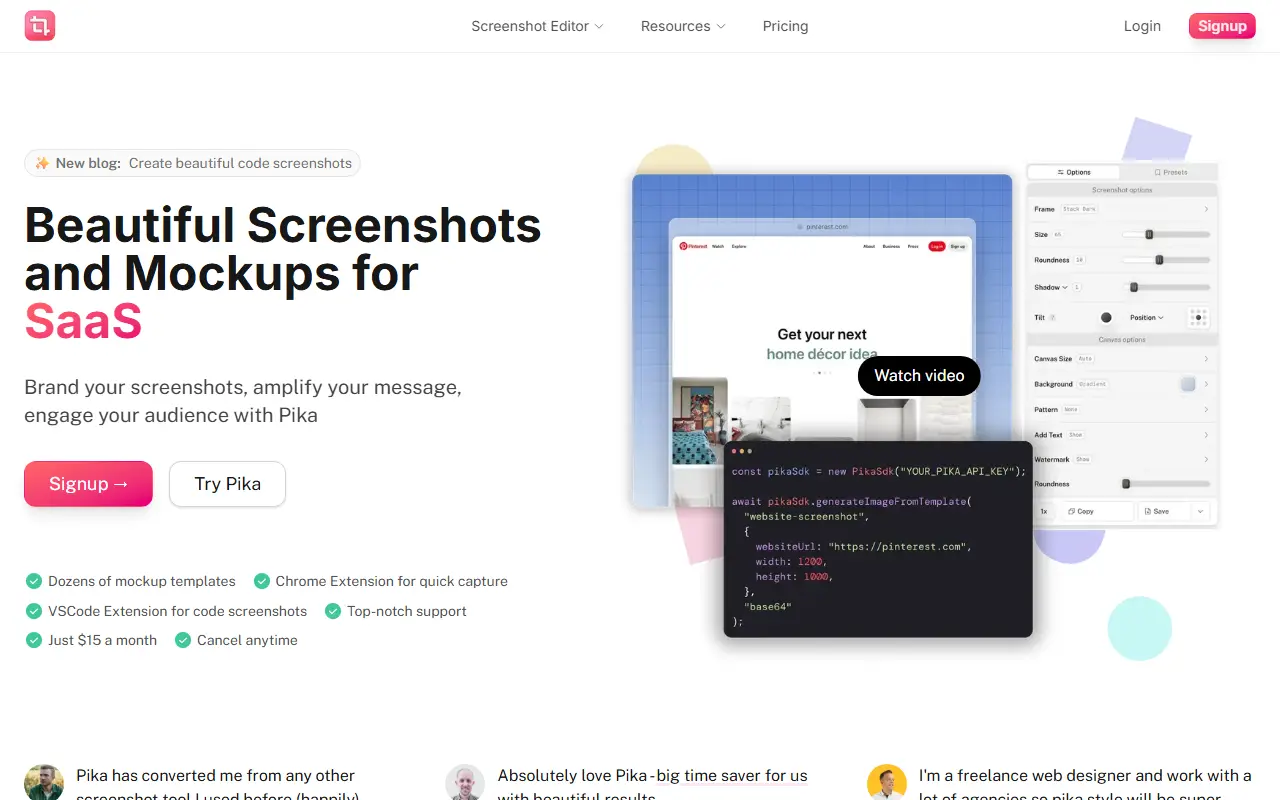
Pika turns plain screenshots into presentable images. You add a screenshot, set it against a gradient, solid color or photo backdrop, wrap it in a browser or device frame, tune the padding, corner radius and shadow, then export it for social posts, documentation, landing pages or app store listings. You can also paste a link to capture a website page and edit it right away, including full-page and mobile captures.
Templates cover images of tweets, code snippets, App Store screens, MacBook, iPad and Pixel device mockups, testimonial cards and Open Graph pictures. Quick capture is also offered through a Chrome add-on, a native macOS app, a VS Code plugin and a Raycast plugin, and the editor runs in the browser, with images only uploaded when you create a share link or save a preset.
Pika can be used without an account and free exports carry a small watermark. Pika Pro costs $15 per month or $150 per year and removes the watermark, with extras like text and annotations, custom canvas sizes, 4K plus SVG and WebP exports, share links and presets. A Team plan is $12 per seat per month from two seats, and a lifetime plan costs $299.
Key features
- Backgrounds, frames, padding and shadows
- Website screenshot capture from a URL
- Browser and device mockups
- Templates for tweets, code and App Store screens
- Chrome, macOS, VS Code and Raycast tools
- 4K, SVG and WebP export on Pro
- Saved presets and share links on Pro
Good fit for
- Making screenshots look polished for social posts
- Creating App Store screenshot mockups
- Producing code snippet images
Pika: questions and answers
- What is Pika used for?
- Pika is a browser-based screenshot beautifier and mockup generator that adds backgrounds, device frames, shadows and text, plus website capture and extensions. It is a good fit for making screenshots look polished for social posts, creating App Store screenshot mockups and producing code snippet images.
- Is Pika free?
- Yes. Pika has a free plan, and paid plans start at $12 per seat per month.
- Is Pika open source?
- No. Pika is proprietary (closed-source) software and can't be self-hosted. In the Design category, open-source options include vue-fabric-editor, Penpot and Graphite.
- What are some alternatives to Pika?
- Pika competes with CleanShot X, Snagit and Canva.
Open-source alternatives to Pika
See all
vue-fabric-editor
Design
快图设计-基于fabric.js和Vue的开源图片编辑器,可自定义字体、素材、设计模板。fabric.js and Vue based image editor, can cust
MITvs Photopea★ 8k
Penpot
Design
Penpot: The open-source design platform for Product teams that need scalable collaboration
MPL-2.0vs Figma★ 61k
Graphite
Design
Community-built comprehensive 2D content creation appplication for graphic design, digital
Apache-2.0vs Affinity★ 27k
GIMP
Design
Read-only mirror of https://gitlab.gnome.org/GNOME/gimp
OSSvs Adobe Photoshop★ 6.5k
Poster Design
Design
迅排设计 - 图片编辑器、AI 在线海报设计,仿稿定设计,适用于多种场景:海报生成、电商产品图、文章长图、视频/公众号封面等。A beautiful online image de
AGPL-3.0vs Adobe Express★ 4.9k
Synfig Studio
Design
This is the Official source code repository of Synfig Studio animation software
GPL-3.0vs Adobe After Effects★ 2.3k
SaaS alternatives to Pika
See all
CleanShot X
Productivity
Mac screenshot and screen recording utility with annotation and cloud sharing
SaaS
Snagit
Productivity
Screen capture and annotation tool for screenshots and short recordings
SaaS
Canva
Design
Online design tool for social graphics, presentations, video and print
SaaS
Snapester
Design
Turns screenshots into clean images with backgrounds and layouts, from clipboard or screen capture
SaaS
ScreenSnap
Design
Browser-based tool to create and edit polished screenshots
SaaS
Hndmark
Productivity
Screenshot markup tool for sharing work in progress
SaaS