
About Parallel
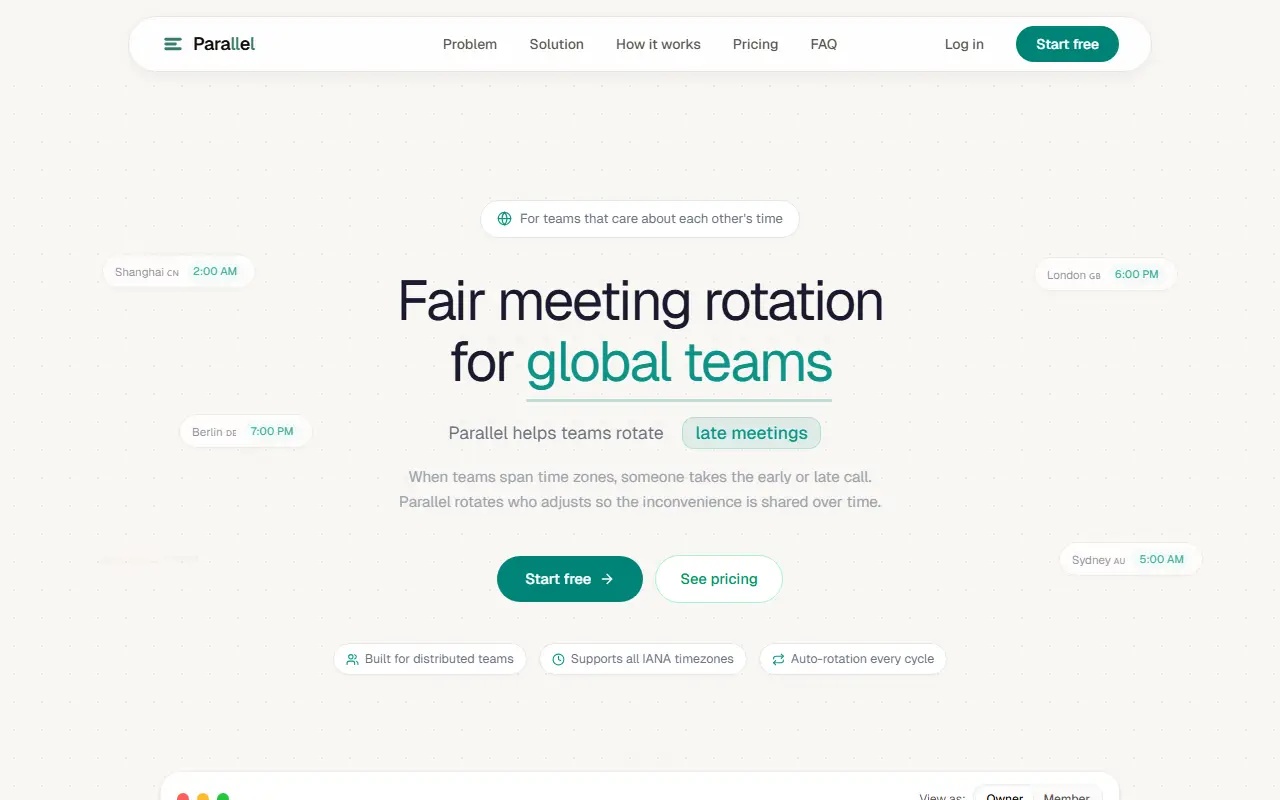
Parallel is a scheduling tool for distributed teams that tracks fairness as well as availability. When a team spans continents, one member ends up on an early-morning or late-night call, and over months it is often the same person. Parallel takes everyone's time zone, working hours and hard constraints, finds the best possible schedule, and when no perfect split exists it rotates who adjusts.
You create a team, invite members and generate a multi-week rotation in one click, replacing endless chat messages or polls and manual time-zone math. It supports all IANA time zones and rotates automatically each cycle. The tool also shows who has already taken the inconvenient slot and how often, which gives managers visibility they otherwise lack, since tools that only find a meeting time do not track who has carried the burden.
Owners and members see different views of the teams and the rotation schedule. The site says you can start free, and a pricing section lists the plans, though no prices appear in the available text. It is aimed at teams that care about each other's time and want fairness to be visible rather than assumed.
Key features
- Fair rotation of inconvenient meeting times
- Support for all IANA time zones
- Multi-week schedule generated in one click
- Constraints from working hours and availability
- Tracking of who took late or early slots
- Owner and member views
Good fit for
- Global engineering teams with recurring syncs
- Sharing late-night calls across regions
- Showing managers how meeting burden is distributed
Parallel: questions and answers
- What is Parallel used for?
- Parallel rotates recurring meeting times across time zones so global teams share the early and late calls fairly instead of one person always adjusting. It is a good fit for global engineering teams with recurring syncs, sharing late-night calls across regions and showing managers how meeting burden is distributed.
- How much does Parallel cost?
- Paid plans for Parallel start at $13 per month, and there is no free plan. A free trial is available.
- Is Parallel open source?
- No. Parallel is proprietary (closed-source) software and can't be self-hosted. In the Scheduling category, open-source options include Cal.diy, Rallly and Easy!Appointments.
- What are some alternatives to Parallel?
- Parallel competes with Clockwise, Doodle and Calendly.
Open-source alternatives to Parallel
See all
Cal.diy
Scheduling
Scheduling infrastructure for absolutely everyone.
MITvs Calendly★ 49k
Rallly
Scheduling
Rallly is an open-source scheduling and collaboration tool designed to make organizing eve
AGPL-3.0vs Doodle★ 5.3k
Easy!Appointments
Scheduling
:date: Easy!Appointments - Self Hosted Appointment Scheduler
GPL-3.0vs Calendly★ 4.4k
Pretalx
Scheduling
Conference planning tool: CfP, scheduling, speaker management
OSSvs Cvent★ 947
Thunderbird Appointment
Scheduling
Invite others to grab times on your calendar. Choose a date. Make appointments as easy as
MPL-2.0vs Calendly★ 553Someday
Scheduling
Free to host calendar availability picker - open-source cal.com / calendly alternative bui
MITvs Calendly★ 1.1k
SaaS alternatives to Parallel
See allClockwise
Scheduling
Calendar tool that rearranges meetings to protect focus time
SaaSDoodle
Scheduling
Meeting poll and scheduling tool for finding times that work across attendees
SaaS
Calendly
Scheduling
Calendly is a meeting scheduling tool that lets people book time from shared availability, now adding AI notetaking, contacts and payments around meetings.
SaaS
Reclaim.ai
Scheduling
Calendar assistant that schedules tasks, habits and focus time automatically
SaaS
SavvyCal
Scheduling
Scheduling links that overlay the invitee's calendar to make picking a time easier
SaaS
Schedulr
Scheduling
Mobile app for coordinating group schedules without the back-and-forth
SaaS