
About Lumabar
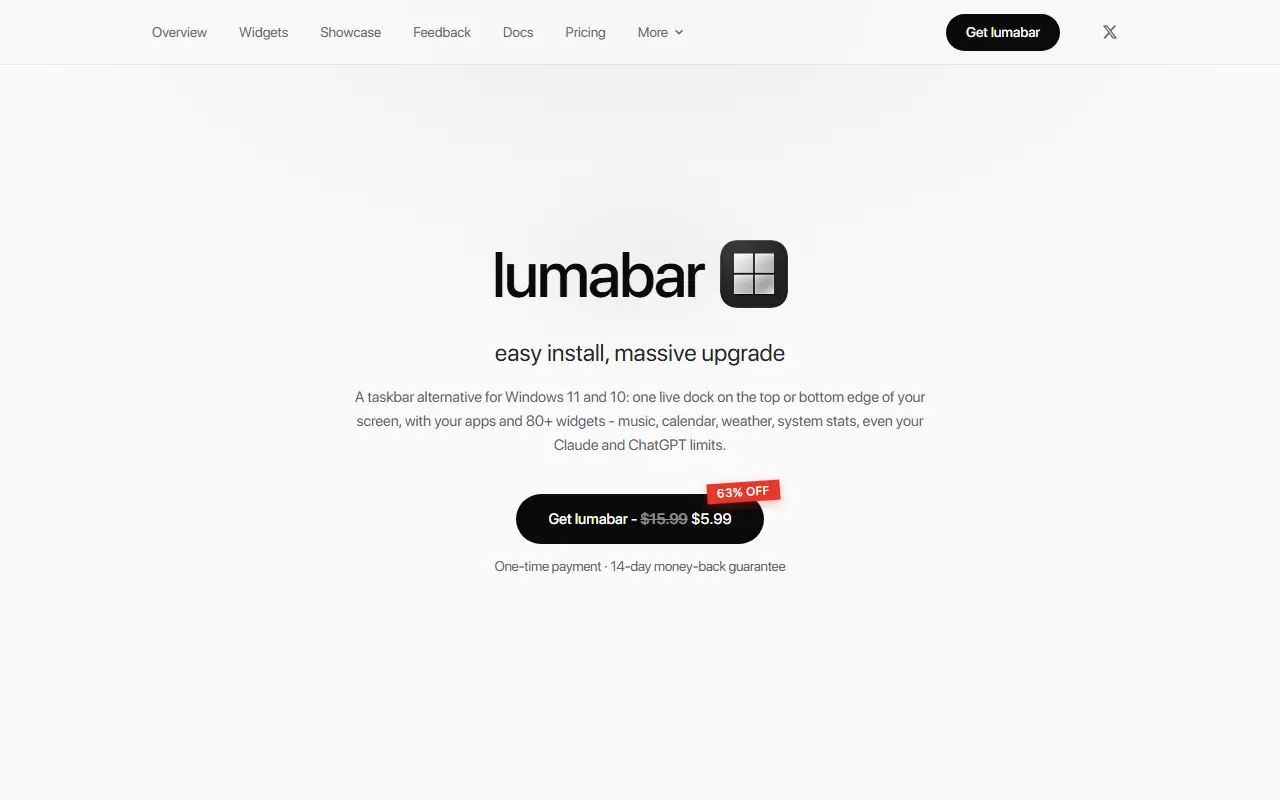
lumabar replaces the Windows taskbar with a dock on the top or bottom edge of the screen that holds your apps and more than 80 widgets. Widgets include now playing music, a calendar, weather, system stats such as CPU and battery, to-do lists and notes, and usage limits for Claude, ChatGPT, Gemini and Grok, along with payment services such as Stripe and Polar, so you can check things without opening each app.
The privacy model is a selling point: it needs no account, runs no server of its own and collects no telemetry, and every widget contacts only the service it displays, straight from your computer. Keys you paste stay local, AI limit tiles read your existing sign-in read-only, and removing a widget stops its requests. The only thing lumabar itself contacts is the store that sold the license key.
lumabar costs $5.99 once, down from a listed $15.99, with every feature unlocked, free updates and a 14-day money-back guarantee. The site has a community showcase, feedback, docs, a changelog and a roadmap.
Key features
- Live dock at the top or bottom of the screen
- 80+ widgets for music, calendar, weather and system stats
- AI usage limit tiles for Claude, ChatGPT, Gemini and Grok
- No account, server or telemetry
- Keys and sign-ins stored only on your PC
- One-time license with free updates
- Windows 10 and 11 support
Good fit for
- Windows users wanting glanceable widgets on the screen edge
- Developers watching AI usage limits and payment dashboards
Lumabar: questions and answers
- What is Lumabar used for?
- Lumabar is a Windows 10 and 11 taskbar alternative that places a live dock with apps and 80+ widgets on the top or bottom of the screen, for a one-time price. It is a good fit for Windows users wanting glanceable widgets on the screen edge, and developers watching AI usage limits and payment dashboards.
- How much does Lumabar cost?
- Lumabar is a paid product with no free plan. $5.99 one-time with every feature unlocked, listed down from $15.99, with a 14-day money-back guarantee.
- Is Lumabar open source?
- No. Lumabar is proprietary (closed-source) software. In the Productivity category, open-source options include PowerToys, Zen Browser and Files.
- Can I self-host Lumabar?
- Yes. Although Lumabar is closed source, it can be self-hosted on your own servers.
- What are some alternatives to Lumabar?
- Other SaaS products in the Productivity category include Cooldock, DodoDeck and SortCopy.
Open-source alternatives to Lumabar
See all
PowerToys
Productivity
Microsoft PowerToys is a collection of utilities that supercharge productivity and customi
MITvs Alfred★ 139k
Zen Browser
Productivity
Welcome to a calmer internet
MPL-2.0vs Google Chrome★ 45k
Files
Productivity
A modern file manager that helps users organize their files and folders.
MIT★ 46k
ShareX
Productivity
ShareX is a free and open-source application that enables users to capture or record any a
GPL-3.0vs Snagit★ 40k
Brave Browser
Productivity
Brave browser for Android, iOS, Linux, macOS, Windows.
MPL-2.0vs Google Chrome★ 24k
ActivityWatch
Productivity
The best free and open-source automated time tracker. Cross-platform, extensible, privacy-
MPL-2.0vs RescueTime★ 19k
SaaS alternatives to Lumabar
See all
Cooldock
Productivity
Mac app that adds a live dock of music, todos, events, weather and quick-action widgets beside the Dock
SaaS
DodoDeck
Productivity
Lightweight desktop app that keeps daily tasks on one side and rough notes on the other
SaaS
SortCopy
Productivity
Free Windows clipboard manager that auto-sorts links, code, images and text into a searchable history
SaaSTurbowhisper
Productivity
Voice-first writing tool for Mac that turns speech into clean text across the apps you already use
SaaS
1% Better
Productivity
Habit tracker mobile app that visualises how small daily progress compounds over time
SaaS
AgoraVai
Productivity
Habit tracking app that visualizes your daily progress
SaaS