
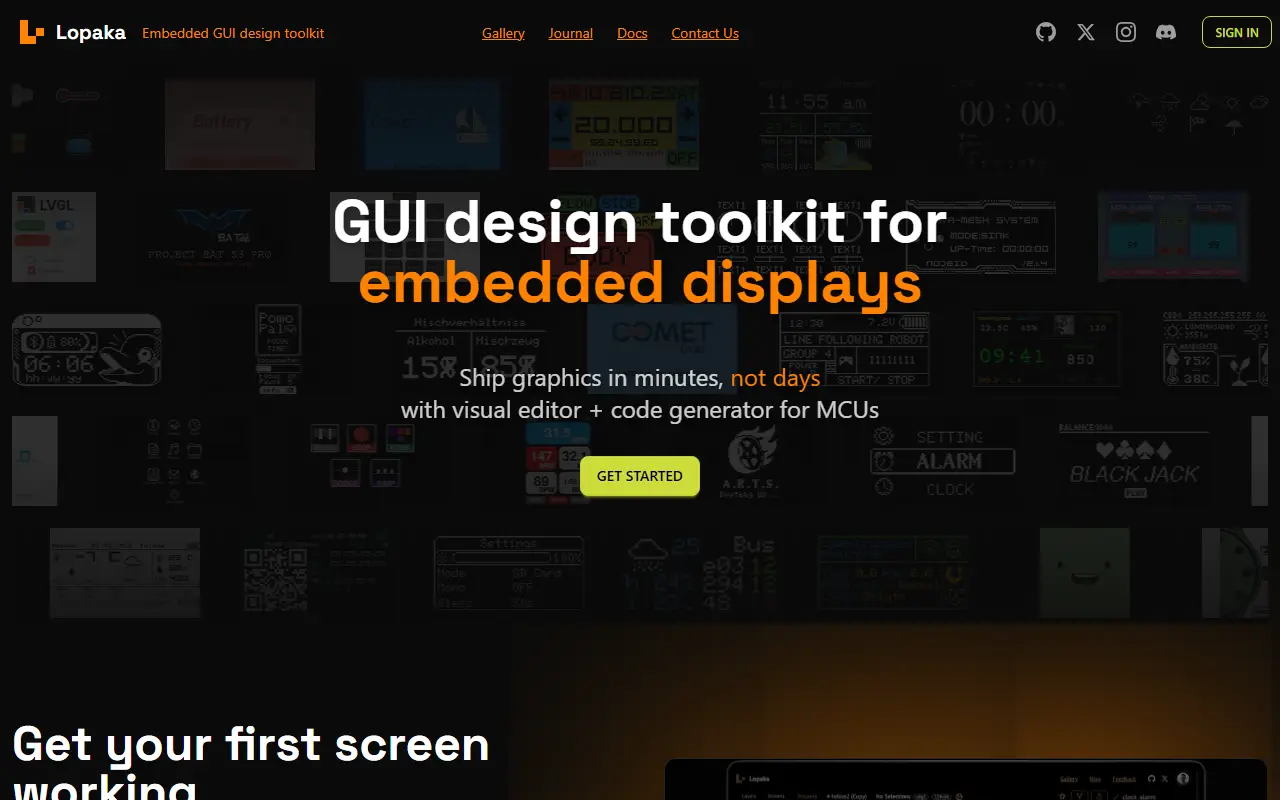
About Lopaka
Lopaka is a design toolkit for embedded screens. You design a screen in the browser with a visual editor and export source code you can compile for libraries and platforms including LVGL, ESPHome, Flipper Zero, U8g2, TFT_eSPI, Adafruit GFX and several others, plus MicroPython and CircuitPython. It is aimed at boards such as Arduino, STM32 and ESP32.
An image converter imports PNG, BMP, GIF or video and converts each frame into the format a display needs, ranging from monochrome XBMP bitmaps for OLEDs to RGB565 arrays for color TFT screens. Hundreds of templates are available from a project gallery of designs by the community and the team, and any design can be opened in the editor to generate code.
Lopaka is a hosted web tool with documentation and a pricing page for comparing plans. The homepage also mentions a project gallery of community designs that can be opened straight in the editor, and the page is aimed at makers working with Arduino, STM32 and ESP32 boards.
Key features
- Visual screen editor in the browser
- Code export for U8g2, TFT_eSPI and Adafruit GFX
- Export for LVGL, ESPHome and Flipper Zero
- Image and GIF conversion to display formats
- Video frame conversion
- 1-bit and RGB565 output
- Template gallery from the community
Good fit for
- Makers designing OLED and TFT screens for Arduino or ESP32
- Converting animations to arrays for microcontrollers
Lopaka: questions and answers
- What is Lopaka used for?
- Lopaka is a browser graphics editor and image converter that exports ready-to-compile code for microcontroller displays and libraries like U8g2 and TFT_eSPI. It is a good fit for makers designing OLED and TFT screens for Arduino or ESP32, and converting animations to arrays for microcontrollers.
- Is Lopaka free?
- Yes. Lopaka has a free plan.
- Is Lopaka open source?
- No. Lopaka is proprietary (closed-source) software and can't be self-hosted. In the Developer Tools category, open-source options include Visual Studio Code, Godot and Windows Terminal.
- What are some alternatives to Lopaka?
- Other SaaS products in the Developer Tools category include CLion, DBC Utility and Qt.
Open-source alternatives to Lopaka
See all
Visual Studio Code
Developer Tools
Visual Studio Code
MITvs Sublime Text★ 194k
Godot
Developer Tools
Godot Engine – Multi-platform 2D and 3D game engine
MITvs Unity★ 118k
Windows Terminal
Developer Tools
The new Windows Terminal and the original Windows console host, all in the same place!
MITvs Warp★ 105k
Neovim
Developer Tools
Vim-fork focused on extensibility and usability
OSSvs Sublime Text★ 103k
Zed
Developer Tools
Code at the speed of thought – Zed is a high-performance, multiplayer code editor from the
OSSvs Sublime Text★ 91k
code-server
Developer Tools
VS Code in the browser
MITvs Replit★ 80k
SaaS alternatives to Lopaka
See all
CLion
Developer Tools
Cross-platform IDE for C and C++ development from JetBrains
SaaS
DBC Utility
Developer Tools
Desktop workspace to inspect, edit, compare and review CAN and CAN FD DBC files
SaaS
Qt
Developer Tools
Cross-platform application framework and tooling for desktop, embedded and mobile UIs
SaaS
1DevTool
Developer Tools
Desktop workspace for running several AI coding agents side by side across multiple projects
SaaS
3 Pixel Grid
Developer Tools
Library of tiny animated 3x3 grid indicators with copyable configs for use in your own project
SaaS
act101
Developer Tools
Codebase quality and refactoring toolkit for coding agents, with code porting and verification
SaaS