
About Knotpad
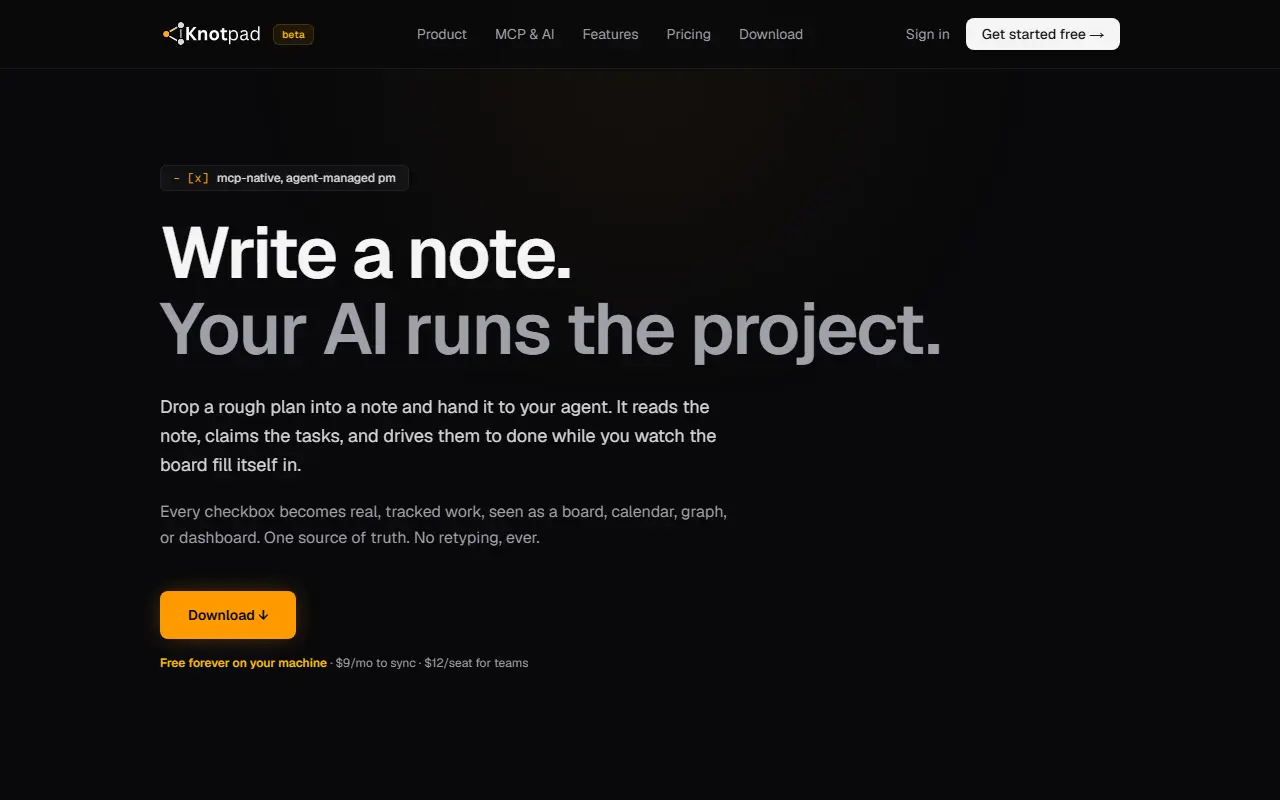
Knotpad is a project management app built around notes. You write a plan in a plain-text note, and every checkbox becomes a tracked task that you can view as a board, list, calendar, graph or dashboard. Inline markers set owners, priority and dates, so a line can carry an assignee, a high-priority flag or a due-today tag.
The app runs a local MCP server so AI agents such as Claude, Claude Desktop, Claude Code, Cursor or VS Code clients can read your plans, claim tasks, check them off and update the board. Because the project lives in Knotpad rather than in one assistant's memory, different assistants can pick up the same notes and history. A bridge to an Obsidian vault lets an agent read notes there and create tasks in Knotpad.
Notes live on your machine and work offline. Sync is opt-in and encrypted at rest with AES-256. Knotpad is in beta, with a desktop download, and its listed pricing is free on your machine, $9 per month for sync and $12 per seat for teams.
Key features
- Checkboxes in notes become tracked tasks
- Board, list, calendar, graph and dashboard views
- Inline markers for owners, priority and dates
- Built-in local MCP server for AI agents
- Obsidian vault integration
- Offline-first notes stored on your machine
- Opt-in encrypted sync
Good fit for
- Developers letting AI agents work through a plan
- Teams that plan in notes but track tasks on boards
Knotpad: questions and answers
- What is Knotpad used for?
- Knotpad is a note-first project manager where checkboxes in plain-text notes become tracked tasks that AI agents can claim through a built-in MCP server. It is a good fit for developers letting AI agents work through a plan and teams that plan in notes but track tasks on boards.
- Is Knotpad free?
- Yes. Knotpad has a free plan, and paid plans start at $9 per month.
- Is Knotpad open source?
- No. Knotpad is proprietary (closed-source) software and can't be self-hosted. In the Note Taking category, open-source options include NoteGen, Anytype and FSNotes.
- What are some alternatives to Knotpad?
- Knotpad competes with Notion, Amplenote and WorkFlowy.
Open-source alternatives to Knotpad
See all
NoteGen
Note Taking
Capture first. Organize later. A local-first Markdown app that turns scattered records int
GPL-3.0vs Mem★ 13k
Anytype
Note Taking
Official Anytype client for MacOS, Linux, and Windows
OSSvs Notion★ 8.9k
FSNotes
Note Taking
Fast Markdown note-taking app for Mac and iPhone
MITvs Bear★ 7.5k
QOwnNotes
Note Taking
QOwnNotes is a plain-text file notepad and todo-list manager with Markdown support and Nex
GPL-2.0vs Evernote★ 5.9k
Hubble.md
Note Taking
The best notepad for you and your agents
MITvs Notion★ 1.5k
SoloMD
Note Taking
A markdown editor — and the bridge to your LLM. Local-first, MIT, ~15 MB. Bundled MCP serv
MITvs Typora★ 1.2k
SaaS alternatives to Knotpad
See all
Notion
Note Taking
Notion is an AI-enabled workspace for notes, docs, wikis and projects, with agents, meeting notes and search across connected apps.
SaaS
Amplenote
Note Taking
Notes and tasks app with backlinks and calendar scheduling
SaaS
WorkFlowy
Note Taking
Infinite outliner for notes and lists with zoom-in navigation
SaaS
Tana
Note Taking
Outliner-based knowledge workspace with supertags and AI features
SaaS
Obsidian
Note Taking
Obsidian is a free, flexible note-taking app for private notes, with plugins, linked notes and optional paid Sync and Publish services.
SaaS
Roam Research
Note Taking
Roam Research is a note-taking tool for networked thought that links notes into a graph while feeling like a simple bulleted outline.
SaaS