
About Jump Desktop
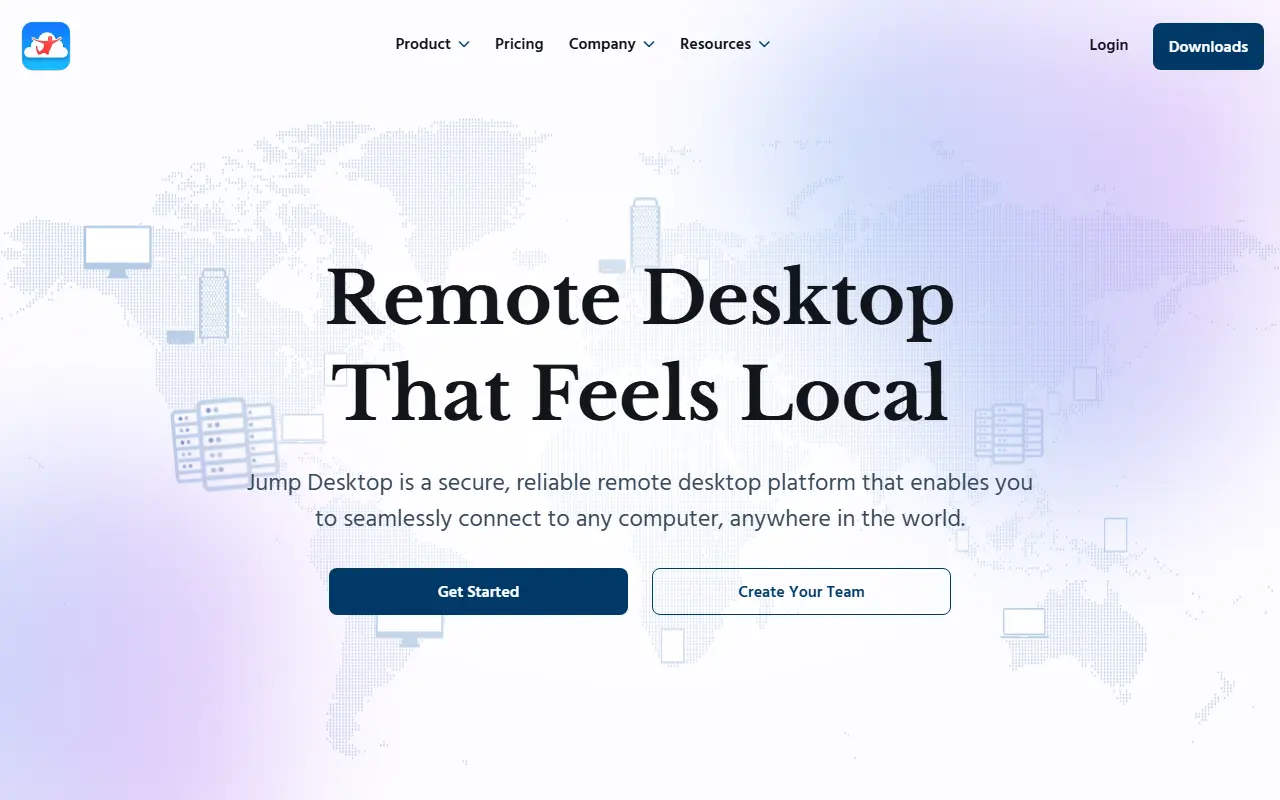
Jump Desktop is a remote desktop platform that allows users to connect to any computer from a laptop, tablet, phone, or web browser. It supports Windows, Mac, and Linux computers and offers hardware acceleration for smooth motion and responsive input.
The platform includes features such as virtual displays, support for styluses, USB devices, and game controllers, and team management capabilities. It is designed for remote work, creative workflows, coding, and support or collaboration scenarios.
Key features
- Connects to Windows, Mac, and Linux computers from any device or web browser
- Hardware acceleration for smooth motion and responsive input
- Virtual displays and saveable screen layouts
- Support for styluses, USB devices, control surfaces, security keys, and game controllers
- Team management with custom installers and access control
- Watch, guide, or take control for support and collaboration
Good fit for
- Remote work from home, client sites, or on the road
- Creative work such as video editing, photo editing, and CAD/3D
- Coding and monitoring long builds or renders
Jump Desktop: questions and answers
- What is Jump Desktop used for?
- Jump Desktop is a remote desktop platform for connecting to Windows, Mac, and Linux computers from devices or web browsers. It is a good fit for remote work from home, client sites, or on the road; creative work such as video editing, photo editing, and CAD/3D; and coding and monitoring long builds or renders.
- Is Jump Desktop open source?
- No. Jump Desktop is proprietary (closed-source) software. In the Utilities & System Tools category, open-source options include Alt Tab Macos, Amethyst and Clipy.
- What are some alternatives to Jump Desktop?
- Jump Desktop competes with Parsec.
Open-source alternatives to Jump Desktop
See all
Alt Tab Macos
Utilities & System Tools
Windows alt-tab on macOS
GPL-3.0vs Raycast★ 16k
Amethyst
Utilities & System Tools
Automatic tiling window manager for macOS à la xmonad.
MITvs BetterTouchTool★ 16k
Clipy
Utilities & System Tools
Clipboard extension app for macOS.
MITvs Paste★ 8.9k
Kap
Utilities & System Tools
An open-source screen recorder built with web technology
MITvs CleanShot X★ 19k
LICEcap
Utilities & System Tools
LICEcap simple animated screen capture tool for Windows and OS X
OSSvs CleanShot X★ 5.6k
Tarantool
Database Tools
Get your data in RAM. Get compute close to data. Enjoy the performance.
OSSvs Amazon ElastiCache★ 3.7k
SaaS alternatives to Jump Desktop
See all
Parsec
Networking & VPN
Low-latency remote desktop and game streaming app
SaaS
Ammyy Admin
Utilities & System Tools
Zero-config remote desktop software for remote desktop connection and remote access
SaaS
NoMachine
Utilities & System Tools
Remote desktop and remote access software for controlling any PC or Mac over the internet
SaaS
ConnectBot
Utilities & System Tools
Secure shell client for Android to connect to remote machines and transfer files
SaaS
Duplicacy
Utilities & System Tools
A cross-platform cloud backup tool with client-side encryption and deduplication
SaaS
ISL Light
Utilities & System Tools
Remote desktop application for supporting customers or accessing unattended computers
SaaS