
About Image Extract
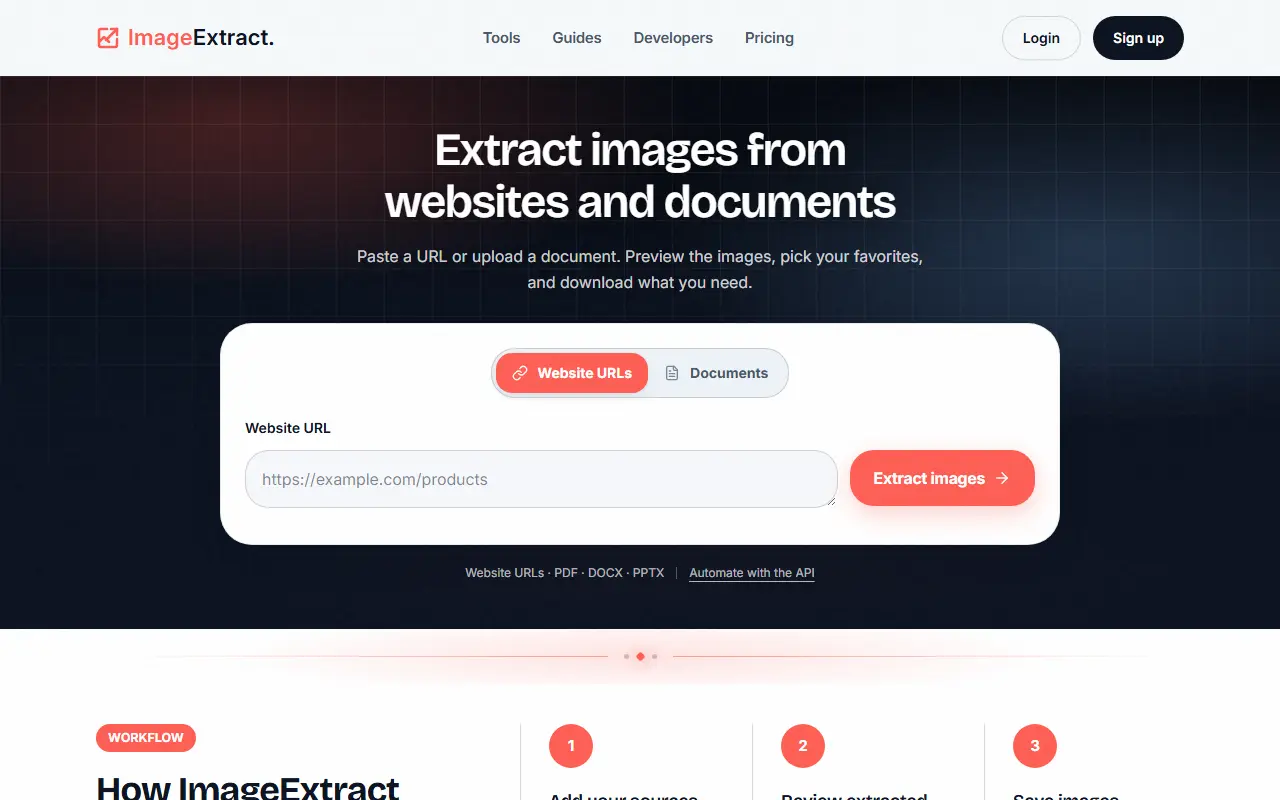
Image Extract lets you paste a URL or upload a PDF, DOCX or PPTX document, then previews the images found, grouped by source with details such as pixel size, format, weight, file name, alt text and where each image came from. You pick the ones you want and download them individually or as a ZIP bundle, and bulk URL lists are supported.
Developers can create extraction jobs with a REST API, posting to a jobs endpoint with a bearer key, and pull results into their own workflow or storage. Use cases listed are website asset audits, recovering embedded pictures from documents and API-powered image scraping, and the FAQ cautions that restricted sources, decorative graphics and duplicate versions can change what is found.
Plans are Free with 50 credits a month and a 10-credit daily cap and no API, Starter at 9 dollars a month with 1,000 credits and API access, Pro at 39 dollars with 5,000 credits, 3 concurrent jobs and a priority queue, and Scale at 99 dollars with 15,000 credits and 10 concurrent jobs.
Key features
- Image extraction from website URLs
- PDF, DOCX and PPTX image extraction
- Metadata view with dimensions and alt text
- ZIP download of selected images
- Bulk URL list processing
- REST API for extraction jobs
Good fit for
- Auditing images on a website
- Recovering pictures embedded in documents
Image Extract: questions and answers
- What is Image Extract used for?
- Image Extract pulls images from website URLs, PDFs, Word and PowerPoint files, shows metadata and lets you download selections or automate extraction through an API. It is a good fit for auditing images on a website and recovering pictures embedded in documents.
- Is Image Extract free?
- Yes. Image Extract has a free plan, and paid plans start at $9 per month.
- Is Image Extract open source?
- No. Image Extract is proprietary (closed-source) software and can't be self-hosted. In the Productivity category, open-source options include Stirling PDF, DocuSeal and BentoPDF.
- What are some alternatives to Image Extract?
- Other SaaS products in the Productivity category include Dropbox Sign, Foxit PDF Editor and iLovePDF.
Open-source alternatives to Image Extract
See all
Stirling PDF
Productivity
A free, private PDF editor you can run on any infrastructure.
OSSvs Adobe Acrobat★ 94k
DocuSeal
Productivity
Free and Open source tool to streamline document filling and signing. Create custom PDF fo
AGPL-3.0vs DocuSign★ 19k
BentoPDF
Productivity
The Privacy First PDF Toolkit
AGPL-3.0vs iLovePDF★ 16k
Documenso
Productivity
Sign everywhere with Documenso. Build workflows, create templates, and integrate seamlessl
AGPL-3.0vs DocuSign★ 15k
PDFsam
Productivity
PDFsam, a desktop application to split, merge, mix, rotate PDF files and extract pages
AGPL-3.0vs Smallpdf★ 4.6k
LibreOffice
Productivity
Free, open-source office suite with word processing, spreadsheets and presentations
MPL-2.0vs Microsoft 365★ 4.5k
SaaS alternatives to Image Extract
See all
Dropbox Sign
Productivity
E-signature service from Dropbox, formerly HelloSign
SaaS
Foxit PDF Editor
Productivity
PDF editor for creating, annotating and signing documents
SaaS
iLovePDF
Productivity
Online PDF tools for splitting, merging, compressing and converting
SaaS
OCR.so
Productivity
Turns scanned PDFs and images into clean Markdown, billed per page processed
SaaS
RonFax
Productivity
Online faxing service: upload a PDF and send it to a fax machine worldwide with delivery status updates
SaaS
Adobe Acrobat
Productivity
PDF reader and editor with e-signature and document conversion
SaaS