
About FileGator
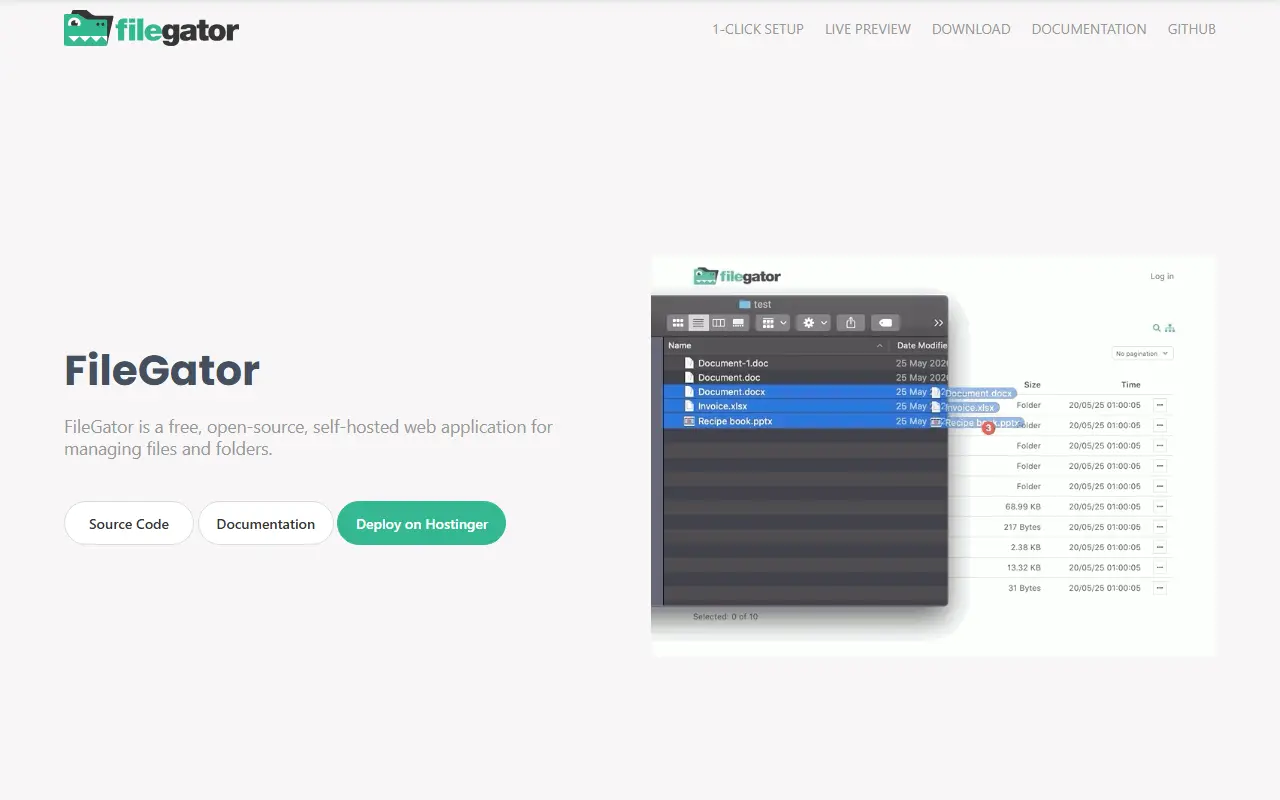
FileGator is a self-hosted web application for managing files and folders with multiple users. You can manage files in a local folder on the server or connect it to other storage back ends. Admins and other users get different roles, permissions and home folders, which makes it possible to share a single install across a team or group.
It supports the basic file operations: copy, move, rename, edit, create, delete, preview, zip, unzip, download and upload. Uploads use drag and drop with a progress bar, pause and resume, and are chunked so large files can be sent regardless of server limits. Where permitted, users can download multiple files or whole folders at once.
Storage adapters cover local disk, FTP, Amazon S3, Dropbox, DigitalOcean Spaces, Azure Blob and more through Flysystem. Authentication can be backed by a JSON file, a database or WordPress, and sessions can use files, PDO, Redis, MongoDB or Memcached. It is written in PHP, licensed under MIT and supported by sponsors and backers.
Key features
- Multi-user accounts with roles and permissions
- Per-user home folders
- Chunked uploads with pause and resume
- Storage adapters for local, FTP, S3 and Dropbox
- Zip, unzip, edit and preview files
- Authentication via JSON, database or WordPress
Good fit for
- →Sharing a folder with a team or family
- →Collecting uploads from students or field workers
- →Replacing FTP or SFTP access
- Built with
- PHP
- Tags
- file-manager
- file-sharing
- self-hosted
- php
- multi-user
- s3
- storage
- uploader
FileGator: questions and answers
- What is FileGator used for?
- FileGator is a self-hosted, multi-user web file manager with roles, home folders and pluggable storage such as local disk or Amazon S3. It is a good fit for sharing a folder with a team or family, collecting uploads from students or field workers and replacing FTP or SFTP access.
- Is FileGator open source?
- Yes. FileGator is open source under the MIT licence. Its source code is on GitHub at filegator/filegator and is written mainly in PHP.
- Is FileGator free?
- Yes. FileGator is open source, so the software itself is free to use.
- Can I self-host FileGator?
- Yes. FileGator can be self-hosted on your own server or infrastructure.
- What is FileGator an alternative to?
- FileGator is an open-source alternative to Dropbox. Other open-source alternatives to Dropbox include Kodbox, Cloudreve and KodExplorer.
- Is FileGator actively maintained?
- Yes. The most recent commit to FileGator was on 27 September 2026, and the latest release is v7.16.5, published on 27 September 2026. The project has 3.1k stars on GitHub.
Open-source alternatives to FileGator
See all
Kodbox
File Storage & Sharing
kodbox is a file manager for web. It is a newly designed product based on kodexplorer. It
OSSvs Dropbox★ 3.3k
Cloudreve
File Storage & Sharing
🌩 Self-hosted file management and sharing system, supports multiple storage providers
GPL-3.0vs Dropbox★ 29k
KodExplorer
File Storage & Sharing
A web based file manager,web IDE / browser based code editor
OSSvs Dropbox★ 6.4k
ProjectSend
File Storage & Sharing
Share files with your clients, from your own server. Free, open source (GPLv2), self-hoste
GPL-2.0vs ShareFile★ 2k
ownCloud
File Storage & Sharing
:cloud: ownCloud web server core (Files, DAV, etc.)
AGPL-3.0vs Dropbox★ 8.8k
FileBrowser Quantum
File Storage & Sharing
📂 Web File Browser
Apache-2.0vs Dropbox★ 8.5k
SaaS alternatives to FileGator
See all
Dropbox
File Storage & Sharing
Dropbox is cloud storage and file sharing with desktop and mobile apps, plus related tools for video review, e-signatures, document sharing and search.
SaaS
FileCloud
File Storage & Sharing
Self-hosted or cloud enterprise file sync and share platform
SaaS
Synology Drive
File Storage & Sharing
Private cloud file sync and sharing app that runs on Synology NAS devices
SaaS
Baidu Netdisk
File Storage & Sharing
Baidu cloud storage and file sharing service widely used in China
SaaS
Box
File Storage & Sharing
Cloud content management and file sharing platform for businesses
SaaS
Clowd
File Storage & Sharing
Hosts a file or website behind one permanent link you can update, with version history and analytics
SaaS