
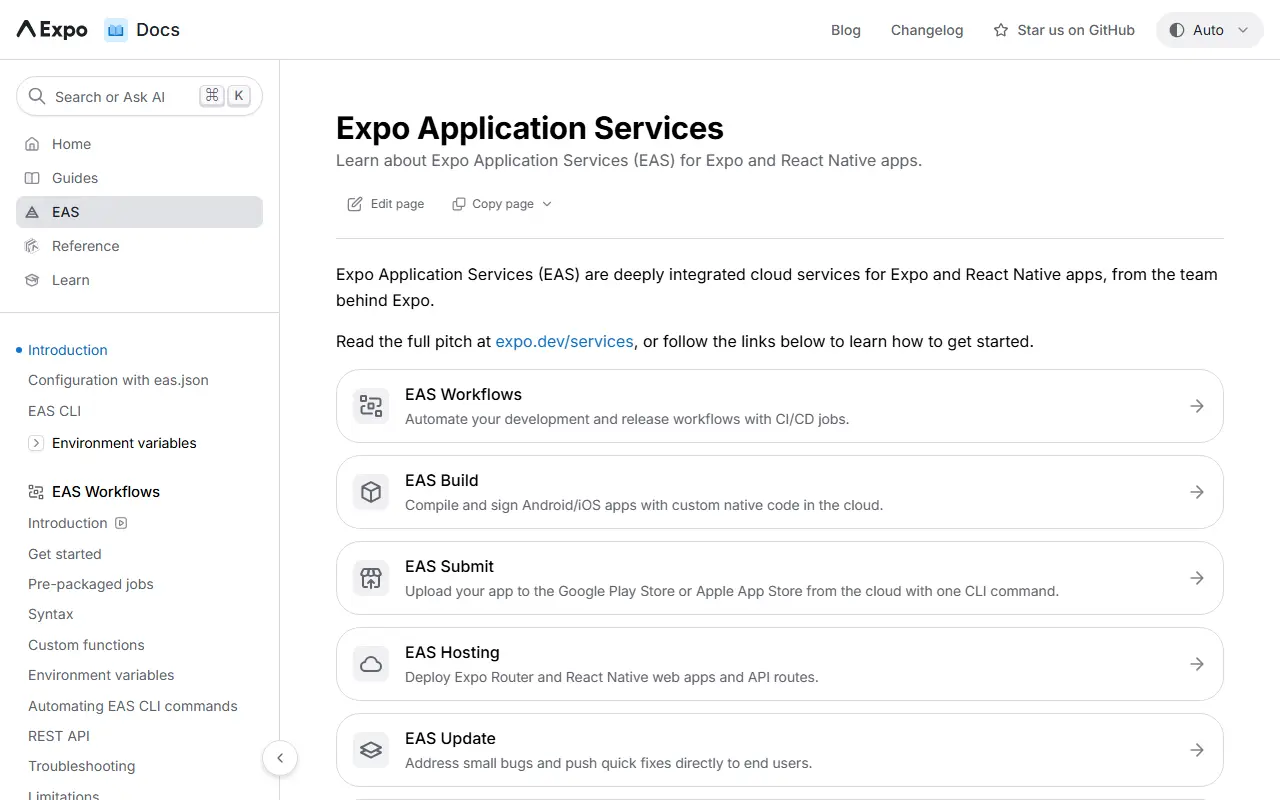
About EAS CLI
EAS CLI is the command-line interface for Expo Application Services, a set of cloud services for Expo and React Native apps. From the terminal you start builds, submit apps to the stores and publish updates, so mobile release work can be scripted or run from continuous integration.
The services it controls include EAS Build for compiling apps in the cloud, EAS Submit for sending binaries to the Google Play Store and Apple App Store, EAS Update for over-the-air updates, EAS Hosting, EAS Workflows for automation, and tools for metadata and insights. Configuration lives in an eas.json file, and the docs cover internal distribution, app signing, custom builds and a REST API.
The CLI code is open source under the MIT licence and written in TypeScript, but most of its work is carried out by Expo's hosted services, which have their own accounts and billing. It is therefore a client for a commercial cloud platform rather than something you host yourself. It suits React Native and Expo developers who want managed builds and over-the-air releases.
Key features
- Cloud builds for iOS and Android
- Store submission to Google Play and App Store
- Over-the-air updates
- Configuration through eas.json
- Workflows for CI-style automation
- Environment variable management
Good fit for
- →Building React Native apps without local native toolchains
- →Publishing app updates over the air
- →Automating store submissions from CI
- Tags
- expo
- react-native
- mobile
- ci-cd
- cli
- app-store
- build
- ota-updates
- typescript
EAS CLI: questions and answers
- What is EAS CLI used for?
- EAS CLI is the command-line tool for Expo Application Services, used to build, submit and update iOS and Android apps from React Native and Expo projects. It is a good fit for building React Native apps without local native toolchains, publishing app updates over the air and automating store submissions from CI.
- Is EAS CLI open source?
- Yes. EAS CLI is open source under the MIT licence. Its source code is on GitHub at expo/eas-cli and is written mainly in TypeScript.
- Is EAS CLI free?
- Yes. EAS CLI is open source, so the software itself is free to use. A managed cloud version is also available.
- What are some alternatives to EAS CLI?
- Similar open-source tools in the CI/CD & DevOps category include Fastlane, Changie and pypyr. SaaS products in the same category include Expo EAS, AWS CodeBuild and AppVeyor.
- Is EAS CLI actively maintained?
- Yes. The most recent commit to EAS CLI was on 2 October 2026, and the latest release is v24.8.0, published on 24 September 2026. The project has 1.4k stars on GitHub.
Open-source alternatives to EAS CLI
See all
Fastlane
CI/CD & DevOps
🚀 The easiest way to automate building and releasing your iOS and Android apps
MITvs Bitrise★ 42k
Changie
CI/CD & DevOps
Automated changelog tool for preparing releases with lots of customization options
MIT★ 913
pypyr
CI/CD & DevOps
pypyr task-runner cli & api for automation pipelines. Automate anything by combining comma
Apache-2.0★ 645
PM2
CI/CD & DevOps
Node.js/Typescript/Bun Production Process Manager with a built-in Load Balancer.
OSS★ 43k
Act
CI/CD & DevOps
Run your GitHub Actions locally 🚀
MIT★ 72k
semantic-release
CI/CD & DevOps
📦🚀 Fully automated version management and package publishing
MIT★ 24k
SaaS alternatives to EAS CLI
See all
Expo EAS
CI/CD & DevOps
Cloud build, submit and update services for React Native apps built with Expo
SaaS
AWS CodeBuild
CI/CD & DevOps
Managed AWS build service that compiles source code and runs tests
SaaS
AppVeyor
CI/CD & DevOps
CI/CD service for Windows, Linux and macOS projects
SaaS
AWS CodeDeploy
CI/CD & DevOps
AWS service that automates application deployments to EC2, Lambda and on-premises servers
SaaS
AWS CodePipeline
CI/CD & DevOps
Managed AWS service that automates build, test and deploy release pipelines
SaaS
Azure DevOps
CI/CD & DevOps
Microsoft suite for repos, boards, pipelines, test plans and artifact feeds
SaaS