
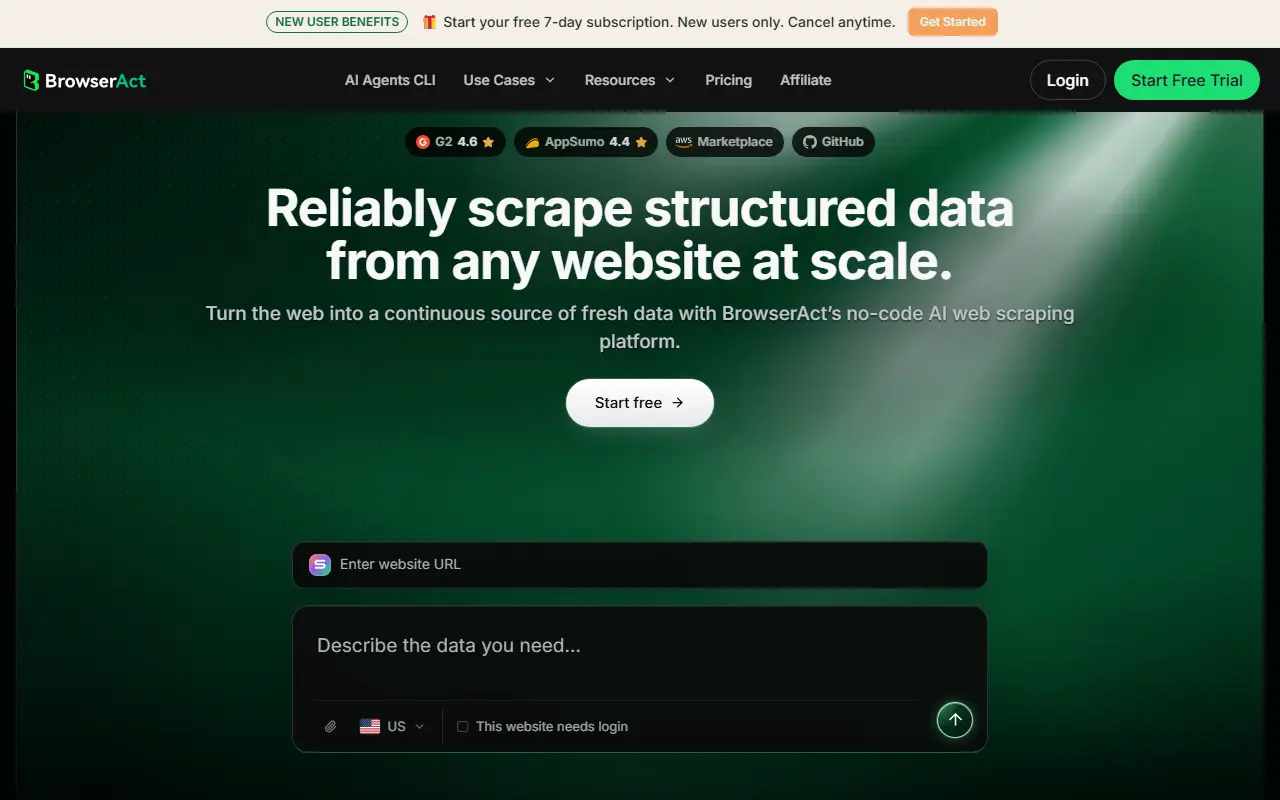
About BrowserAct
BrowserAct gives AI agents and teams a way to automate real browsers for web data extraction and account-based workflows. The repository contains skills for agents such as Claude Code, Cursor, and Codex, along with a CLI. The project describes features for handling anti-bot protections, handing control to a human when an agent gets stuck, and running tasks in parallel without cross-contamination. It is released under the MIT license.
There are two ways to use it. In the cloud mode, you describe the website and the fields you need and BrowserAct builds and tests a reusable scraping bot in a cloud browser, then runs it for you. In the local mode, agents load the BrowserAct skill and drive a local browser, including reuse of local Chrome login state, from their own environment. Independent sessions and isolated multi-account browsing keep identities separate.
It suits developers building AI agents that need dependable browser access, and teams that want repeatable data collection. The cloud service is run by the vendor, so check browseract.com for plans and usage limits.
Key features
- Browser automation CLI for AI agents
- Skills for Claude Code, Cursor, and Codex
- Cloud-managed or local browser control
- Parallel tasks and independent sessions
- Isolated multi-account browsing
- Human hand-off when an agent is stuck
Good fit for
- →AI agents extracting data from websites
- →Running multi-account browser workflows safely
- Built with
- Python
- Tags
- browser-automation
- ai-agents
- web-scraping
- cli
- claude-code
- cursor
- data-extraction
- agent-skills
BrowserAct: questions and answers
- What is BrowserAct used for?
- BrowserAct: Browser automation CLI and skills for AI agents that run web tasks in real browsers, with parallel sessions, isolated accounts, and human hand-off. It is a good fit for AI agents extracting data from websites and running multi-account browser workflows safely.
- Is BrowserAct open source?
- Yes. BrowserAct is open source under the MIT licence. Its source code is on GitHub at browser-act/skills and is written mainly in Python.
- Is BrowserAct free?
- Yes. BrowserAct is open source, so the software itself is free to use. A managed cloud version is also available, with paid plans from $16 per month.
- What is BrowserAct an alternative to?
- BrowserAct is an open-source alternative to Browse AI, Axiom.ai and Browserbase. Other open-source alternatives to Browse AI include Skyvern, Maxun and Automa.
- Is BrowserAct actively maintained?
- Yes. The most recent commit to BrowserAct was on 24 August 2026. The project has 6.1k stars on GitHub.
Open-source alternatives to BrowserAct
See all
Skyvern
Workflow Automation
Automate browser based workflows with AI
AGPL-3.0vs Browse AI★ 23k
Maxun
Workflow Automation
Turn any website into clean, structured data. Scrape, crawl, extract, search and monitor v
AGPL-3.0vs Octoparse★ 18k
Automa
Workflow Automation
A browser extension for automating your browser by connecting blocks
OSSvs Bardeen★ 22k
Nanobrowser
AI Tools
Open-Source Chrome extension for AI-powered web automation. Run multi-agent workflows usin
Apache-2.0vs ChatGPT Atlas★ 14k
Magnitude
Testing & QA
Open-source, vision-first browser agent
Apache-2.0vs Browserbase★ 4.1k
n8n-as-code
Workflow Automation
Give your AI agent n8n superpowers. 537 nodes with full schemas, 7,700+ templates, Git-lik
MIT★ 1.6k
SaaS alternatives to BrowserAct
See all
Browse AI
Workflow Automation
No-code web scraper and site monitor trained by recording actions in a browser
SaaS
Axiom.ai
Workflow Automation
No-code browser bots that click, type and scrape websites to automate repetitive tasks
SaaS
Browserbase
Workflow Automation
Cloud headless browser infrastructure for web automation and AI agents
SaaS
Bardeen
Workflow Automation
Browser-based AI automation that scrapes web data and fills in sales and ops workflows
SaaS
Blueprint MCP
Workflow Automation
Open-source browser automation for Claude using CSS selectors instead of page snapshots
SaaS
Clura
Workflow Automation
No-code tool to extract, enrich and monitor website data and send it to your team's tools
SaaS