About AI Vids Pro
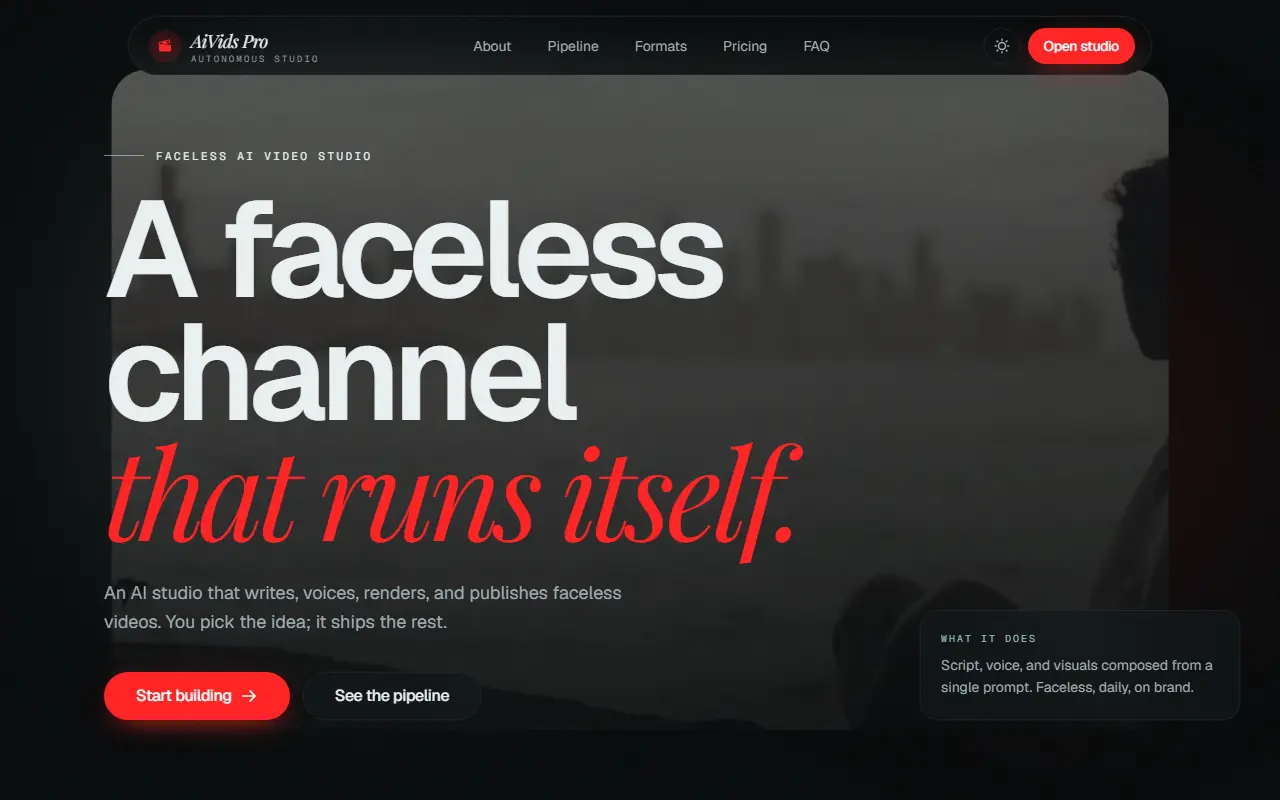
AI Vids Pro, also written AiVids Pro, is an AI studio for creators who want a YouTube channel without appearing on camera. From a single prompt it writes a script, generates a voiceover, creates visuals and motion, and renders a short or long-form video, with no camera, crew or editing software.
The work runs as a pipeline of stages, from idea and script to voice and visuals, and finishes by uploading to the channel with a title, description and tags on a schedule you set. When you connect a YouTube channel via Google sign-in, the app uses YouTube API services to publish videos and read basic stats like views and likes for those uploads. It only accesses channels you connect, and access can be revoked from your Google Account. It is a commercial hosted product with a pricing section, aimed at faceless-channel creators who want to automate regular posting.
Key features
- Script, voice and visuals from one prompt
- Neural voiceover narration
- Short and long-form video rendering
- Direct publishing to YouTube
- Scheduled uploads with titles and tags
- Basic channel stats for published videos
Good fit for
- →Running a faceless YouTube channel
- →Automating regular video uploads
- Tags
- youtube
- faceless-video
- ai-video
- video-automation
- voiceover
- content-creation
- publishing
AI Vids Pro: questions and answers
- What is AI Vids Pro used for?
- AI Vids Pro is a web app that writes scripts, voices, renders and publishes faceless YouTube videos from a single prompt, connected to your channel through Google sign-in. It is a good fit for running a faceless YouTube channel and automating regular video uploads.
- Is AI Vids Pro free?
- Yes. AI Vids Pro has a free plan. Free 200 credits, no card required. Starter $19/month for 1,000 credits; Creator $49/month for 3,000 credits; Studio $99/month for 7,000 credits; Scale $249/month for 20,000 credits.
- Is AI Vids Pro open source?
- No. AI Vids Pro is proprietary (closed-source) software and can't be self-hosted. In the Video Editing category, open-source options include OpenCut, OBS Studio and HandBrake.
Open-source alternatives to AI Vids Pro
See all
OpenCut
Video Editing
The open-source CapCut alternative
MITvs CapCut★ 91k
OBS Studio
Video Editing
OBS Studio - Free and open source software for live streaming and screen recording
GPL-2.0vs vMix★ 77k
HandBrake
Video Editing
HandBrake's development repository
OSS★ 25k
Cap
Video Editing
Open source Loom alternative. Beautiful, shareable screen recordings.
OSSvs Loom★ 23k
Screenity
Video Editing
The free and privacy-friendly screen recorder with no limits 🎥
GPL-3.0vs Screencastify★ 19k
Shotcut
Video Editing
cross-platform (Qt), open-source (GPLv3) video editor
GPL-3.0vs Adobe Premiere Pro★ 15k
SaaS alternatives to AI Vids Pro
See all
Fliki
Video Editing
AI tool that turns text into videos with voiceovers
SaaS
InVideo
AI Tools
Online video maker that generates videos from text prompts with stock media and voiceover
SaaS
Pictory
Video Editing
AI video generator that turns scripts and articles into short videos
SaaS
Lumen5
Video Editing
Video creation platform that turns articles and text into social videos
SaaS
AI Reels
Video Editing
Generates short videos from a text description with no editing skills needed
SaaS
CueTheScene
Video Editing
AI video creation tool that handles script, voice, footage, captions, thumbnail and publishing
SaaS