7,363 open-source and SaaS tools, with GitHub stats refreshed every day.

6 alternatives ranked by real activity

Open-source Mintlify alternatives

A curated, ranked list of the 6 best open-source alternatives to Mintlify.

The best open-source alternative to Mintlify is Scalar. If that doesn't suit you, other good options are PandaWiki, Cortex Docs, Andesine and Flowershow.

Mintlify alternatives are mainly API tools, but some are also documentation & wiki tools and CMS tools. 6 of them shipped code in the last 30 days, 6 can be self-hosted, and 2 use a permissive licence.

Last updated October 2, 2026 · ranked by GitHub stars, growth and recent commits

Scalar

An open-source API platform that renders interactive OpenAPI and Swagger references and includes an offline-first API client with desktop apps.

GitHub stars
16k
Last commit
today
Latest release
release-2026-10-02-0962afc
Licence
MIT
Self-hosted
Yes
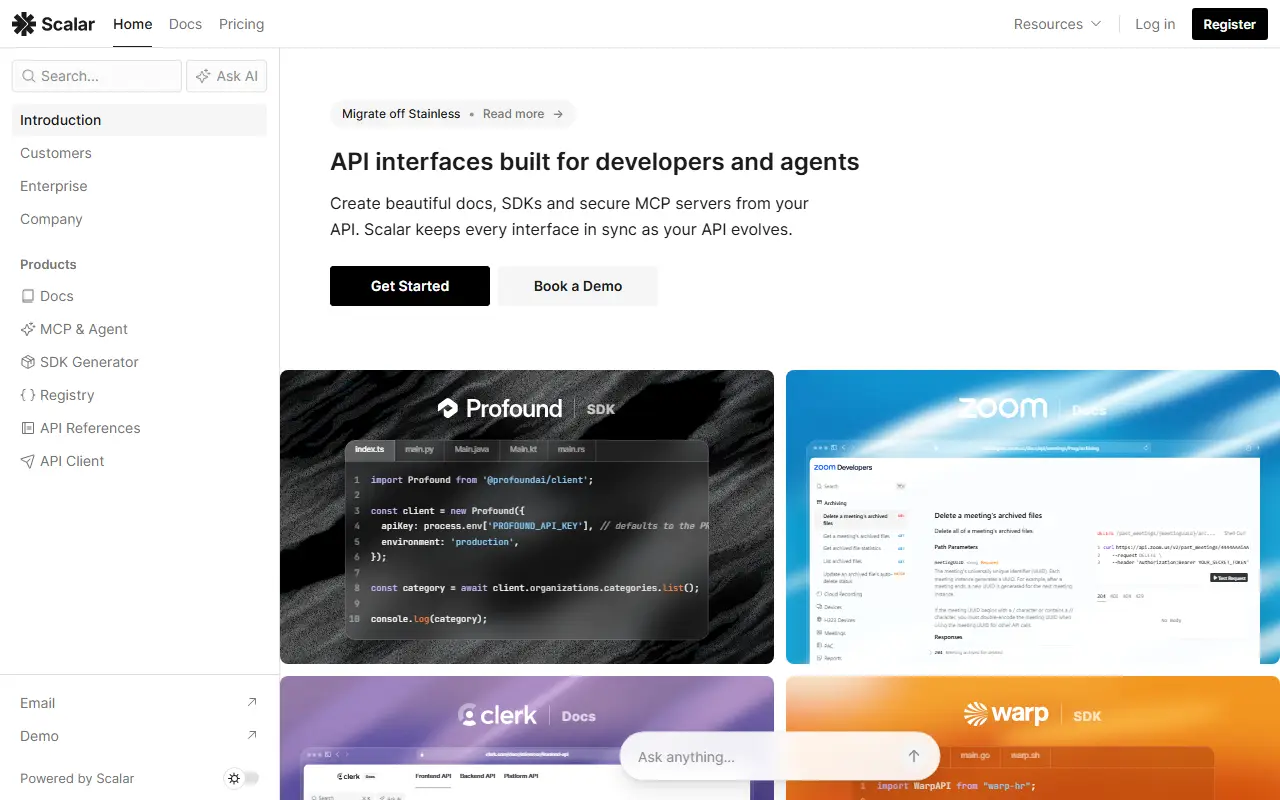
scalar.comScalar homepage screenshot

Scalar is an open-source API platform built around the OpenAPI standard. One part turns OpenAPI or Swagger documents into an interactive API reference with a built-in testing tool and generated code samples for many languages and frameworks, and it aims for a modern look rather than a dated one. Integrations exist for popular server frameworks, so docs can be mounted straight into an existing project.

The other part is an API client designed to work offline and built for OpenAPI. It is free and open source, treats OpenAPI and Swagger as first-class inputs, works with dozens of API frameworks such as Elysia, Hono and FastAPI, and can stay in sync with a running server through a watch mode. Environment variables, dynamic parameters and the other staples of a REST client are included. You can try it in the browser or download it for Windows, macOS or Linux.

The quickstart even offers a prompt you can hand to a coding agent to set up the reference in your project. Scalar is MIT licensed and written in TypeScript and Vue. It suits API teams that want better-looking documentation and a lighter alternative to Postman-style tools tied to their specs.

Key features

  • Interactive API reference from OpenAPI documents
  • Built-in request testing tool
  • Code samples in many languages
  • Offline-first API client for desktop
  • Watch mode that syncs with server frameworks
  • Integrations for Hono, FastAPI and Elysia

Pricing: Free plan for up to 3 APIs. Pro is $150 and Business $600 per month ($125 and $500 billed yearly); Enterprise is custom.


PandaWiki

An AI-powered open-source knowledge base builder for product docs, technical docs, FAQs and blogs, with AI writing, Q&A and search, from the Chaitin team.

GitHub stars
10k
Last commit
2 days ago
Latest release
v3.87.3
Licence
AGPL-3.0
Self-hosted
Yes
Hosted version
Available
pandawiki.docs.baizhi.cloudPandaWiki homepage screenshot

PandaWiki is an open-source system for building knowledge bases, powered by large language models. It helps teams quickly set up product documentation, technical documentation, FAQs and blog sites, and uses AI to assist with writing, answering questions and searching the content.

The editor supports Markdown and HTML and can export to Word, PDF and Markdown. Sites can be embedded in other websites as a widget or turned into chatbots for DingTalk, Feishu and WeCom. Content can be imported from web page URLs, website sitemaps, RSS feeds and offline files. A knowledge base is a collection of documents from which PandaWiki builds a separate wiki website, and AI features need an LLM to be configured at first login.

To self-host it you need a Linux server with Docker 20.x or newer and run the installer as root. A SaaS version also exists for those who prefer not to deploy it. PandaWiki is licensed under AGPL-3.0, so modifications and network services built on it must also be open source, and the project documentation is mainly written in Chinese.

Key features

  • AI-assisted writing, Q&A and search
  • Markdown and HTML rich text editing
  • Export to Word, PDF and Markdown
  • Embeddable web widget
  • Chatbots for DingTalk, Feishu and WeCom
  • Import from URLs, sitemaps, RSS and files
  • Installation with Docker on Linux

Pricing: Free and open source under AGPL-3.0; a SaaS version is also available.

Cortex Docs

Generates interactive API documentation, typed SDKs, and MCP servers from OpenAPI, AsyncAPI, GraphQL, gRPC, OpenRPC, and Markdown sources.

GitHub stars
3.2k
Last commit
yesterday
Latest release
v0.1.36
Licence
MIT
Self-hosted
Yes
Hosted version
Available
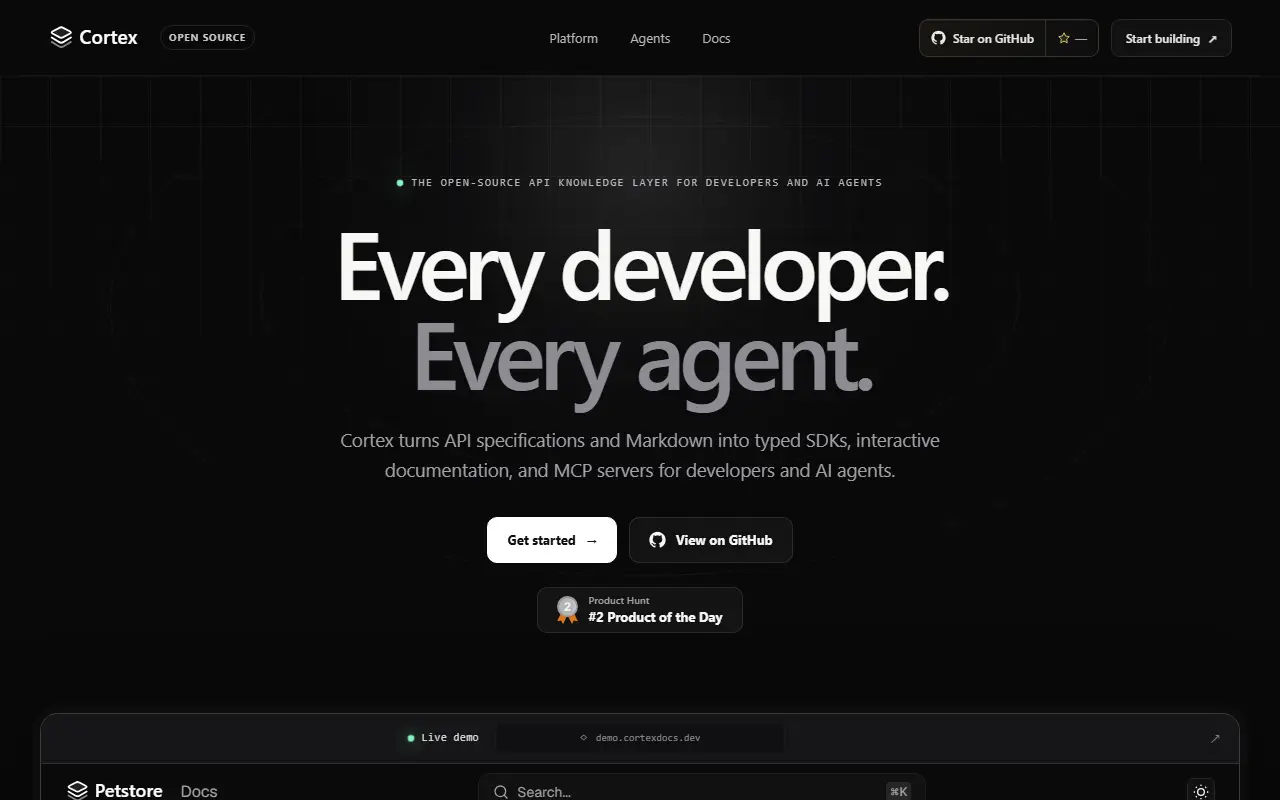
cortexdocs.devCortex Docs homepage screenshot

Cortex turns API specifications and Markdown files into developer-facing outputs from a single project configuration. It reads sources such as OpenAPI, AsyncAPI, GraphQL, Protocol Buffers, OpenRPC, and plain Markdown, and produces interactive documentation for people, typed SDKs for applications, and an MCP server so AI agents can work with the same project context. It is released under the MIT license.

Generated SDKs cover many languages, including TypeScript, Python, Go, Java, Kotlin, Ruby, PHP, Rust, and C++, and can combine several specification files into one client. The tool supports HTTP, WebSocket, GraphQL, gRPC, and JSON-RPC clients, and builds static HTML documentation with interactive API reference pages. The MCP server includes typed tools, embedded specifications, and SDK guides.

You can try a local demo in about a minute, keep documentation in Git, and publish a free site for a public GitHub repository through the project's hosting flow. It suits API providers and developer-experience teams who want one source of truth for docs, client libraries, and agent access.

Key features

  • Interactive API reference documentation
  • Typed SDK generation for many languages
  • MCP server generated from API specs
  • Supports OpenAPI, AsyncAPI, GraphQL, gRPC, and OpenRPC
  • Combines multiple spec files in one SDK
  • Static HTML documentation output
  • Markdown content kept in Git

Pricing: Free and open source under the MIT license; free hosted documentation sites are offered for public repositories.

Andesine

Open-source collaborative content workspace for technical blogs, product documentation, and knowledge bases, with a Kanban dashboard, editor, and content API.

GitHub stars
2k
Last commit
6 days ago
Latest release
v0.4.4
Self-hosted
Yes
Hosted version
Available
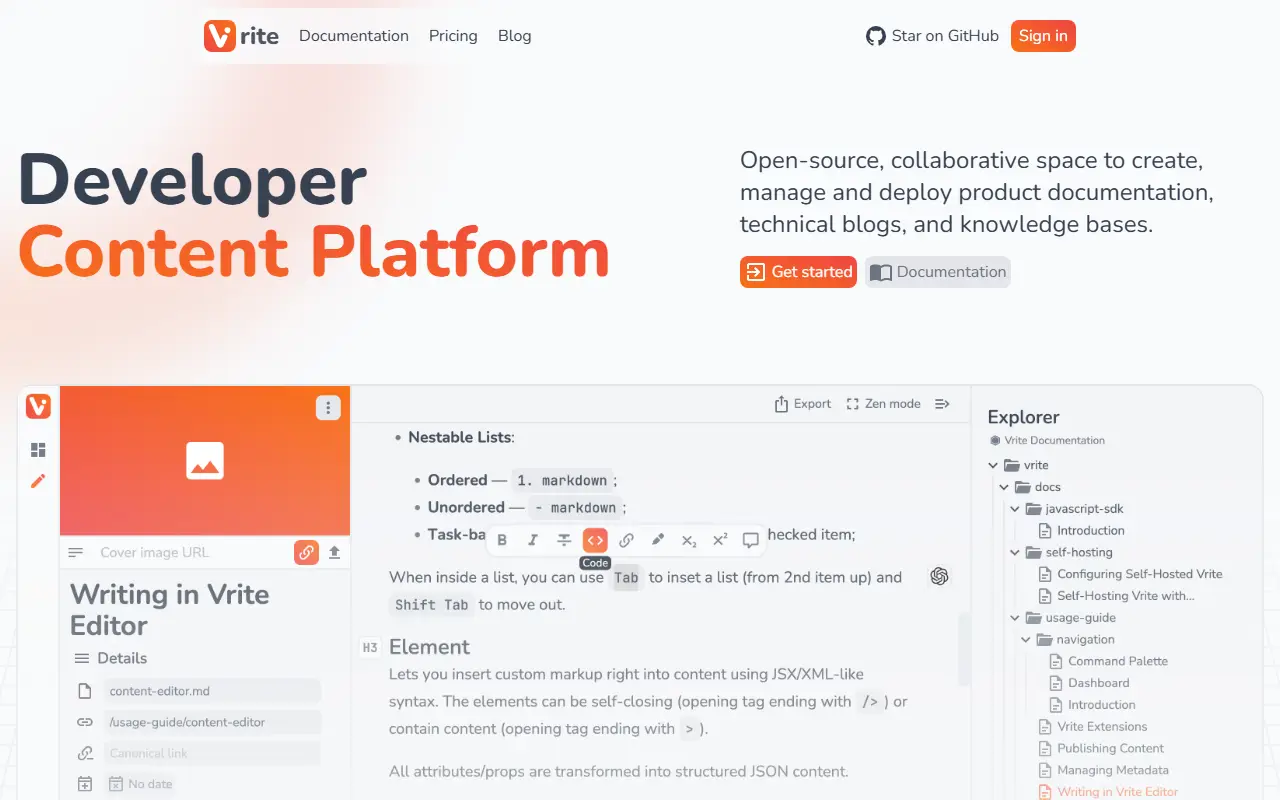
vrite.ioAndesine homepage screenshot

Vrite is an open-source, collaborative space to create, manage, and deploy product documentation, technical blogs, and knowledge bases. It aims to provide a high-quality, integrated experience for both writers and developers. This repository is described as a work-in-progress branch for Andesine, the version 2 rewrite, and the README points to the main branch for the latest stable Vrite. The input lists its license only as other.

Features listed include a built-in dashboard to manage content production and delivery using Kanban or list views, a modern WYSIWYG editor with Markdown support, an integrated code editor with formatting, and real-time collaboration. AI-powered semantic search helps organize and find content, and a versatile API serves content to websites and applications, which is why topics call it a headless CMS.

A hosted Vrite Cloud is available alongside the self-hostable code. It suits technical writers, developer relations teams, and documentation groups who want a content workflow that bridges writing and publishing.

Key features

  • Kanban and list content dashboard
  • WYSIWYG editor with Markdown support
  • Integrated code editor and formatting
  • Real-time collaboration
  • AI-powered semantic search
  • Content API for publishing

Flowershow

Flowershow publishes Markdown and HTML files as websites, docs, wikis and digital gardens, with Obsidian and AI integrations and a hosted service.

GitHub stars
1.1k
Last commit
today
Latest release
cli/v2.5.0
Licence
AGPL-3.0
Self-hosted
Yes
Hosted version
Available
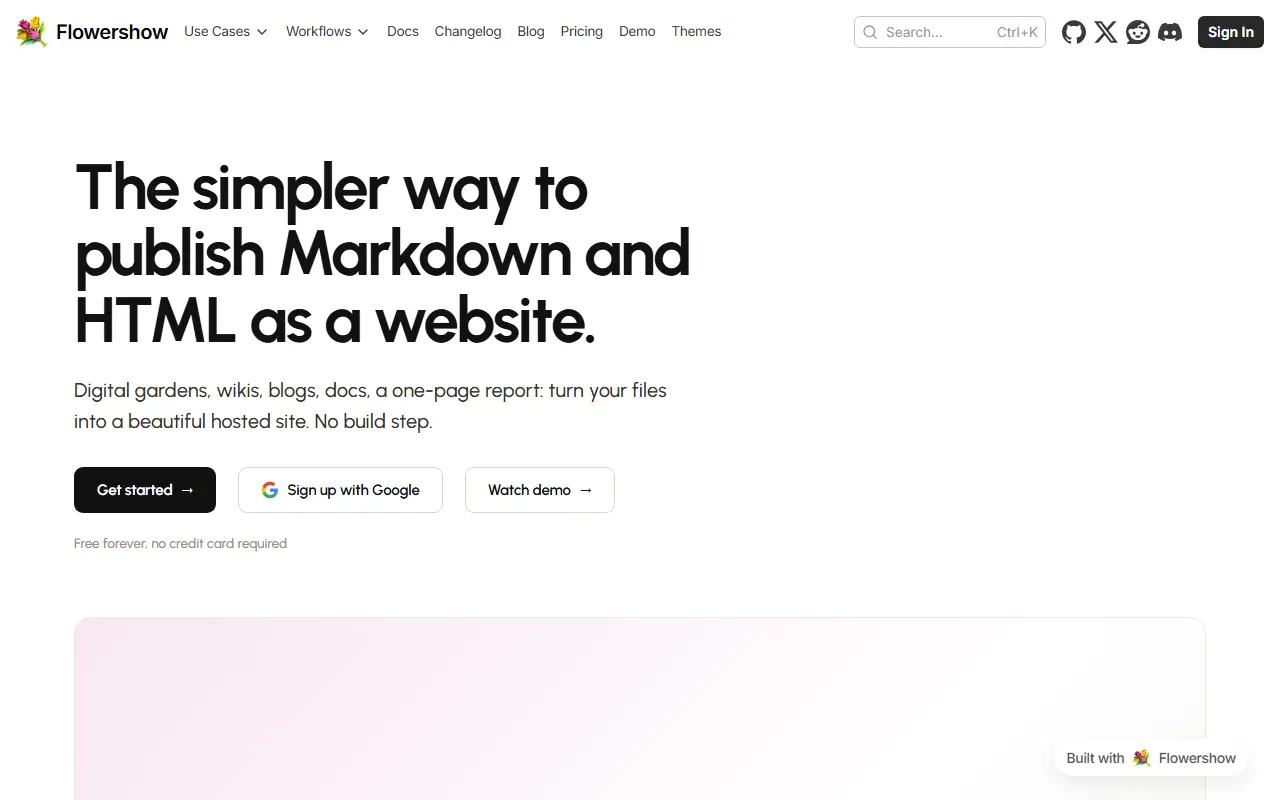
flowershow.appFlowershow homepage screenshot

Flowershow is a tool for publishing Markdown, and HTML, quickly as websites, documentation, knowledge bases and digital gardens. It is built by Datopian, and the product site is itself built and published with Flowershow, which demonstrates the idea of turning a folder of notes into a site in seconds.

It integrates with Obsidian vaults for people who write in Markdown and offers a command-line tool aimed at AI workflows so agents can publish content. The monorepo uses Next.js, Turborepo and pnpm, with a web app, packages such as a wiki-link remark plugin, and end-to-end tests. Topics mention MDX, blogging and Tailwind CSS as part of the stack.

You can sign up for the hosted service at flowershow.app or run the open-source code yourself, which requires Node.js 22, pnpm and Docker for local development. Flowershow is licensed under AGPL-3.0. It suits writers, researchers and teams who keep content as Markdown and want to publish it without maintaining a custom site generator.

Key features

  • Publish Markdown and HTML as websites
  • Obsidian vault integration
  • Command-line tool for AI workflows
  • Wiki-link support
  • Hosted service and open-source code
  • Next.js and Tailwind based sites

Pricing: A free plan covers a site on a flowershow.me subdomain. Premium costs $5 per site per month or $50 per year, with discounts for additional sites; volume pricing is quoted on request.

Gramax

Gramax is a docs-as-code app for writing Markdown documentation in a visual editor, versioning it in Git and publishing it as a documentation site.

GitHub stars
608
Last commit
yesterday
Licence
GPL-3.0
Self-hosted
Yes
Hosted version
Available

Gramax is a free, open-source application for creating, editing and publishing documentation as code. It stores all data locally in Markdown, so it works offline and files can be edited in any text editor, and it integrates with Git for version control and collaboration. It targets product documentation portals, internal knowledge bases, project documentation and personal notes.

A visual editor makes Markdown editing easier for technical and non-technical users. The app runs on Windows, macOS and Linux as a desktop app and as a web version. Editing features include tabs, tables, video embeds, code blocks, diagrams from Mermaid, Excalidraw and Diagrams.net, and Swagger API descriptions. Git repositories on GitHub, GitLab, Bitbucket, Gitea and others can be connected, catalogs can be published to a customizable documentation portal, documentation can be written in 17 languages, and content can be imported from Confluence and Notion.

Gramax is positioned as an alternative to GitBook, Mintlify and typical static site generators. It is written in TypeScript and Rust with Tauri, and licensed under GPL-3.0.

Key features

  • Visual Markdown editor
  • Git integration for versioning
  • Publish a documentation portal
  • Diagrams with Mermaid and Excalidraw
  • Import from Confluence and Notion
  • Desktop and web versions

Pricing: Free and open source under the GPL-3.0 license.

Mintlify alternatives: questions

What is the best open-source alternative to Mintlify?
Scalar is the top-ranked open-source alternative to Mintlify on Enlisted: An open-source API platform that renders interactive OpenAPI and Swagger references and includes an offline-first API client with desktop apps. Other strong options are PandaWiki, Cortex Docs, Andesine and Flowershow.
Are these Mintlify alternatives free?
All 6 are open source, so the code is free to use under its licence, and all of them can be self-hosted on your own server or computer. 5 also offer a paid or managed cloud version if you'd rather not host it yourself.
How is this list of Mintlify alternatives ranked?
By a score built from GitHub stars, star growth over the last 30 days and how recently the code changed. 6 of these projects shipped code in the last 30 days. Data is refreshed daily, and nobody can pay to move up.

People also look for alternatives to…

View all