6,598 open-source and SaaS tools, with GitHub stats refreshed every day.

11 alternatives ranked by real activity

Open-source Microsoft OneNote alternatives

A curated, ranked list of the 11 best open-source alternatives to Microsoft OneNote.

The best open-source alternative to Microsoft OneNote is AppFlowy. If that doesn't suit you, other good options are AFFiNE, Joplin, SiYuan and Trilium Notes.

Microsoft OneNote alternatives are mainly Note Taking tools. 10 of them shipped code in the last 30 days, 11 can be self-hosted, and 2 use a permissive licence.

Last updated October 2, 2026 · ranked by GitHub stars, growth and recent commits

AppFlowy

An open-source AI collaborative workspace for notes, wikis, tasks and projects, built as a Notion alternative that keeps you in control of your data.

GitHub stars
77k
Last commit
2 days ago
Latest release
0.14.6
Licence
AGPL-3.0
Self-hosted
Yes
Hosted version
Available
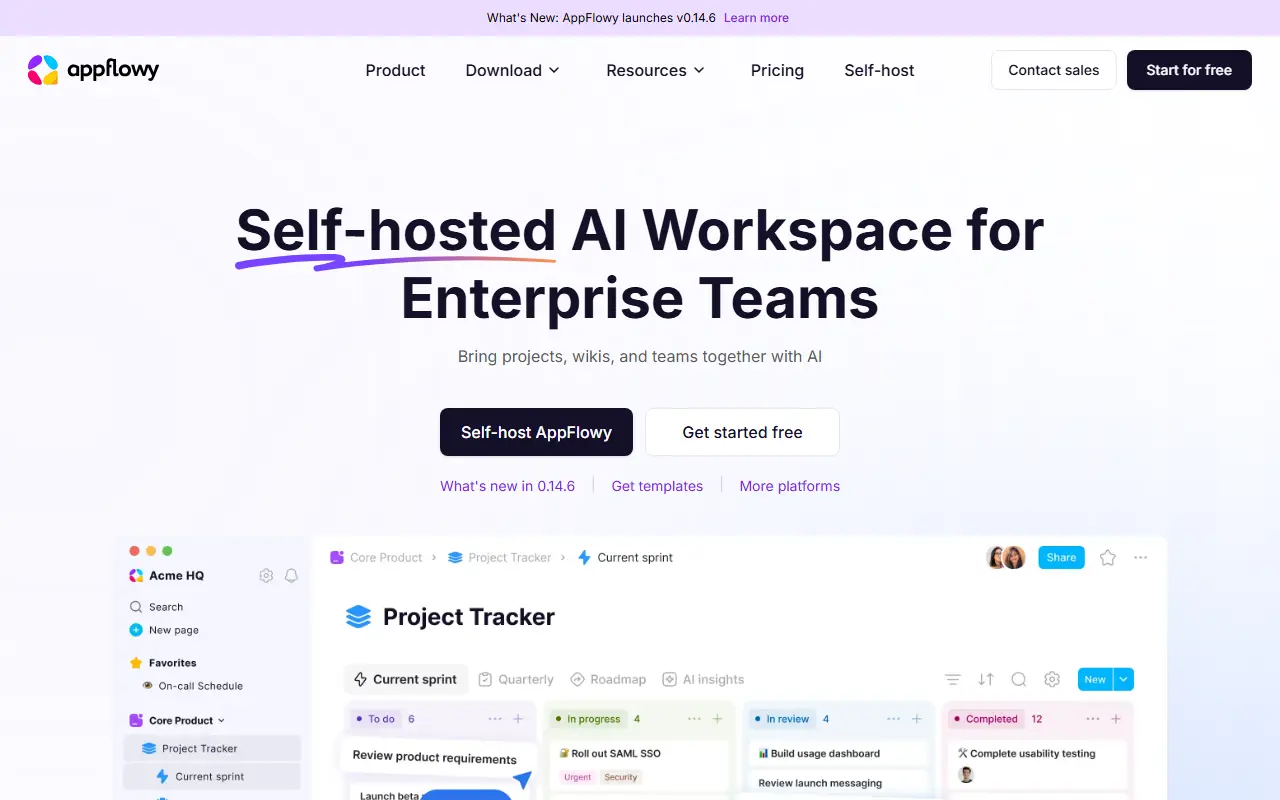
appflowy.comAppFlowy homepage screenshot

AppFlowy is an open-source workspace that brings documents, wikis, project and task management and team collaboration into one app. It is presented as an alternative to Notion, and its topics also tag it as a Confluence alternative, with the emphasis on keeping control of your own data.

The client is built with Flutter and a Rust core, giving apps for macOS, Windows and Linux plus iOS and Android versions. Desktop builds can be downloaded directly or from channels such as Flathub and Snapcraft. AI features are part of the workspace, and a public roadmap and active forum let users propose features. Translations are contributed through JSON files and tools such as inlang.

The project is AGPL-3.0 licensed and has documentation for self-hosting the server side, so organizations can keep content on their own infrastructure. A hosted version is available through appflowy.com for people who do not want to run servers. It suits teams looking for a Notion-style workspace with a privacy-first stance.

Key features

  • Notes, wikis and documentation in one workspace
  • Project and task management
  • AI features built into the workspace
  • Apps for desktop, iOS and Android
  • Self-hosting option for your own data
  • Public roadmap and community translations

Pricing: Free plan for up to 2 members. Pro costs $12.50 per user per month, or $10 billed annually. Self-hosted plans range from Free to Enterprise but their prices are not listed.

Read more about AppFlowyWebsite GitHub

AFFiNE

A privacy-focused, local-first workspace that merges docs, whiteboards and tables on one canvas, positioned as an open-source alternative to Notion and Miro.

GitHub stars
73k
Last commit
2 days ago
Latest release
v0.27.4
Self-hosted
Yes
Hosted version
Available
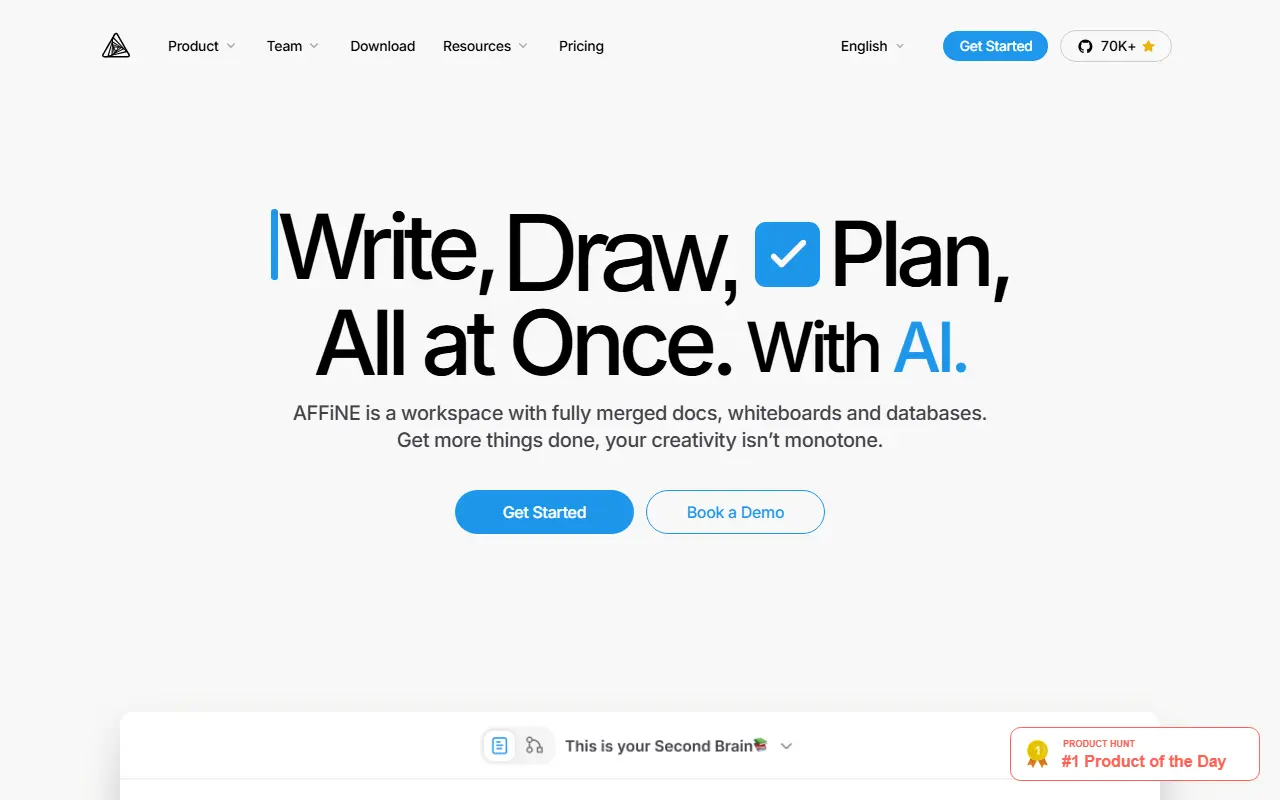
affine.proAFFiNE homepage screenshot

AFFiNE is an open-source workspace that combines writing, drawing and planning in a single app. Documents, an edgeless whiteboard and table views share the same blocks, so you can place rich text, sticky notes, embedded web pages, database views, linked pages, shapes and even slides anywhere on one canvas. It is presented as an alternative to Notion and Miro.

The project stresses local-first storage, meaning your data lives on your own device first, together with real-time collaboration. A multimodal AI assistant helps write reports, turn outlines into slides, summarize articles into mind maps and organize tasks. Under the hood it uses CRDTs for syncing and is built mostly in TypeScript and Rust, with Electron for the desktop app. It also supports Markdown, wiki and knowledge-base use, and presentations.

AFFiNE's license is listed as 'Other' on GitHub, so review it before commercial use. There is a live demo and documentation on the project site, a hosted version is available, and the app can also be self-hosted.

Key features

  • Docs, whiteboard and tables on one canvas
  • Local-first data storage on your device
  • Real-time multi-user collaboration
  • AI assistant for writing, slides and mind maps
  • Markdown editing and linked pages
  • Desktop app built on Electron

Pricing: Free plan with local use and 10 GB of cloud storage. Pro is $6.75 per month and Team $10 per seat per month; a $499.99 one-time Believer plan exists and Enterprise is custom-priced.

Read more about AFFiNEWebsite GitHub

Joplin

A free, open-source, offline-first note-taking and to-do app with Markdown notes, end-to-end encrypted sync, plugins and apps for desktop and mobile.

GitHub stars
57k
Last commit
yesterday
Latest release
v3.7.21
Self-hosted
Yes
Hosted version
Available
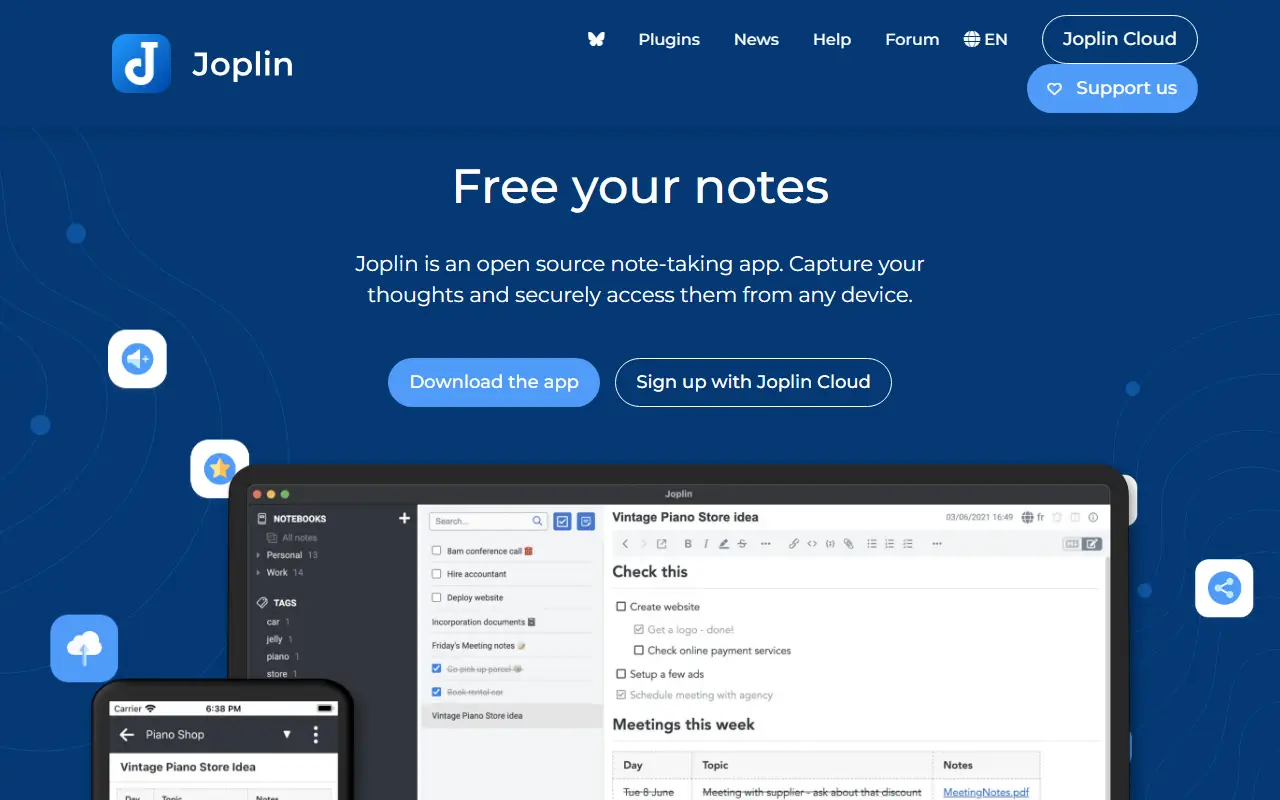
joplinapp.orgJoplin homepage screenshot

Joplin is a note-taking and to-do application, free and open source, that can manage large collections of notes organized into notebooks. Notes are written in Markdown, are searchable, can be tagged, and can be edited either in the app or in your own text editor. Apps are available for Windows, macOS, Linux, Android and iOS.

The app is offline first, so all your data lives on your phone or computer and stays accessible without a connection. Notes can be synchronized with end-to-end encryption through services such as Nextcloud, Dropbox, OneDrive and Joplin Cloud, and topics also mention WebDAV. Full-text search is available on every platform, and plugins and themes let you customize the app. A web clipper saves pages, and notes exported from Evernote can be imported with formatting, attachments and metadata intact; plain Markdown files can be imported as well.

The repository license is listed as 'Other', so check its terms if you plan to redistribute. Joplin is a popular choice for people who want an Evernote replacement that keeps data local or on storage they already control.

Key features

  • Markdown notes organized into notebooks
  • Offline-first storage on your own devices
  • End-to-end encrypted sync via Nextcloud, Dropbox or OneDrive
  • Evernote import with attachments and metadata
  • Plugins and themes
  • Web clipper for saving pages
  • Apps for desktop and mobile

Pricing: Joplin Cloud costs 2.99€ (Basic), 5.99€ (Pro) or 9.99€ (Pro 100 GB) per month, and Teams 7.99€ per user per month. Self-hosted Server Business is 3.33€ per user per month; 14-day trial.

Read more about JoplinWebsite GitHub

SiYuan

A privacy-first, self-hostable personal knowledge management system with block-level references, Markdown WYSIWYG editing, flashcards and optional AI chat.

GitHub stars
47k
Last commit
yesterday
Latest release
v3.8.6
Licence
AGPL-3.0
Self-hosted
Yes
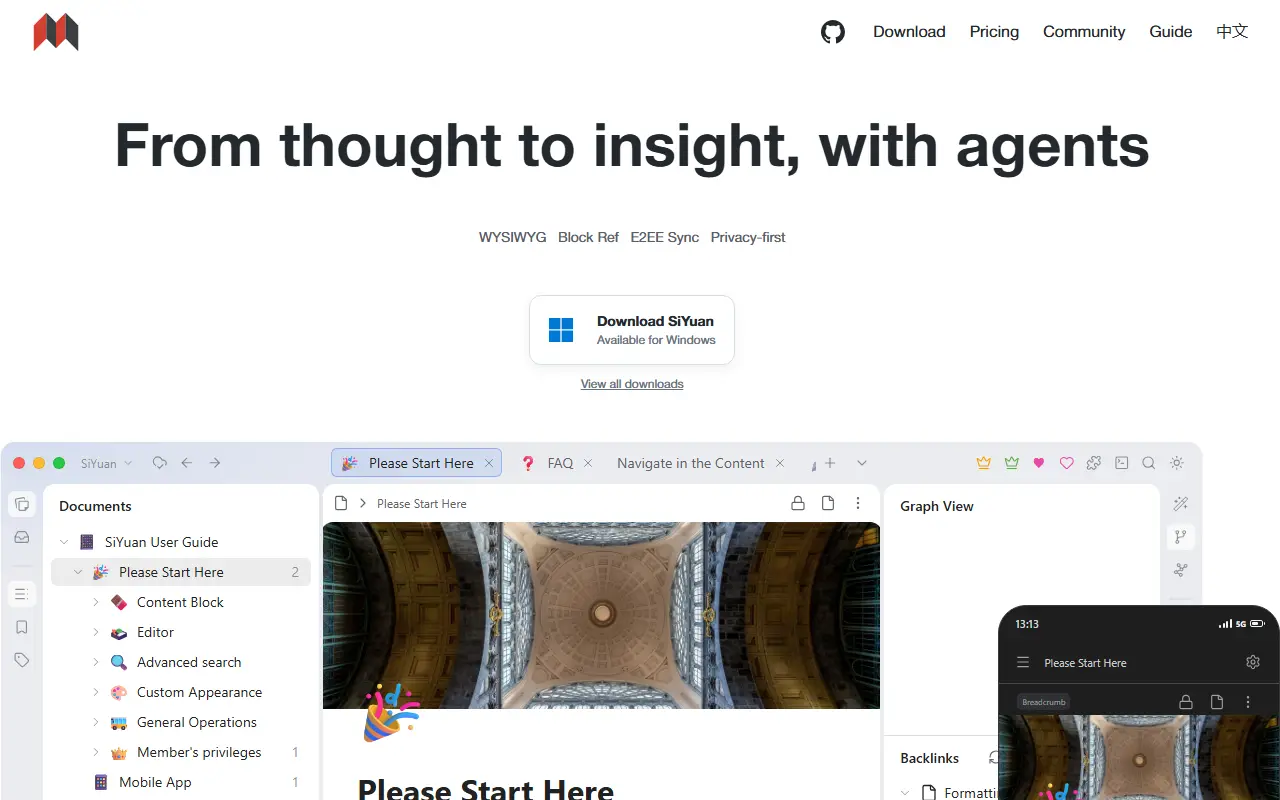
b3log.orgSiYuan homepage screenshot

SiYuan is an open-source, privacy-first personal knowledge management system. Its distinctive feature is fine-grained, block-level referencing: any block can be linked to or embedded elsewhere, with two-way links, custom attributes and SQL query embeds. Editing is Markdown WYSIWYG, and the project describes itself as a workspace where humans and AI agents work together. It is local-first and self-hostable.

The editor supports block-style writing, list outlines, block zoom-in, very large documents, math formulas, charts, flowcharts and Gantt charts. Web clipping, PDF annotation links, flashcards with spaced repetition, a database table view, Tesseract OCR and multi-tab split-screen layouts are included. You can export blocks and embeds, standard Markdown with assets, or PDF, Word and HTML. AI writing and Q and A chat can use the OpenAI API, and template and JavaScript or CSS snippets allow customization.

SiYuan is AGPL-3.0 licensed and available as desktop apps, mobile apps for Android, iOS and HarmonyOS, an installation package, a package manager, and Docker, Kubernetes, Unraid and TrueNAS hosting. A command line interface and an app market for extensions exist. Most features are free, even for commercial use.

Key features

  • Block-level references and two-way links
  • Markdown WYSIWYG editor
  • Flashcards with spaced repetition
  • SQL query embeds and database table views
  • Export to Markdown, PDF, Word and HTML
  • AI writing and Q and A chat
  • Docker, Kubernetes and mobile apps

Pricing: Most features are free, even for commercial use; check the project FAQ for any paid options.

Read more about SiYuanWebsite GitHub

Trilium Notes

A cross-platform hierarchical note-taking app for building large personal knowledge bases, with a rich editor, note cloning, versioning and scripting.

GitHub stars
38k
Last commit
today
Latest release
v0.106.0
Licence
AGPL-3.0
Self-hosted
Yes
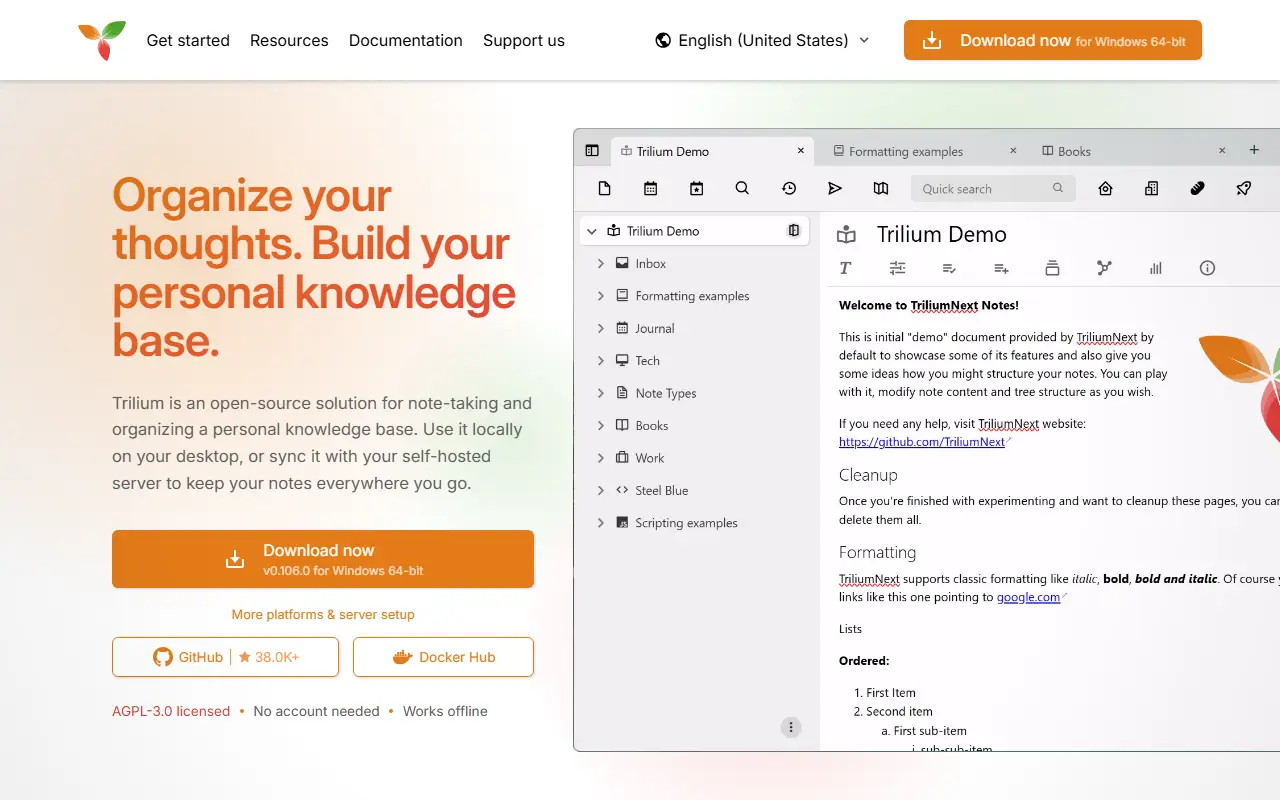
triliumnotes.orgTrilium Notes homepage screenshot

Trilium Notes is a free, open-source, cross-platform note-taking application focused on building large personal knowledge bases. Notes are arranged in a tree of arbitrary depth, and a single note can be cloned into several places in the tree, which lets you organize the same material along different lines without duplicating it.

The editor is a rich WYSIWYG one with tables, images, math and Markdown autoformatting, and there is also support for source code notes with syntax highlighting. Navigation relies on fast jumps between notes, full-text search and note hoisting. Notes are versioned automatically, and attributes can be used to organize, query and script notes. The interface is available in several languages, and built-in documentation opens with F1.

The project, now maintained as TriliumNext, is AGPL-3.0 licensed and built with TypeScript and Electron. It provides desktop builds as well as a server setup with Docker, so you can keep your notes on your own hardware. Stable releases are recommended, with nightly builds available for those who want the newest changes.

Key features

  • Arbitrarily deep note tree with cloning
  • WYSIWYG editor with tables, images and math
  • Code notes with syntax highlighting
  • Full-text search and note hoisting
  • Automatic note versioning
  • Attributes and scripting for advanced use
  • Docker server setup

Pricing: Free and open source under the AGPL-3.0 license.

Read more about Trilium NotesWebsite GitHub

Notesnook

A free, open-source, end-to-end encrypted note-taking app with web, desktop and mobile clients, positioned as a private alternative to Evernote.

GitHub stars
15k
Last commit
today
Latest release
v3.4.8
Licence
GPL-3.0
Self-hosted
Yes
Hosted version
Available
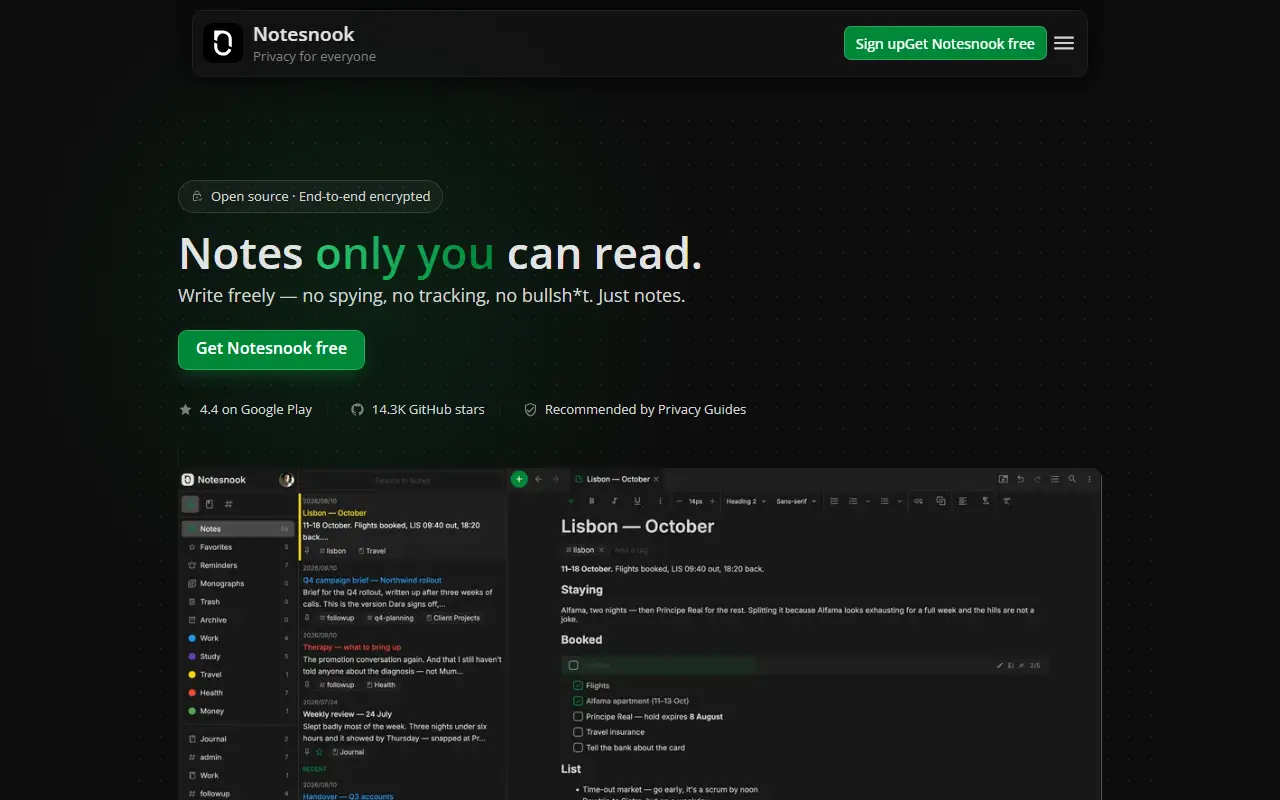
notesnook.comNotesnook homepage screenshot

Notesnook is a note-taking app that puts privacy first. Everything is encrypted on your device with XChaCha20-Poly1305 and Argon2 before it syncs, following zero-knowledge principles, and the whole thing is open source. It is presented as an end-to-end encrypted alternative to Evernote, aiming to show that privacy does not have to cost convenience.

The repository contains all the code needed to build and use the web, desktop and mobile clients. They are built mainly with TypeScript and React, with Electron for desktop and React Native for mobile, and parts of the code base are still being ported from JavaScript. A server component written with .NET appears in the topics. The website covers the full feature list, roadmap and downloads, and the team encourages community involvement through Discord.

Notesnook is licensed under GPL-3.0. A hosted sync service is operated by the company behind it, and the open-source code lets you inspect how encryption is handled. It suits people moving away from Evernote or other cloud notes who want strong encryption and cross-platform apps.

Key features

  • End-to-end encrypted notes
  • XChaCha20-Poly1305 and Argon2 encryption
  • Web, desktop and mobile apps
  • Open-source clients you can audit
  • Notebooks and organization tools
  • Evernote-style note-taking workflow

Pricing: Unlimited encrypted notes are free forever. Essential, Pro and Believer add storage (1GB, 10GB, 25GB) with a 14-day trial, and yearly and 5-year billing options.

Read more about NotesnookWebsite GitHub

Standard Notes

An end-to-end encrypted note-taking app with sync across devices and a self-hostable server, available on web, desktop and mobile.

GitHub stars
6.6k
Last commit
2 days ago
Latest release
@standardnotes/desktop@3.202.7
Licence
AGPL-3.0
Self-hosted
Yes
Hosted version
Available
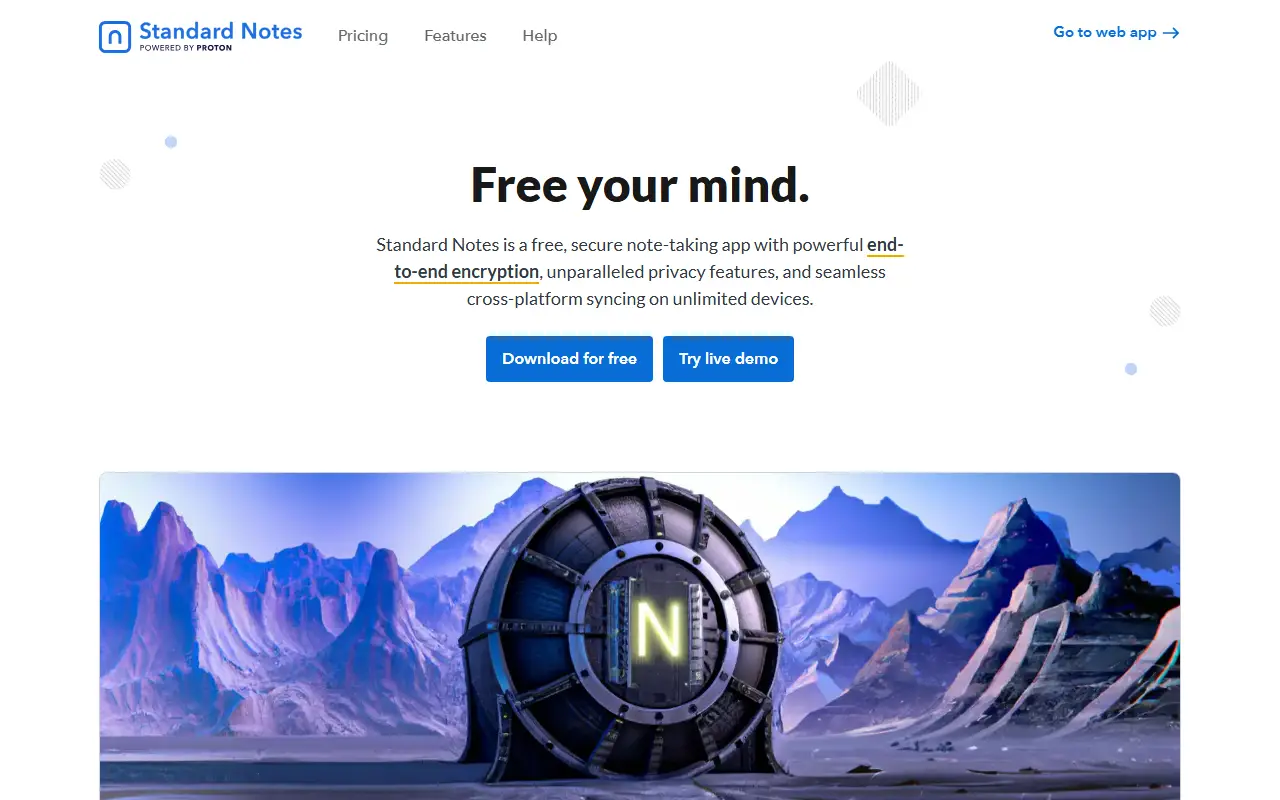
standardnotes.comStandard Notes homepage screenshot

Standard Notes is a note-taking app with end-to-end encryption, built for digitalists and professionals, aiming to keep notes, files and life's work in one secure place. Only the user can read their notes, and sync across devices is encrypted by default.

You register for an account on the web app and install clients for Mac, Windows, Linux, iOS and Android. The README highlights fast, free and encrypted sync on an unlimited number of devices, public source code, the option of hosting your own server with a few steps, and a focus on longevity and sustainability. A companion service called Listed turns notes into an online publication with email newsletters, and developers can build and publish extensions.

The web app compiles to static HTML, JavaScript and CSS files that can be served from any web server, and the README includes build and development instructions. Standard Notes is written in TypeScript and licensed under AGPL-3.0, with a forum and help pages for support. It suits privacy-minded users who want encrypted notes with the option to host their own backend.

Key features

  • End-to-end encrypted notes and files
  • Sync across unlimited devices
  • Apps for web, desktop and mobile
  • Self-hostable sync server
  • Listed publishing and newsletters
  • Extensions published by developers

Pricing: Free Standard plan includes end-to-end encryption and device sync. Productivity costs $90 and Professional $120 per year; there is no trial, but refunds are offered.

Read more about Standard NotesWebsite GitHub

CherryTree

A hierarchical note-taking application with rich text, syntax highlighting, tables and code boxes, storing data in a single file or in multiple files.

GitHub stars
4k
Last commit
13 days ago
Latest release
v1.7.2
Self-hosted
Yes
giuspen.netCherryTree homepage screenshot

CherryTree is a hierarchical note-taking application that organizes notes as a tree of nodes. It supports rich text and syntax highlighting, and stores data either in a single file, in XML or SQLite format, or across multiple files and directories. It was written by Giuseppe Penone and Evgenii Gurianov and is built in C++.

Rich text formatting covers colors, headings, text styles, subscript, superscript and monospace, and notes can include images that can be resized and rotated, LaTeX math equations, embedded files, multi-level lists with to-do items, simple tables with CSV import and export, and code boxes with optional syntax highlighting. Code nodes and code boxes can be executed, with an embedded terminal on Linux and macOS.

Hyperlinks can point to web pages, other nodes, files or folders, spell check uses gspell, and copy and paste works inside the application and with other programs such as LibreOffice and Gmail. Text, images, tables and code boxes can be aligned. The project's home page is giuspen.net/cherrytree.

Key features

  • Hierarchical tree of notes
  • Rich text with syntax highlighting
  • Single-file XML or SQLite storage
  • Images, tables and LaTeX equations
  • Code boxes that can be executed
  • Hyperlinks to nodes, files and folders
  • Spell check with gspell

Pricing: Free and open source.

Read more about CherryTreeWebsite GitHub

Butterfly

Cross-platform, open-source note-taking app built with Flutter that offers an endless canvas for handwriting, drawing, text, images, and documents.

GitHub stars
2k
Last commit
yesterday
Latest release
v2.6.0
Licence
AGPL-3.0
butterfly.linwood.devButterfly homepage screenshot

Butterfly is an open-source app for people who think better with space around their ideas. Instead of a fixed page, you get an endless workspace where notes, sketches, diagrams, images, and documents can be placed wherever they make sense. It is built with Flutter and released under the AGPL-3.0 license.

You can write by hand with a stylus, touch, or mouse, type text with Markdown, and mix in diagrams and imported documents. The README suggests uses such as class notes, meeting notes, research, math, worksheets, planning, whiteboarding, storyboards, and product sketches. Topics list Android, Linux, Windows, and web builds, and describe it as customizable and a OneNote alternative.

The project is run by Linwood and invites translations through Crowdin, with community spaces on Matrix, Discord, Mastodon, and Bluesky. It suits students, teachers, and visual thinkers who want a flexible digital notebook that keeps their canvas under their own control.

Key features

  • Endless canvas workspace
  • Handwriting with stylus, touch, or mouse
  • Text with Markdown support
  • Diagrams, images, and imported documents
  • Android, Linux, Windows, and web builds
  • Customizable tools and interface

Pricing: Free and open source under the AGPL-3.0 license.

Read more about ButterflyWebsite GitHub

Poznote

Poznote is a free, self-hosted note-taking web app, positioned as an open-source alternative to Notion, Obsidian, Evernote and OneNote.

GitHub stars
891
Last commit
today
Latest release
6.105.0
Licence
MIT
Self-hosted
Yes

Poznote is a self-hosted, open-source note-taking application that runs as a Docker container. It is presented as an alternative to Notion, Obsidian, Evernote and OneNote for people who want their notes, tasks and wiki-style documentation on their own server, with the goal of powerful note-taking without the hassle.

The documentation covers a long list of capabilities: several note types, snapshots, multi-user support, an activity log, webhooks, Git synchronization, S3 storage for attachments and backups, backup, export and import, offline use, multiple instances, an AI assistant, speech-to-text transcription and an MCP server. Companion pieces include a Chrome extension and an Android share target, and an API is documented.

The official image is multi-architecture (amd64 and arm64) and runs on Linux, on Windows and macOS through Docker Desktop, and on Raspberry Pi or NAS devices. Poznote is MIT licensed, has a public demo, and offers authentication with app passwords.

Key features

  • Self-hosted Docker deployment
  • Multi-user support
  • Note snapshots
  • Git synchronization
  • S3 attachment storage and backups
  • AI assistant and transcription
  • MCP server and API
  • Chrome extension and Android sharing

Pricing: Free and open source under the MIT license.

Read more about PoznoteWebsite GitHub

1 more Microsoft OneNote alternatives

Microsoft OneNote alternatives: questions

What is the best open-source alternative to Microsoft OneNote?
AppFlowy is the top-ranked open-source alternative to Microsoft OneNote on Enlisted: An open-source AI collaborative workspace for notes, wikis, tasks and projects, built as a Notion alternative that keeps you in control of your data. Other strong options are AFFiNE, Joplin, SiYuan and Trilium Notes.
Are these Microsoft OneNote alternatives free?
All 11 are open source, so the code is free to use under its licence, and 11 of them can be self-hosted on your own server. 5 also offer a paid or managed cloud version if you'd rather not host it yourself.
How is this list of Microsoft OneNote alternatives ranked?
By a score built from GitHub stars, star growth over the last 30 days and how recently the code changed. 10 of these projects shipped code in the last 30 days. Data is refreshed daily, and nobody can pay to move up.

People also look for alternatives to…

View all