#1
Super Productivity is a local-first to-do app with timeboxing, time tracking and integrations with Jira, GitHub, GitLab and more.
- GitHub stars
- 24k
- Last commit
- yesterday
- Latest release
- v20.0.0
- Licence
- MIT
super-productivity.com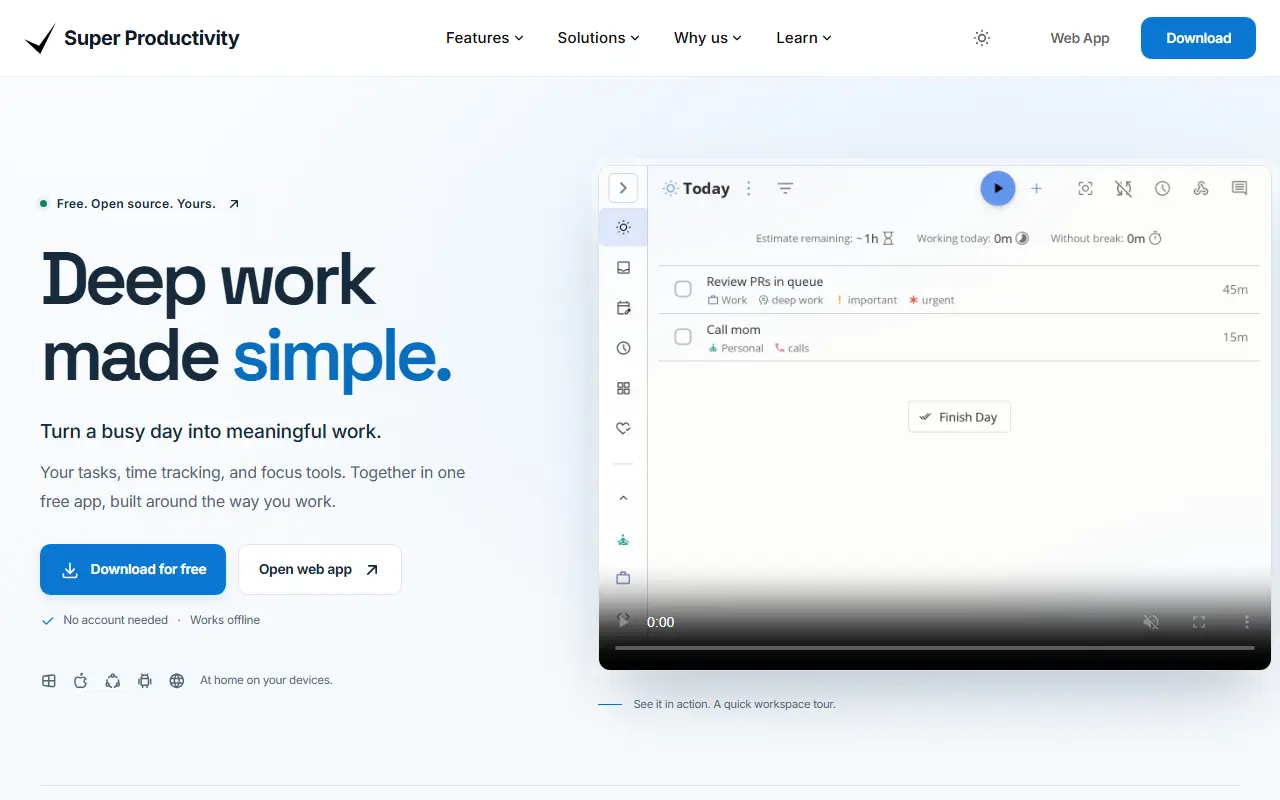
Super Productivity is a to-do list application that adds timeboxing and time tracking to everyday task planning. Tasks can be organized with sub-tasks, projects and color-coded tags, and viewed in a planner with a schedule timeline next to calendar events. Visual boards, including Kanban and Eisenhower Matrix layouts, help you sort work. It is written in TypeScript, released under the MIT license and tagged as local-first and privacy-friendly.
Time tracking produces time sheets and work summaries that can be exported to a company's tracking system. Habit tools include break reminders, an anti-procrastination feature and a focus mode with Pomodoro, Flowtime and countdown sessions, plus personal metrics. Integrations include Jira, Trello, GitHub, GitLab, Gitea and Linear, plus ClickUp, Redmine and Azure DevOps, importing assigned tasks and creating work logs automatically. It is available as a web app and as apps for Windows, macOS, Linux, Android and iOS.
Key features
- Tasks with sub-tasks, projects and tags
- Timeboxing and time tracking with exportable time sheets
- Kanban and Eisenhower Matrix boards
- Pomodoro, Flowtime and countdown focus sessions
- Integrations with Jira, GitHub, GitLab and others
- Web, desktop and mobile apps
Pricing: Completely free and open source with no premium tiers; development is supported by optional GitHub Sponsors donations.
#2
A free, open-source, offline-first note-taking and to-do app with Markdown notes, end-to-end encrypted sync, plugins and apps for desktop and mobile.
- GitHub stars
- 57k
- Last commit
- today
- Latest release
- v3.7.22
- Self-hosted
- Yes
- Hosted version
- Available
joplinapp.org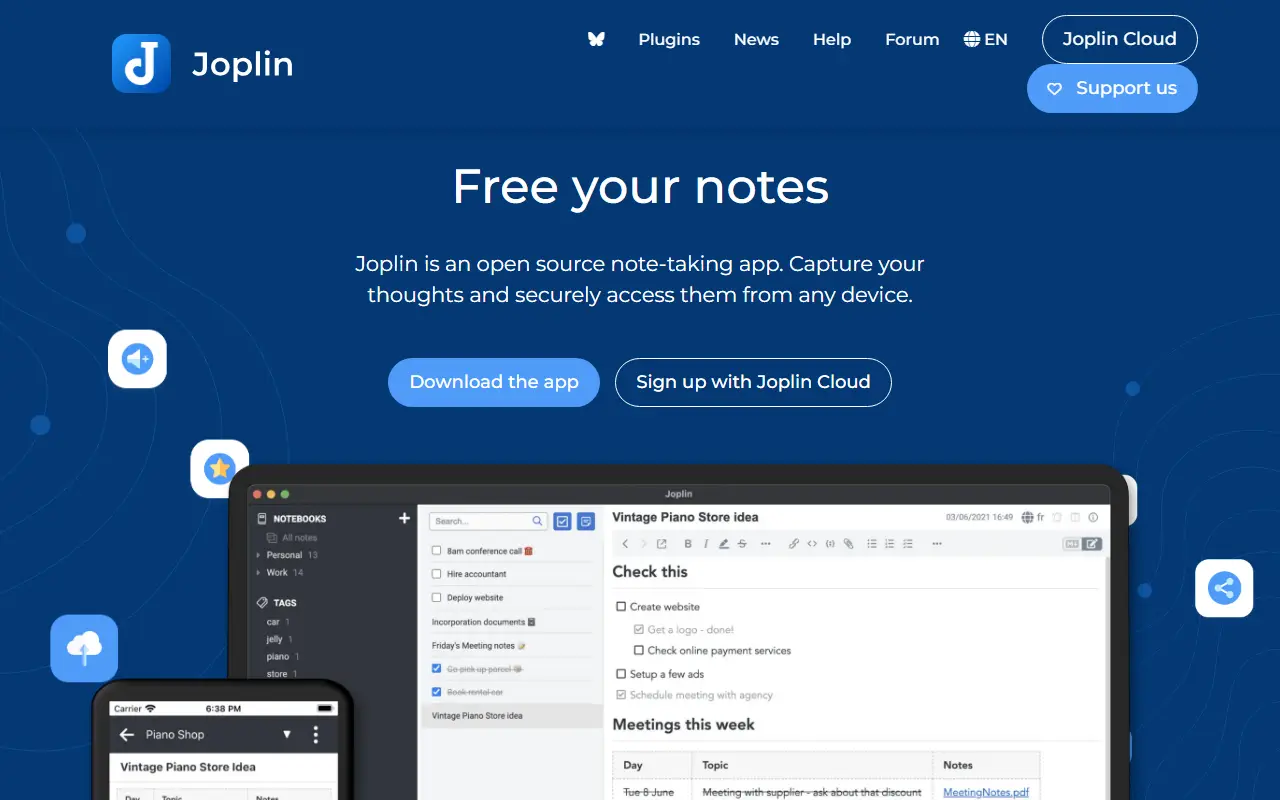
Joplin is a note-taking and to-do application, free and open source, that can manage large collections of notes organized into notebooks. Notes are written in Markdown, are searchable, can be tagged, and can be edited either in the app or in your own text editor. Apps are available for Windows, macOS, Linux, Android and iOS.
The app is offline first, so all your data lives on your phone or computer and stays accessible without a connection. Notes can be synchronized with end-to-end encryption through services such as Nextcloud, Dropbox, OneDrive and Joplin Cloud, and topics also mention WebDAV. Full-text search is available on every platform, and plugins and themes let you customize the app. A web clipper saves pages, and notes exported from Evernote can be imported with formatting, attachments and metadata intact; plain Markdown files can be imported as well.
The repository license is listed as 'Other', so check its terms if you plan to redistribute. Joplin is a popular choice for people who want an Evernote replacement that keeps data local or on storage they already control.
Key features
- Markdown notes organized into notebooks
- Offline-first storage on your own devices
- End-to-end encrypted sync via Nextcloud, Dropbox or OneDrive
- Evernote import with attachments and metadata
- Plugins and themes
- Web clipper for saving pages
- Apps for desktop and mobile
Pricing: Joplin Cloud costs 2.99€ (Basic), 5.99€ (Pro) or 9.99€ (Pro 100 GB) per month, and Teams 7.99€ per user per month. Self-hosted Server Business is 3.33€ per user per month; 14-day trial.
#3
A privacy-first, local-first knowledge management app built around linked, outliner-style notes in Markdown or Org-mode, with a graph view and plugin support.
- GitHub stars
- 46k
- Last commit
- today
- Latest release
- 2.0.2
- Licence
- AGPL-3.0
- Self-hosted
- Yes
logseq.com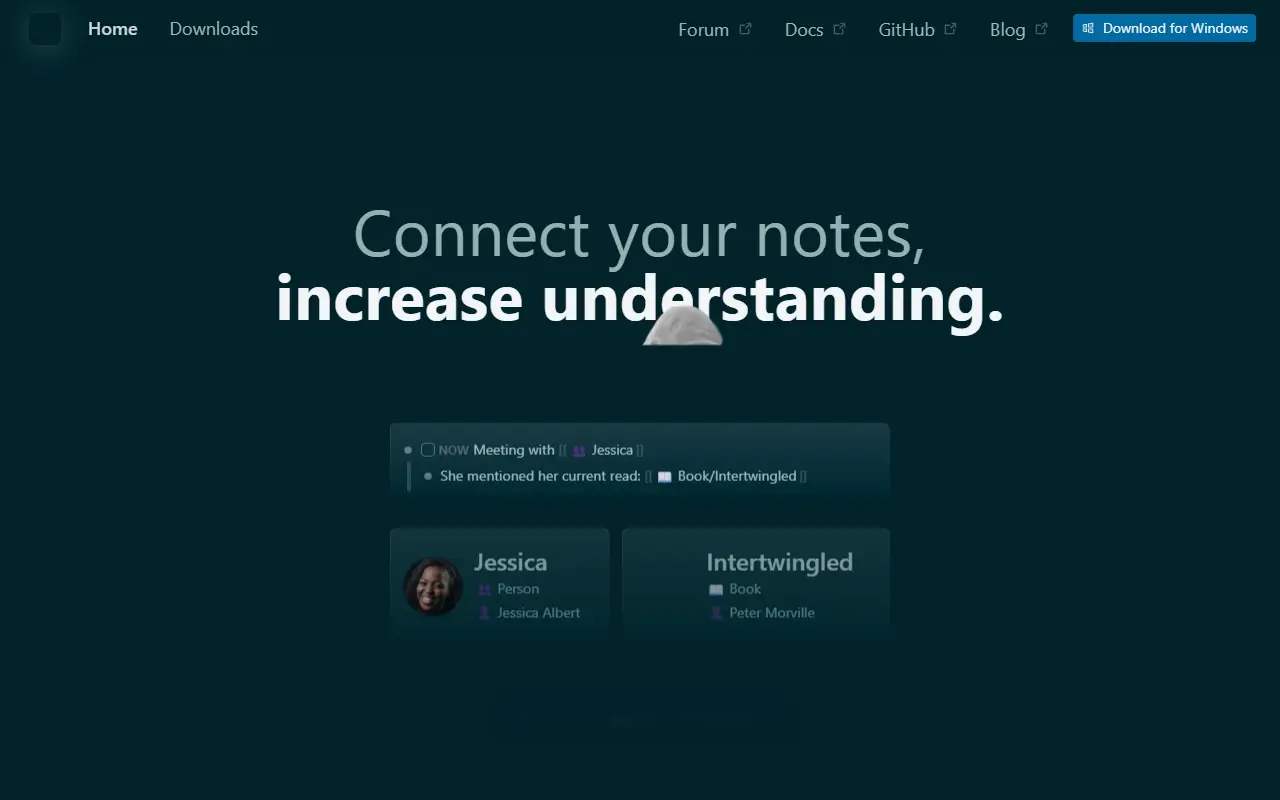
Logseq is an open-source platform for knowledge management and collaboration that puts privacy and local storage first. Notes are organized as linked blocks in an outliner, forming a knowledge graph, and topics show it works with both Markdown and Org-mode files and can be backed by Git.
The project is moving toward a database-backed version that introduces DB graphs. That version is in beta, comes with a new iOS mobile app in alpha and a Real Time Collaboration approach to syncing graphs across devices or working with others, also in alpha. Because data loss is possible while these features mature, the maintainers recommend automated backups. A plugin API, themes and a public roadmap round out the ecosystem.
Logseq is written in Clojure and ClojureScript under the AGPL-3.0 license, and desktop builds are available from the releases page. It appeals to researchers, students and knowledge workers who want a personal wiki with bidirectional links and full ownership of their files.
Key features
- Outliner-style linked notes
- Markdown and Org-mode support
- Knowledge graph of connected pages
- Local-first storage with Git compatibility
- Plugin API and themes
- Real Time Collaboration sync in alpha
Pricing: Free and open source under the AGPL-3.0 license.
#4
Anytype Desktop is the official client for Anytype, a local-first, end-to-end encrypted knowledge base for notes, tasks, wikis and custom data types.
- GitHub stars
- 9.1k
- Last commit
- 3 days ago
- Latest release
- v0.57.8-alpha
anytype.io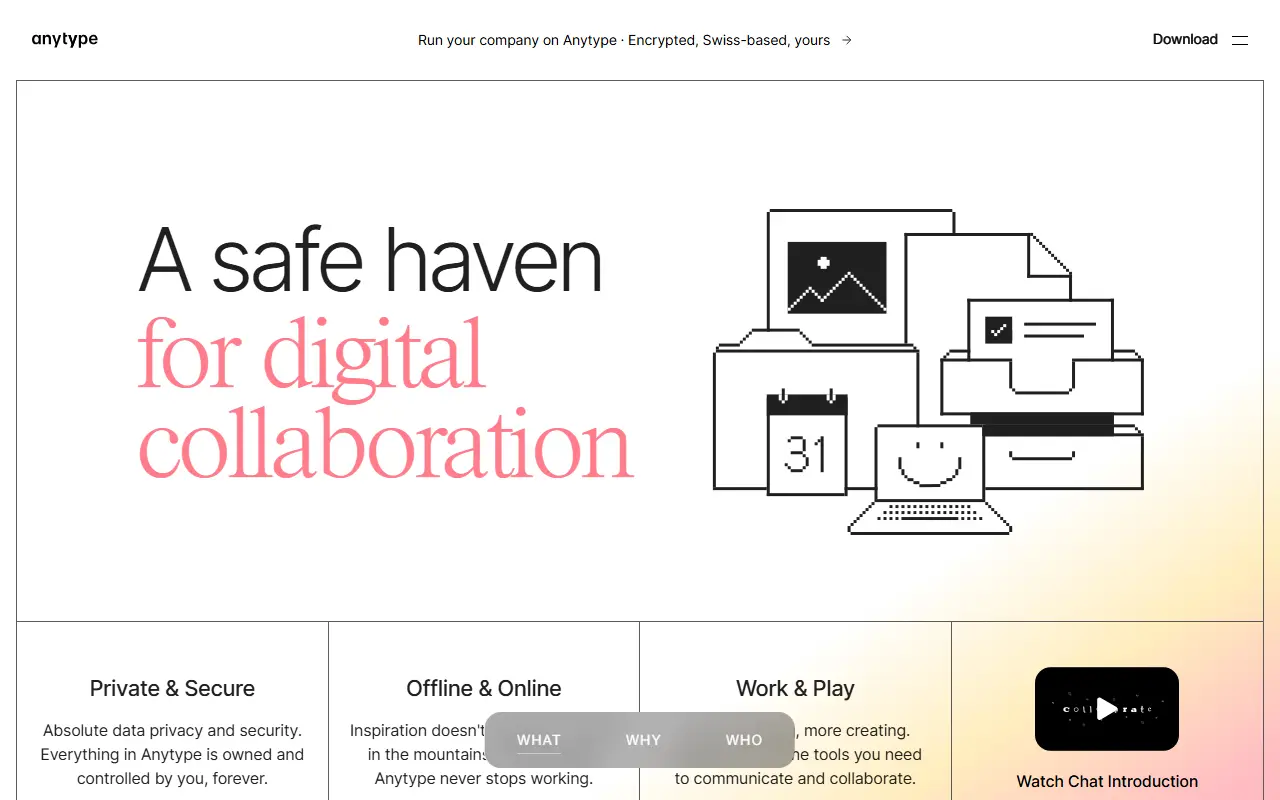
Anytype Desktop is the official desktop client for Anytype, a personal knowledge base for macOS, Windows and Linux. It lets you collect pages, tasks, wikis and journals and link them together, while keeping data stored locally and encrypted across your devices.
The client is built around composable blocks such as text, databases, kanban boards and calendars, and you can define your own Types to shape the data model. Storage is offline-first with optional peer-to-peer sync, and encryption relies on the any-sync protocol. It is an Electron application written in TypeScript, and it can be extended through a gRPC API and AI agents described in the repository.
Sign-in uses an Any-ID, and installers are published on the releases page and the download site. The code is published under the Any Source Available License 1.0 rather than a standard open-source licence, and the README includes instructions for building from source and updating the middleware.
Key features
- Offline-first local storage
- Optional peer-to-peer sync
- End-to-end encryption through any-sync
- Block-based pages, databases, kanban and calendar
- Custom Types for your own data model
- gRPC API for extensions

Habit and task tracker that gamifies daily goals with RPG-style levels, gold and gear, for people who stay motivated through game mechanics.
- GitHub stars
- 14k
- Last commit
- 2 days ago
- Latest release
- v5.52.0
- Hosted version
- Available
habitica.com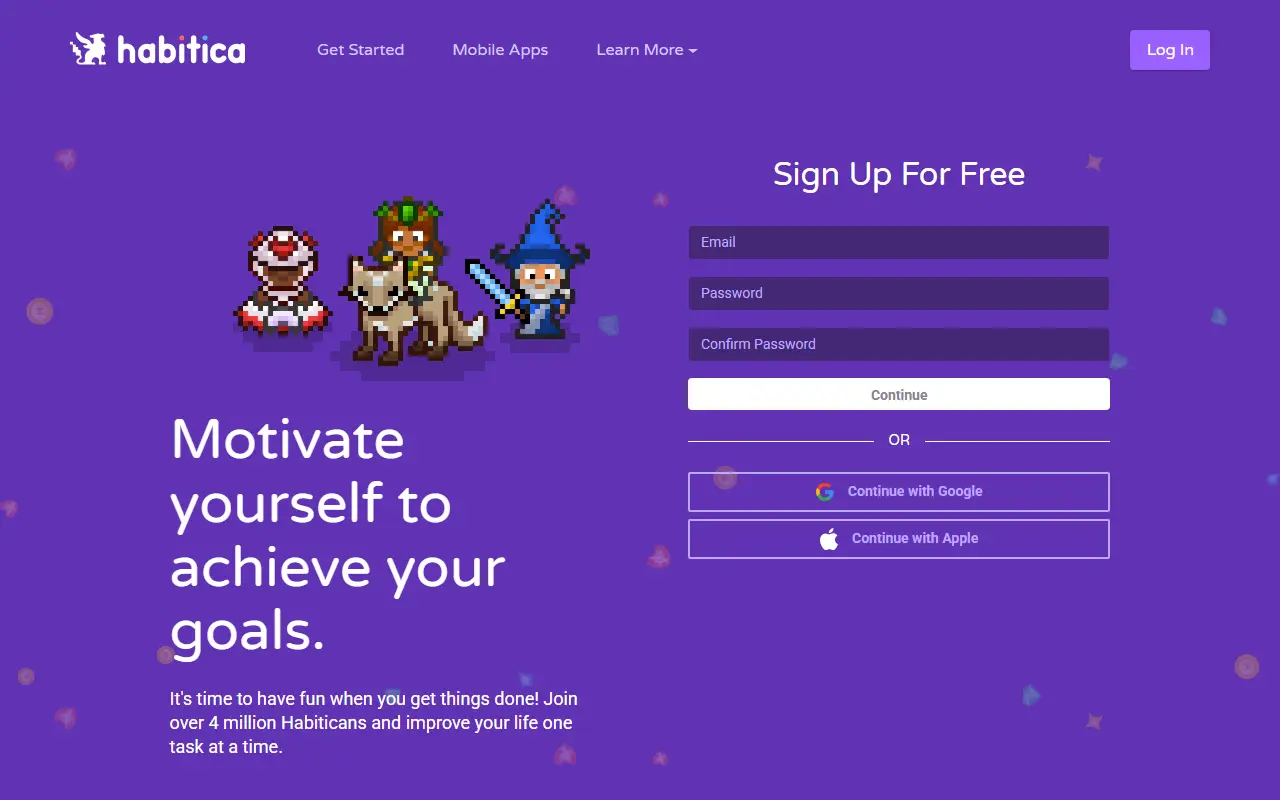
Habitica is an open-source habit-building app that turns personal goals and daily tasks into a role-playing game. Completing tasks earns experience and gold, while missed ones cost health points, which gives everyday routines a built-in reward and penalty loop. It is aimed at people who find plain to-do lists dull and respond better to game mechanics.
Players level up a character, collect weapons and armor, and spend the gold they earn on in-game gear. The web application is a JavaScript project built on Node.js and Express with a MongoDB database and a Vue front end, and the same service is reachable through separate Android and iOS apps maintained in their own repositories.
The source code is publicly visible under a custom license described in the repository rather than a standard SPDX license. The maintainers have paused outside code contributions and do not accept AI-generated code, but the codebase stays open. Developers who want a local copy can follow the project's wiki guide for setting up Habitica locally.
Key features
- Habits, dailies and to-do tracking
- Character leveling with experience and health points
- Gold rewards for buying in-game weapons and armor
- Web app plus native Android and iOS apps
- Open codebase on Node.js, MongoDB and Vue
Pricing: The source code is open; the hosted service at habitica.com can be used for free, with optional paid extras.
#6
A non-linear personal web notebook and wiki written in JavaScript that runs as a single HTML file in a browser or as a Node.js application.
- GitHub stars
- 8.7k
- Last commit
- 2 days ago
- Latest release
- v5.4.1
- Self-hosted
- Yes
tiddlywiki.com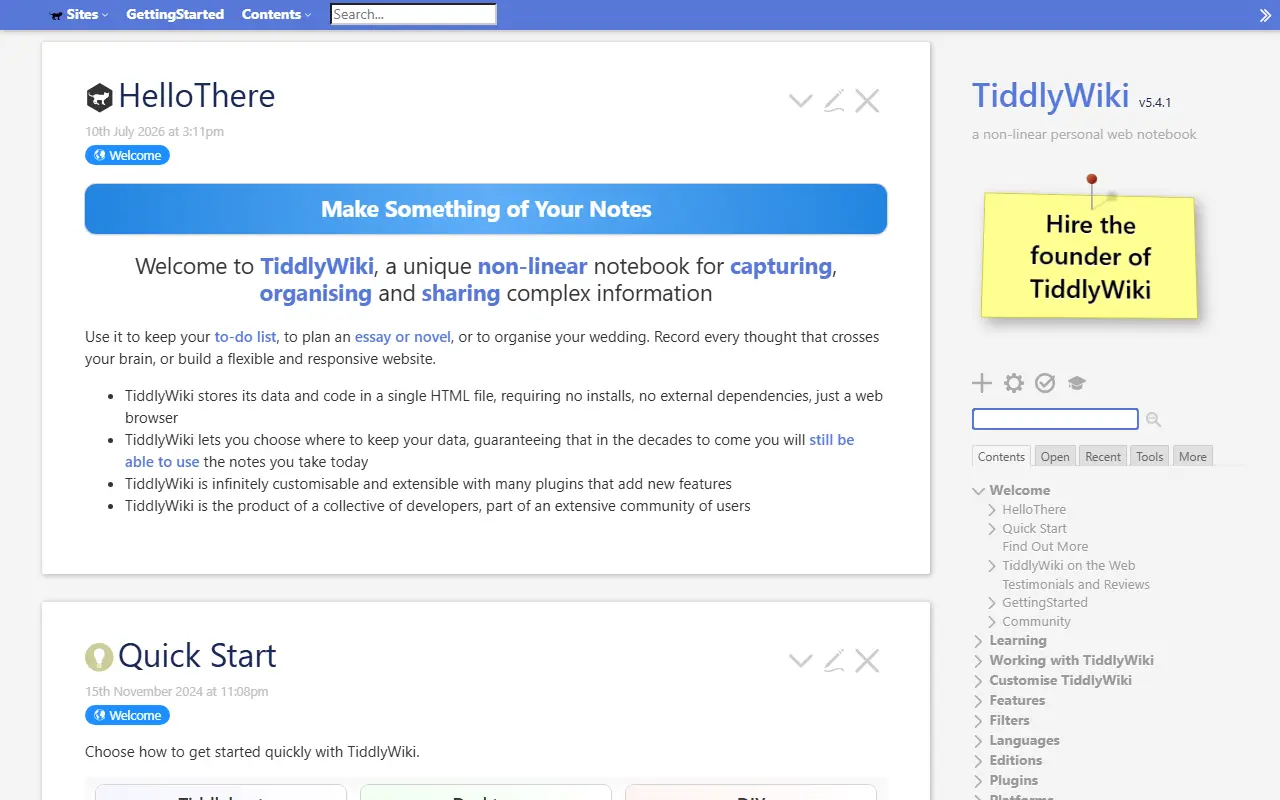
TiddlyWiki is a personal web notebook with a non-linear structure, usable by anyone and kept indefinitely without depending on any company. It is a complete interactive wiki written in JavaScript, in which content is stored as small units called tiddlers that can be linked, tagged and rearranged.
It can be used as one self-contained HTML file in the browser, or run as a Node.js application with a client and server setup for advanced users. The whole interface is implemented in WikiText, which makes it highly customizable, and there is a plugin ecosystem. The project description also mentions that it can run in places such as AWS Lambda.
The community talks on the Talk TiddlyWiki forum, a Google Group that dates back to 2005, GitHub Discussions, Reddit and Discord, and developer documentation is published on the project site. The repository lists the licence as Other. TiddlyWiki is suited to personal knowledge bases, journals, task lists and small documentation sets.
Key features
- Single-file HTML wiki
- Node.js client and server mode
- Non-linear linked notes called tiddlers
- User interface written in WikiText
- Plugins and community extensions
- Runs in browsers and on servers
Pricing: Free and open source; the repository lists the license as Other.
#7
An end-to-end encrypted note-taking app with sync across devices and a self-hostable server, available on web, desktop and mobile.
- GitHub stars
- 6.7k
- Last commit
- today
- Latest release
- @standardnotes/desktop@3.202.11
- Licence
- AGPL-3.0
- Self-hosted
- Yes
- Hosted version
- Available
standardnotes.com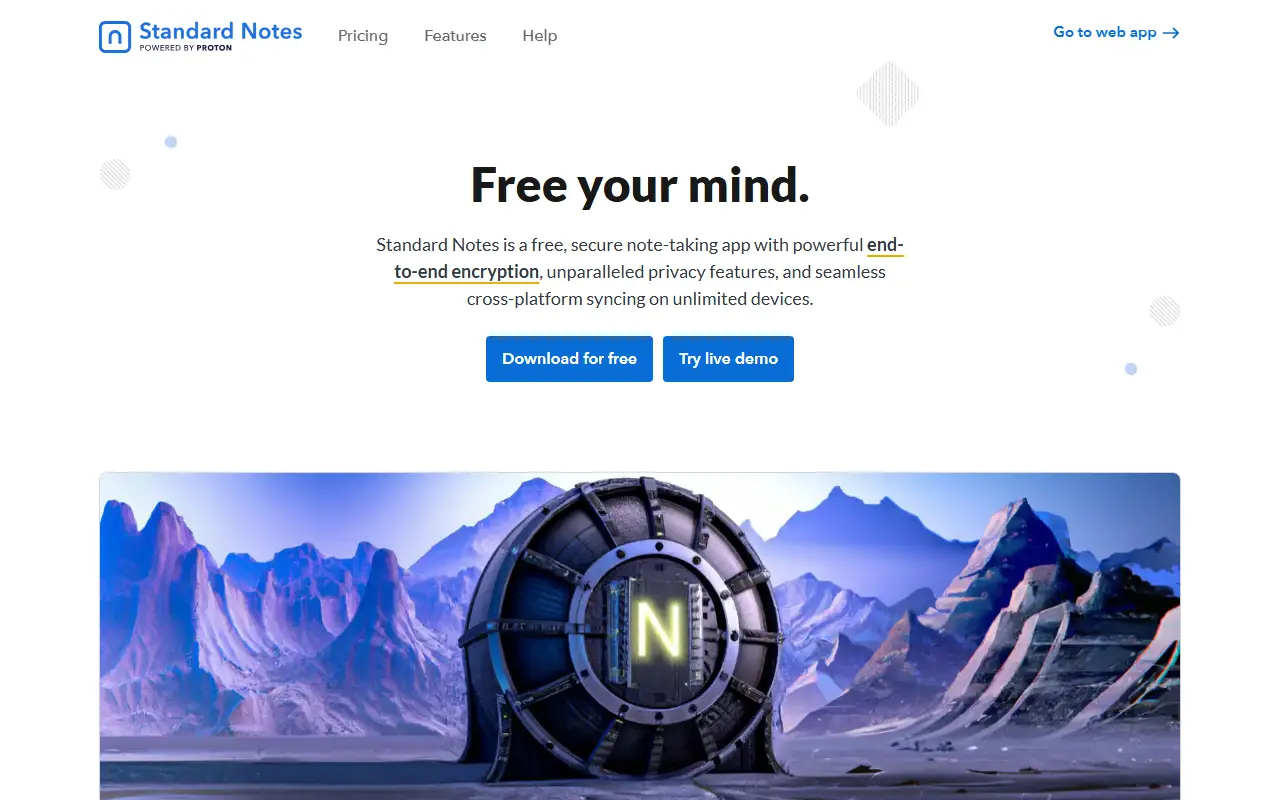
Standard Notes is a note-taking app with end-to-end encryption, built for digitalists and professionals, aiming to keep notes, files and life's work in one secure place. Only the user can read their notes, and sync across devices is encrypted by default.
You register for an account on the web app and install clients for Mac, Windows, Linux, iOS and Android. The README highlights fast, free and encrypted sync on an unlimited number of devices, public source code, the option of hosting your own server with a few steps, and a focus on longevity and sustainability. A companion service called Listed turns notes into an online publication with email newsletters, and developers can build and publish extensions.
The web app compiles to static HTML, JavaScript and CSS files that can be served from any web server, and the README includes build and development instructions. Standard Notes is written in TypeScript and licensed under AGPL-3.0, with a forum and help pages for support. It suits privacy-minded users who want encrypted notes with the option to host their own backend.
Key features
- End-to-end encrypted notes and files
- Sync across unlimited devices
- Apps for web, desktop and mobile
- Self-hostable sync server
- Listed publishing and newsletters
- Extensions published by developers
Pricing: Free Standard plan includes end-to-end encryption and device sync. Productivity costs $90 and Professional $120 per year; there is no trial, but refunds are offered.
#8
Tusk is a browser extension that fills passwords from your existing KeePass database files in Chrome and Firefox, including databases kept on WebDAV servers.
- GitHub stars
- 524
- Last commit
- 2 days ago
- Latest release
- v2024.8.2
subdavis.com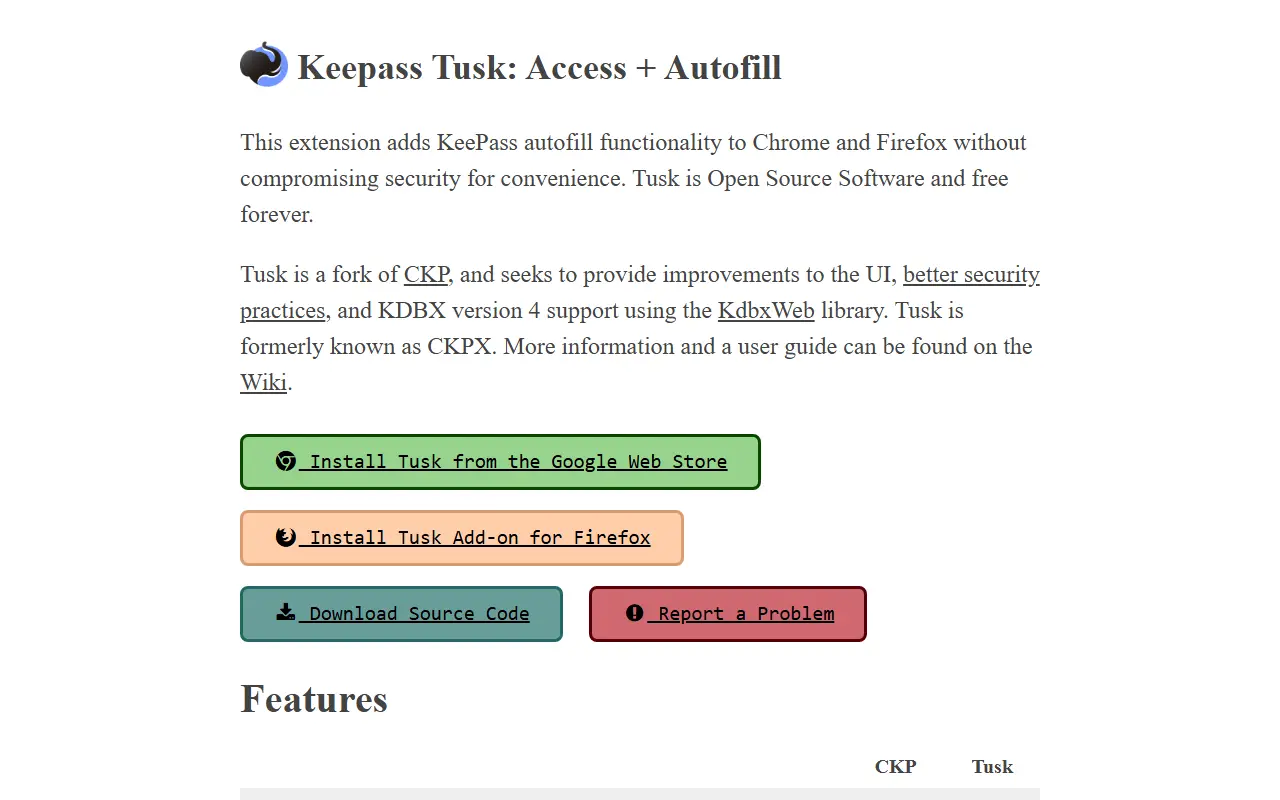
Tusk is a browser extension that reads KeePass databases and fills the saved credentials into web pages. Built with Vue.js and the kdbxweb library, it gives KeePass users a way to autofill logins in Chrome and Firefox without moving to a different password manager. The listing name refers to the author's account.
It supports WebDAV file servers and custom fields, and offers an optional cache that keeps the master password in memory for convenience. The documentation explains how sensitive data such as databases and key files is handled and what the warnings mean. Firefox requests all permissions at install time, while Chrome prompts on first use.
The project was rebooted from an earlier extension called CKP, and the maintainer argues that open code is more transparent than proprietary black-box password tools. It is built with Node and Yarn, and the repository metadata lists its licence as other.
Key features
- KeePass database support through kdbxweb
- Credential autofill in Chrome and Firefox
- WebDAV file server support
- Custom field support
- Optional in-memory master password cache
- Documented handling of sensitive data
Lunatask alternatives: questions
- What is the best open-source alternative to Lunatask?
- Super Productivity is the top-ranked open-source alternative to Lunatask on Enlisted: Super Productivity is a local-first to-do app with timeboxing, time tracking and integrations with Jira, GitHub, GitLab and more. Other strong options are Joplin, Logseq, Anytype and Habitica.
- What are the best commercial alternatives to Lunatask?
- Microsoft To Do, Todoist, Amazing Marvin, Journey and OmniFocus are among the hosted, closed-source alternatives to Lunatask listed on Enlisted, which lists 17 in total. Compare their pricing and features on each tool page.
- Are these Lunatask alternatives free?
- All 8 are open source, so the code is free to use under its licence, and all of them can be self-hosted on your own server or computer. 3 also offer a paid or managed cloud version if you'd rather not host it yourself.
- How is this list of Lunatask alternatives ranked?
- By a score built from GitHub stars, star growth over the last 30 days and how recently the code changed. 8 of these projects shipped code in the last 30 days. Data is refreshed daily, and nobody can pay to move up.
 TrackMedia
 TrackRev