7,363 open-source and SaaS tools, with GitHub stats refreshed every day.

4 alternatives ranked by real activity

Open-source Crestron Home alternatives

A curated, ranked list of the 4 best open-source alternatives to Crestron Home.

The best open-source alternative to Crestron Home is Home Assistant. If that doesn't suit you, other good options are Home Assistant OS, Gladys Assistant and openHAB.

Crestron Home alternatives are mainly home automation & IoT tools. 4 of them shipped code in the last 30 days, 4 can be self-hosted, and 3 use a permissive licence.

Last updated October 3, 2026 · ranked by GitHub stars, growth and recent commits

Home Assistant

Open-source home automation software built around local control and privacy, with automations, dashboards, voice assistants and over 1,500 integrations.

GitHub stars
91k
Last commit
today
Latest release
2026.9.4
Licence
Apache-2.0
Self-hosted
Yes
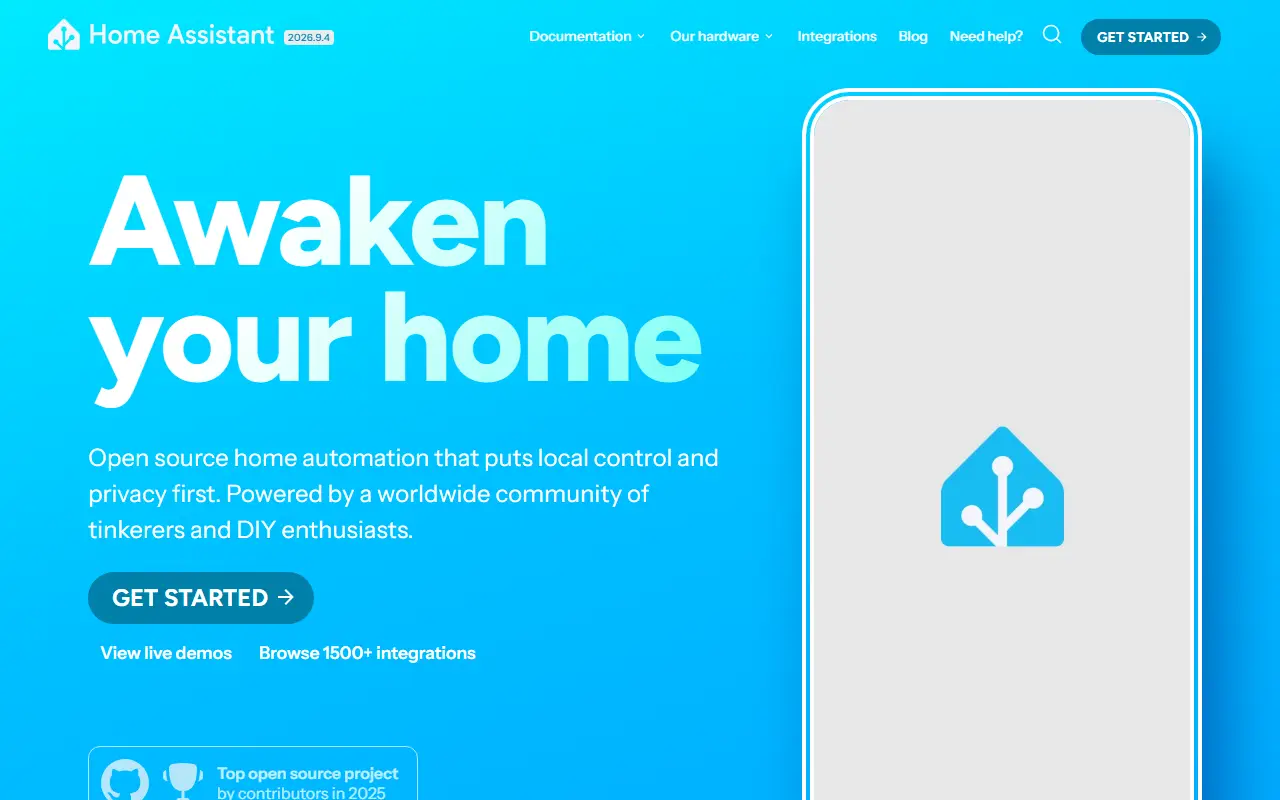
home-assistant.ioHome Assistant homepage screenshot

Home Assistant is open-source home automation software built around local control and privacy. It runs on hardware you own, such as a Raspberry Pi or a small home server, and brings smart lights, sensors, switches, thermostats and other devices together in one place. The core is written in Python and released under the Apache-2.0 license.

The documentation is organized around automations and dashboards, voice control, grouping devices by area, tracking energy use and templating, with configuration through the interface or YAML files. The project lists more than 1,500 integrations, and it can be controlled through assistants such as Alexa and Google Assistant. Companion hardware, including Home Assistant Green and the Voice Preview Edition, makes first-time setup simpler.

Home Assistant is a project of the Open Home Foundation, a non-profit that states the project cannot be sold or acquired. It suits tinkerers and DIY enthusiasts who want a home automation hub that does not depend on a single vendor's cloud, as well as people who want to unify devices from many brands under one dashboard.

Key features

  • Automations for lights, sensors and other devices
  • Customizable dashboards for your home
  • Voice assistant support
  • Energy management tools
  • Templating and YAML-based configuration
  • 1,500+ device and service integrations

Pricing: Free and open source under the Apache-2.0 license; the project also sells optional hardware.

Home Assistant OS

Home Assistant Operating System is a Buildroot-based Linux OS, formerly HassOS, built to run Home Assistant on Raspberry Pi, ODROID and x86-64 devices.

GitHub stars
7.5k
Last commit
yesterday
Latest release
18.3
Licence
Apache-2.0
Self-hosted
Yes

Home Assistant Operating System, formerly called HassOS, is a Linux distribution tuned for hosting Home Assistant and its apps. It is aimed at people who want a dedicated home automation appliance rather than installing Home Assistant on top of a general-purpose distribution.

It uses Docker as its container engine and by default deploys the Home Assistant Supervisor as a container, which in turn controls Home Assistant Core and its apps in separate containers. The system is built with Buildroot instead of being based on a distribution such as Ubuntu. It targets single board computers such as the Raspberry Pi and ODROID, and it also supports x86-64 systems with UEFI.

Listed features include a lightweight, memory-efficient design, minimized I/O, over-the-air updates, offline updates and a modular architecture. The project is written mostly in Python, licensed under Apache-2.0, and its supported hardware is defined in architecture decision records, with the official getting started guide covering installation.

Key features

  • Lightweight, memory-efficient Linux system
  • Over-the-air and offline updates
  • Docker-based modular architecture
  • Runs the Home Assistant Supervisor
  • Supports Raspberry Pi, ODROID and x86-64
  • Minimized disk I/O

Pricing: Free and open source under the Apache-2.0 licence.

Read more about Home Assistant OSGitHub

Gladys Assistant

Privacy-focused open-source smart home assistant that runs on your own hardware, such as a Raspberry Pi, mini-PC, or NAS, to automate home devices.

GitHub stars
3.2k
Last commit
today
Latest release
v5.1.3
Licence
Apache-2.0
Self-hosted
Yes
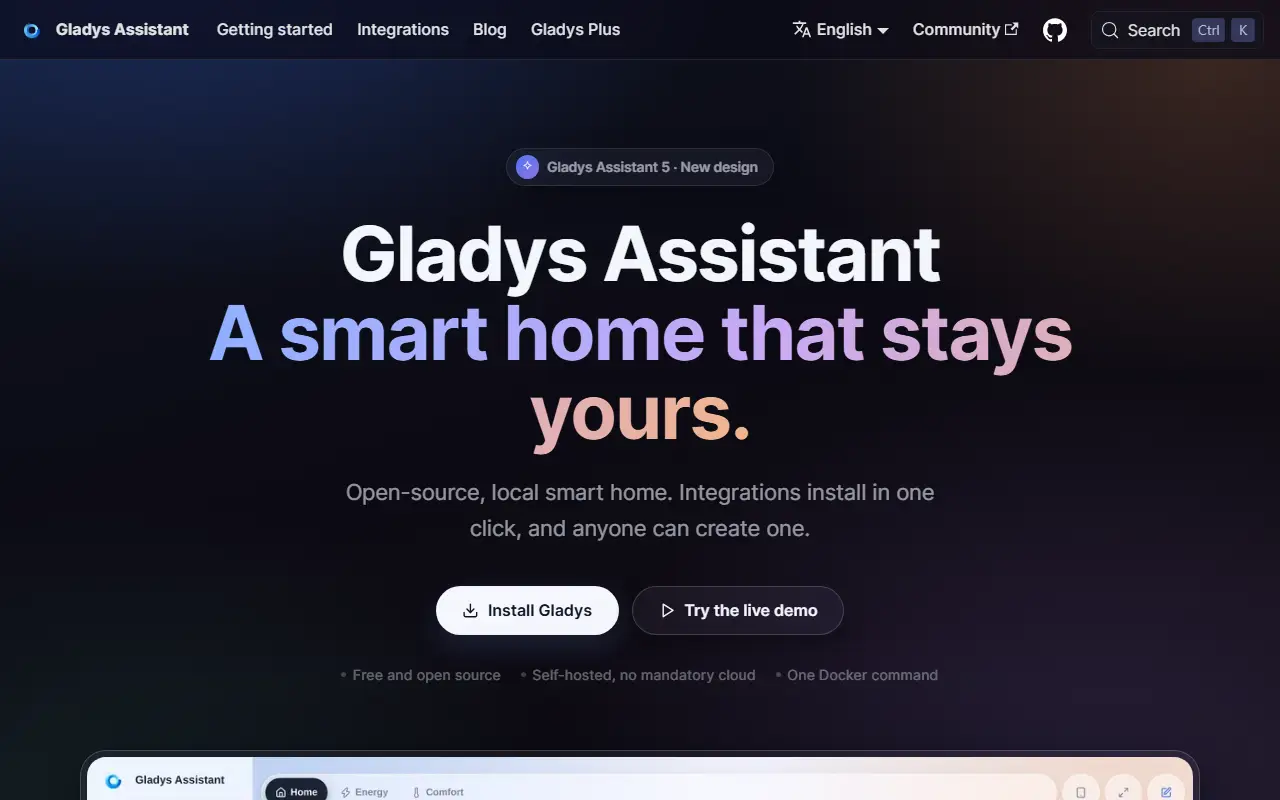
gladysassistant.comGladys Assistant homepage screenshot

Gladys Assistant is an open-source home assistant that puts privacy first: it runs on a machine in your home and keeps your smart home data local. It has been developed since 2015 and is written in JavaScript on Node.js. The code is released under the Apache-2.0 license.

It is aimed at home automation and IoT setups, where you connect devices and build automations around them from one place. A local instance can be started quickly with Docker or Docker Compose, and the project provides step-by-step installation guides for a mini-PC, a NAS, or a Raspberry Pi, which makes it practical to run on small, always-on hardware.

Gladys is developed by a community that welcomes code, documentation, translations, and feature ideas, and the repository includes guides for contributors. It suits people who want to control a smart home without sending data to a cloud service, and who are comfortable running a small server at home.

Key features

  • Runs locally with a privacy-first design
  • Docker and Docker Compose installation
  • Works on Raspberry Pi, mini-PCs, and NAS devices
  • Home automation and IoT device control
  • Built on Node.js with community contributions

Pricing: Gladys Assistant itself is free and open source. The optional Gladys Plus cloud service costs €6.99 (Lite) or €9.99 (Plus) per month, cheaper billed yearly, with a one-month free trial.

openHAB

openHAB Core is the Java framework of core bundles that underpins the openHAB smart home and IoT automation runtime.

GitHub stars
1.1k
Last commit
today
Licence
EPL-2.0
Self-hosted
Yes
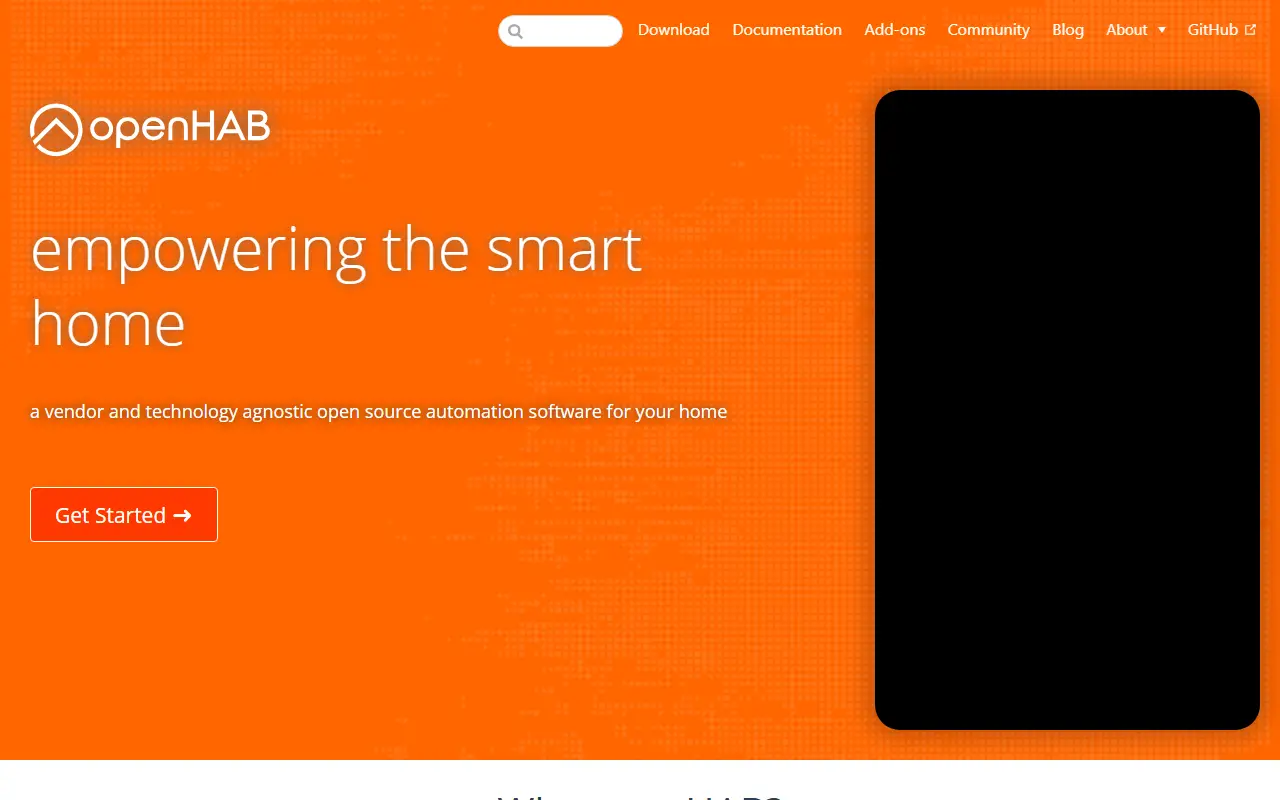
openhab.orgopenHAB homepage screenshot

openHAB Core contains the core bundles of the openHAB runtime, an open-source platform for home automation and the Internet of Things. The README is explicit that Core is not a product by itself but a framework for building solutions on top of it. The repository is mainly an artifact repository of OSGi bundles that the main openHAB distribution picks up and that can be used within smart home products.

Building it uses Maven and a Java SE Development Kit 21. The README walks through checking out the source, setting Maven options, and running a clean install with the spotless formatter, with quicker variants that skip tests or checks for faster local builds. The code is Java and licensed under EPL-2.0.

People who want to run openHAB at home normally install the main distribution instead of building Core. The repository itself is aimed at developers and contributors, and it points to contribution guidelines. Topics mention home automation, the Internet of Things and Java.

Key features

  • OSGi bundles for the openHAB runtime
  • Framework for smart home solutions
  • Maven-based build
  • Picked up by the main openHAB distribution
  • Contribution guidelines for developers

Pricing: Free and open source under the EPL-2.0 license.

Read more about openHABWebsite GitHub

Crestron Home alternatives: questions

What is the best open-source alternative to Crestron Home?
Home Assistant is the top-ranked open-source alternative to Crestron Home on Enlisted: Open-source home automation software built around local control and privacy, with automations, dashboards, voice assistants and over 1,500 integrations. Other strong options are Home Assistant OS, Gladys Assistant and openHAB.
Are these Crestron Home alternatives free?
All 4 are open source, so the code is free to use under its licence, and all of them can be self-hosted on your own server or computer.
How is this list of Crestron Home alternatives ranked?
By a score built from GitHub stars, star growth over the last 30 days and how recently the code changed. 4 of these projects shipped code in the last 30 days. Data is refreshed daily, and nobody can pay to move up.

People also look for alternatives to…

View all