
About UXMagic
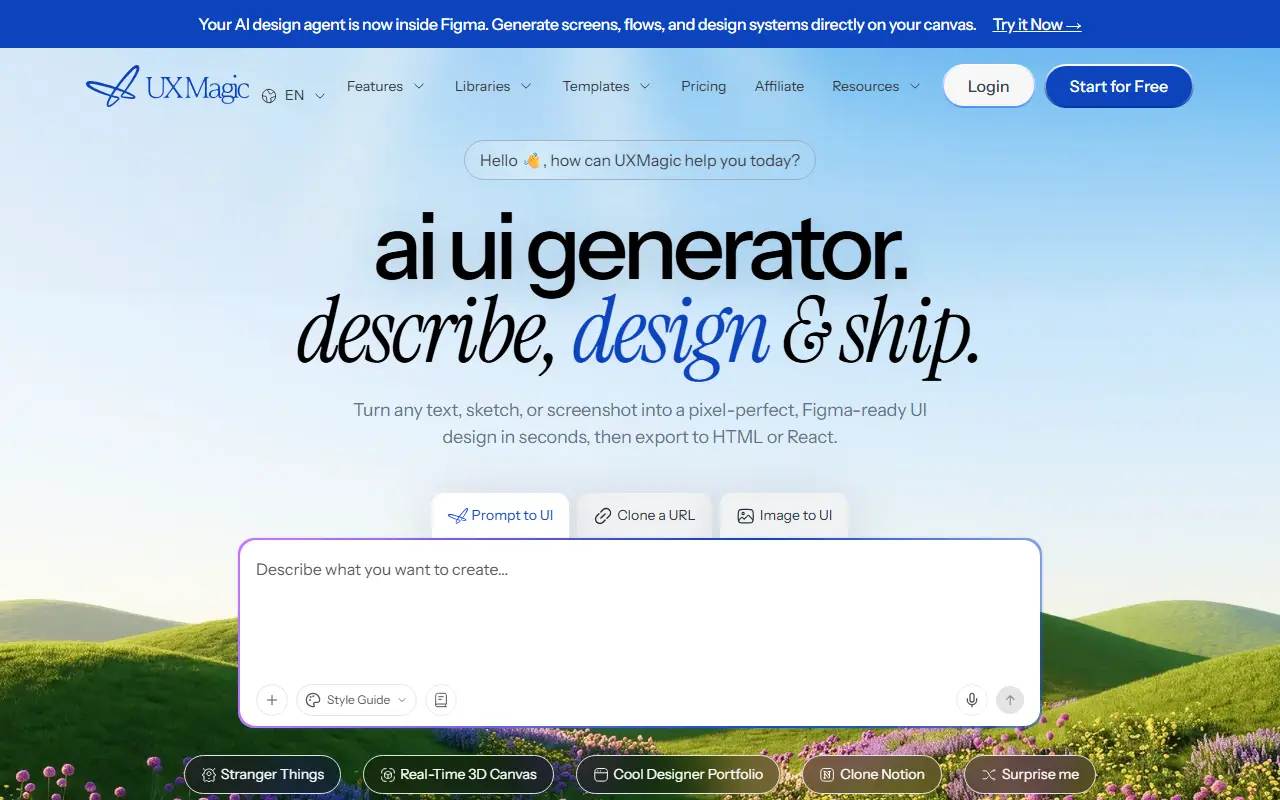
UXMagic generates interface designs from several kinds of input. You can describe a screen in text, upload a sketch or screenshot, clone a website by pasting its URL for an editable version, or import existing Figma designs and edit them with AI. Output can be exported to Figma, HTML or React, and tools such as an HTML-to-Figma converter and a Figma-to-code exporter are listed alongside the main generator.
Supporting features include automatic refinement of your input into structured prompts, instant edits to any element, a style guide generator for consistent UI, multi-screen generation from one prompt, an agent mode that works inside Figma on your canvas, and an MCP connection to carry designs from idea to production. A community gallery of generated UIs, libraries, templates and tutorials is provided, and the interface is available in about a dozen languages.
You can start for free, and a pricing page and affiliate program are listed. It is a hosted product for designers, developers and product teams that want wireframes and mockups quickly. The home page also advertises video tutorials on agent mode, style guides and multi-screen generation.
Key features
- Prompt to UI screen generation
- Website cloning from a URL
- Image or sketch to editable design
- Figma import and export
- Export to HTML and React code
- Style guide generator
- Agent mode inside Figma
Good fit for
- Drafting app screens from a text description
- Turning a screenshot into an editable Figma file
UXMagic: questions and answers
- What is UXMagic used for?
- UXMagic is an AI design tool that turns prompts, sketches, screenshots or website URLs into editable Figma-ready UI designs and exports to HTML or React code. It is a good fit for drafting app screens from a text description and turning a screenshot into an editable Figma file.
- Is UXMagic free?
- Yes. UXMagic has a free plan, and paid plans start at $35 per month.
- Is UXMagic open source?
- No. UXMagic is proprietary (closed-source) software and can't be self-hosted. In the Design category, open-source options include OpenPencil, Penpot and Doop.
- What are some alternatives to UXMagic?
- UXMagic competes with Uizard, Magic Patterns and Relume.
Open-source alternatives to UXMagic
See all
OpenPencil
Design
Generate complete, multi-screen product interfaces on a live canvas. Refine every layer wi
MITvs Figma★ 6.1k
Penpot
Design
Penpot: The open-source design platform for Product teams that need scalable collaboration
MPL-2.0vs Figma★ 61k
Doop
Design
The open-source alternative to Paper.design. A multiplayer design canvas where humans and
AGPL-3.0vs Figma★ 810
Maptoposter Online
Design
✨❤️🔥Turn the cities you love into stunning designs
MIT★ 950
CSS Wand
Design
🎨✨ Hover your wand and use your magic spell to copy beautiful css
MIT★ 1.2k
img2css
Design
Convert any image to pure CSS. Recreates images using only box-shadows.
BSD-3-Clause★ 2.5k
SaaS alternatives to UXMagic
See all
Uizard
AI Tools
AI-assisted UI design tool for wireframes and app prototypes
SaaS
Magic Patterns
AI Tools
AI design tool that generates UI prototypes and components from prompts
SaaS
Relume
Design
AI site builder and component library for planning and designing marketing websites
SaaS
Google Stitch
AI Tools
AI tool from Google Labs that generates UI designs and front-end code
SaaS
Visily
Design
AI-assisted wireframing and UI design tool for non-designers
SaaS
Anima
Design
Design-to-code platform that converts Figma designs into React, HTML and other code
SaaS