 Streamlabs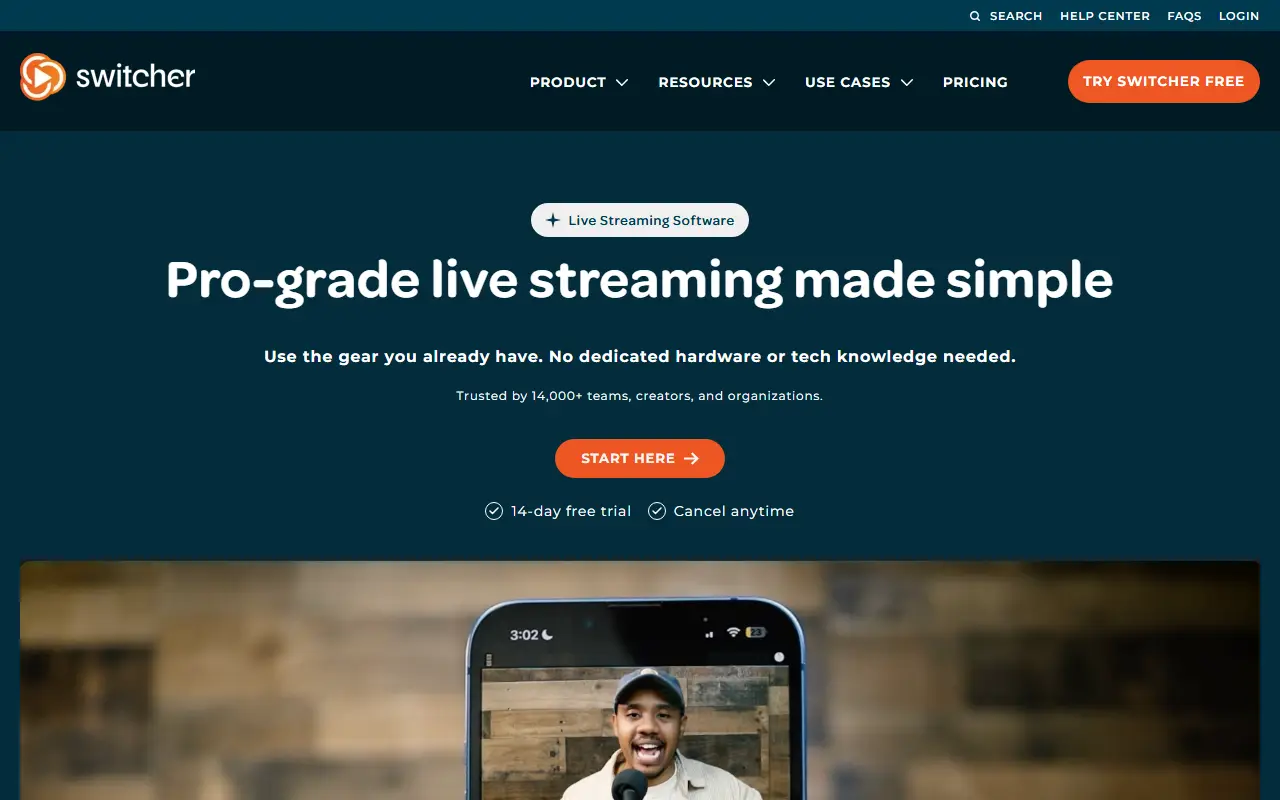
About Switcher Studio
Switcher Studio is a commercial multi-camera live streaming app that lets users produce video from iPhones, iPads and other devices they already own. The vendor stresses that no dedicated hardware or technical knowledge is needed to run a professional-looking broadcast.
A production starts by connecting iPhones, iPads, Macs, Android devices and other cameras into a multi-camera setup. From a single screen the operator switches camera angles, adds graphics and brings in remote guests, then broadcasts to platforms such as YouTube, Facebook and TikTok at the same time, or embeds the stream on a website. Product areas are named multicamera, multistream, multimedia, and host and monetize.
Switcher is hosted subscription software with a 14-day free trial and a published pricing page. The vendor highlights churches and worship services, sports teams, creators, podcasters, schools and live events as typical users.
Key features
- Multi-camera switching from phones and tablets
- Remote guests in live productions
- On-screen graphics and overlays
- Multistreaming to YouTube, Facebook and TikTok
- Embeddable streams for websites
- Hosting and monetization options
Good fit for
- →Churches streaming worship services
- →Sports teams broadcasting games
- →Creators and podcasters going live
- Tags
- live-streaming
- multicamera
- multistreaming
- ios
- video-production
- churches
- creators
Switcher Studio: questions and answers
- What is Switcher Studio used for?
- Switcher Studio is a commercial multi-camera live streaming app for producing and multistreaming video from iPhones, iPads and other devices. It is a good fit for churches streaming worship services, sports teams broadcasting games, and creators and podcasters going live.
- How much does Switcher Studio cost?
- Paid plans for Switcher Studio start at $35 as a one-time payment, and there is no free plan. A free trial is available.
- Is Switcher Studio open source?
- No. Switcher Studio is proprietary (closed-source) software and can't be self-hosted. In the Video Editing category, open-source options include OBS Studio, OpenCut and HandBrake.
- What are some alternatives to Switcher Studio?
- Switcher Studio competes with StreamYard, Restream and Ecamm Live.
Open-source alternatives to Switcher Studio
See all
OBS Studio
Video Editing
OBS Studio - Free and open source software for live streaming and screen recording
GPL-2.0vs vMix★ 77k
OpenCut
Video Editing
The open-source CapCut alternative
MITvs CapCut★ 91k
HandBrake
Video Editing
HandBrake's development repository
OSS★ 25k
Cap
Video Editing
Open source Loom alternative. Beautiful, shareable screen recordings.
OSSvs Loom★ 23k
Screenity
Video Editing
The free and privacy-friendly screen recorder with no limits 🎥
GPL-3.0vs Screencastify★ 19k
Shotcut
Video Editing
cross-platform (Qt), open-source (GPLv3) video editor
GPL-3.0vs Adobe Premiere Pro★ 15k
SaaS alternatives to Switcher Studio
See all
StreamYard
Video Editing
Browser-based live streaming studio with guests, overlays and multistreaming
SaaS
Restream
Media & Streaming
Multistreaming service that broadcasts live video to many platforms at once
SaaS
Ecamm Live
Video Editing
Mac live streaming and video production app
SaaS
vMix
Video Editing
Windows live video production and streaming software
SaaS
Riverside
Video Editing
Browser-based studio for recording podcasts and video interviews in high quality
SaaS
Wirecast
Video Editing
Live video production and streaming software from Telestream
SaaS