 TrackMedia
 TrackRev
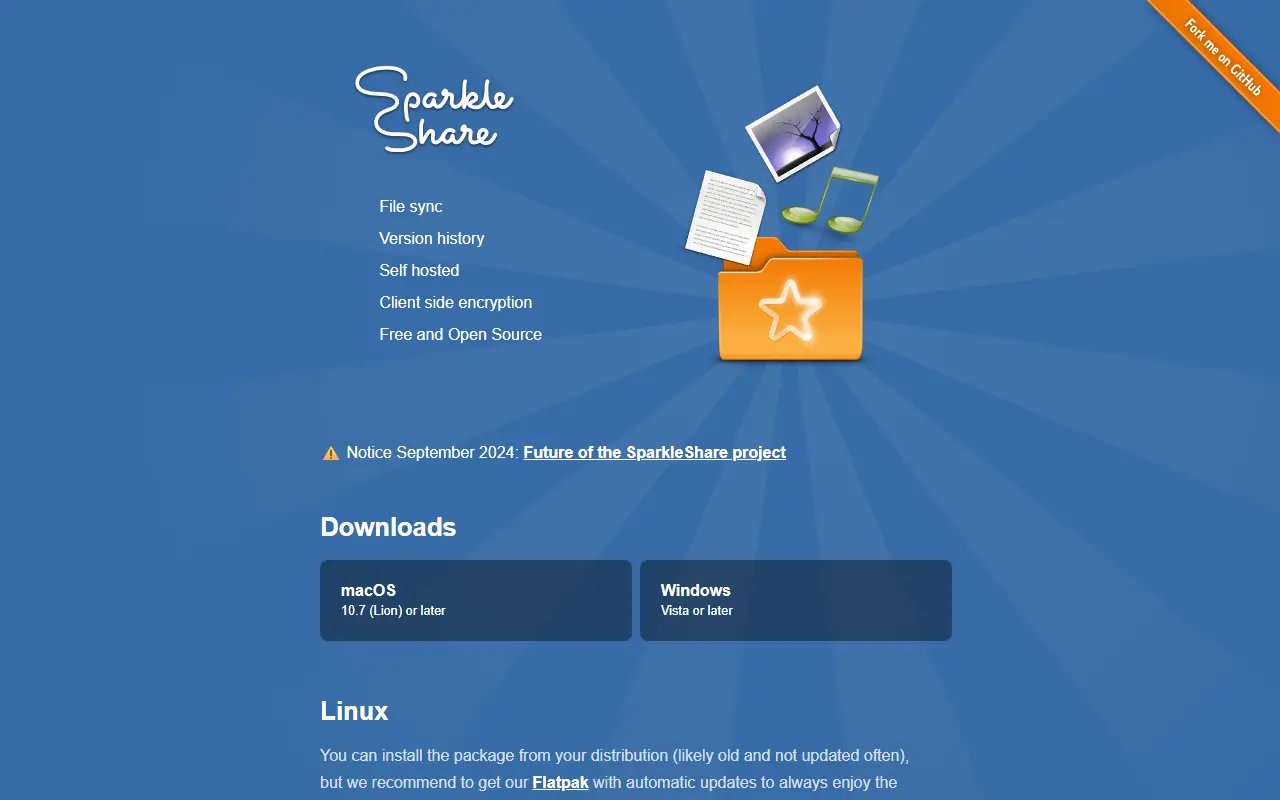
About SparkleShare
SparkleShare creates a special folder on your computer. Remotely hosted folders, called projects, are added to it and kept in sync with the host and with your peers whenever someone adds, removes or edits a file. Clients are offered for macOS 10.7 or later, Windows Vista or later, and Linux, where the project recommends its Flatpak. It is licensed under GPL-3.0.
It uses Git underneath, so you can host projects yourself with the Dazzle script, which also supports encrypted projects, or use a Git host such as GitLab, GitHub or Bitbucket. The site says it suits frequently changing text, office documents and images edited by several people, and that it is weak for full computer backups and large binary files that change often. A notice from September 2024 about the future of the project appears on the homepage.
Key features
- Automatic sync of shared folders with host and peers
- Restore a file to any earlier version
- Server-side encryption of file contents
- Git as the storage layer, easy to host yourself
- Compatible with hosted Git services
Good fit for
- Syncing shared project files
- Collaborative document editing history
- Self-hosted team file sharing
SparkleShare: questions and answers
- What is SparkleShare used for?
- SparkleShare is a self-hosted, open source file sync tool with version history and client-side encryption, built on Git. It is a good fit for syncing shared project files, collaborative document editing history and self-hosted team file sharing.
- Is SparkleShare open source?
- Yes. SparkleShare is open source under the GPL-3.0 licence. Its source code is on GitHub at hbons/SparkleShare and is written mainly in C#.
- Is SparkleShare free?
- Yes. SparkleShare is open source, so the software itself is free to use.
- Can I self-host SparkleShare?
- Yes. SparkleShare can be self-hosted on your own server or infrastructure.
- What is SparkleShare an alternative to?
- SparkleShare is an open-source alternative to Dropbox. Other open-source alternatives to Dropbox include Sync-in, Pydio Cells and Nextcloud.
- Is SparkleShare actively maintained?
- Yes. The most recent commit to SparkleShare was on 1 September 2026, and the latest release is 3.38.1, published on 20 September 2024. The project has 5k stars on GitHub, with 12 added in the last 30 days.
Open-source alternatives to SparkleShare
See all
Sync-in
File Storage & Sharing
Sync-in · Sovereign platform for file storage, sharing, synchronization, and collaboration
AGPL-3.0vs Dropbox★ 2k
Pydio Cells
File Storage & Sharing
Future-proof content collaboration platform
AGPL-3.0vs Dropbox★ 2.3k
Nextcloud
File Storage & Sharing
☁️ Nextcloud server, a safe home for all your data
AGPL-3.0vs Dropbox★ 37k
Syncthing
File Storage & Sharing
Open Source Continuous File Synchronization
MPL-2.0vs Dropbox★ 90k
FileBrowser Quantum
File Storage & Sharing
📂 Web File Browser
Apache-2.0vs Dropbox★ 9.1k
Cloudreve
File Storage & Sharing
🌩 Self-hosted file management and sharing system, supports multiple storage providers
GPL-3.0vs Dropbox★ 29k
SaaS alternatives to SparkleShare
See all
Dropbox
File Storage & Sharing
Dropbox is cloud storage and file sharing with desktop and mobile apps, plus related tools for video review, e-signatures, document sharing and search.
SaaS
Sync.com
File Storage & Sharing
Zero-knowledge encrypted cloud storage and file sharing from Canada
SaaS
Box
File Storage & Sharing
Cloud content management and file sharing platform for businesses
SaaS
Degoo
File Storage & Sharing
Cloud backup and storage with an ad-supported free tier
SaaS
Egnyte
File Storage & Sharing
Business file sharing and content governance for hybrid cloud and on-premises data
SaaS
FileCloud
File Storage & Sharing
Self-hosted or cloud enterprise file sync and share platform
SaaS