
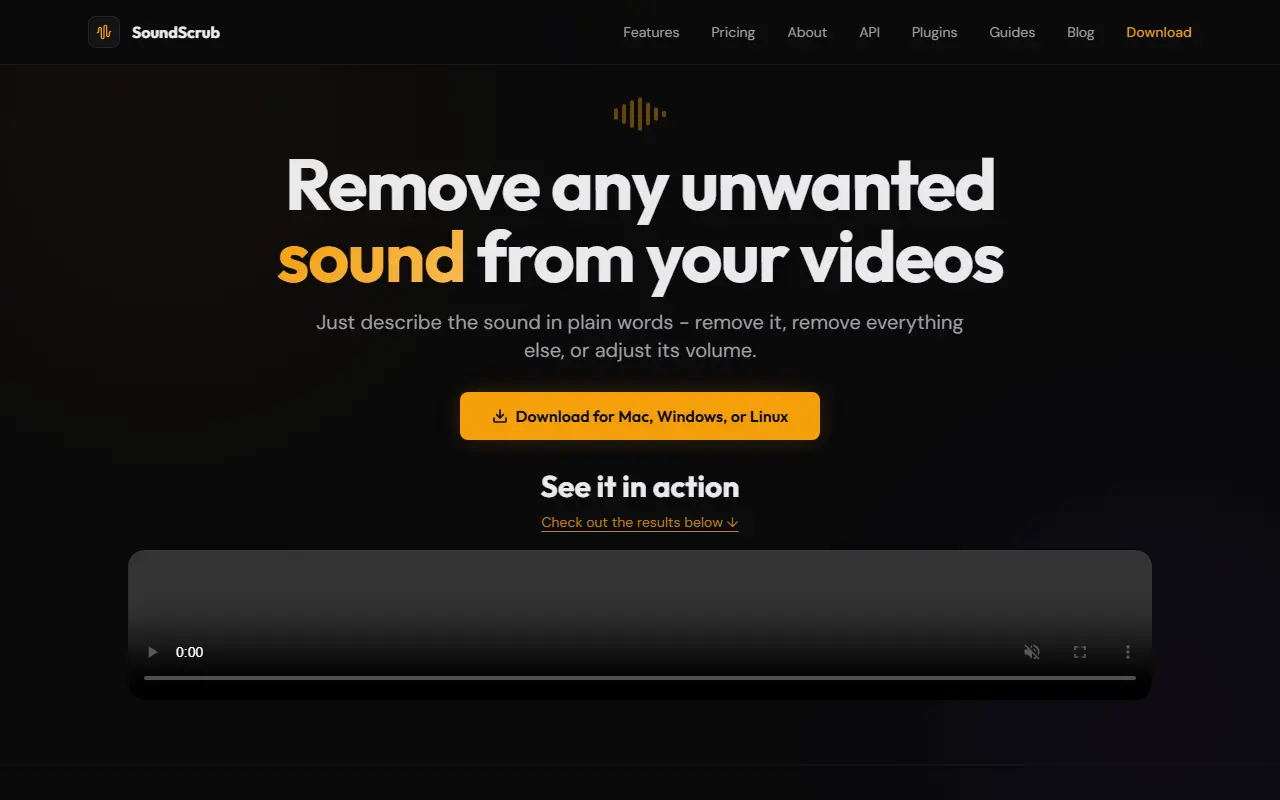
About SoundScrub
SoundScrub lets creators fix audio problems by describing the sound they want to change. You drag in a video or audio file, type what to target, such as background music, people speaking or ambient noise, and choose to remove it, remove everything else, or just adjust its volume. Built-in categories cover speech, music, ambient noise, animal sounds and urban noise, and a custom field accepts any description.
The app runs on Mac, Windows and Linux, shows live progress and keeps a job history with locally saved output files. Only the audio track is extracted and processed, the video stays on the user's computer, and audio is not stored once processing finishes. Typical uses are removing copyrighted background music from footage, cutting unwanted commentary, or reducing wind and traffic in recordings that cannot be re-filmed. There is also an API for developers who want audio source separation inside their own products, and guides for common scenarios.
Key features
- Describe a sound in plain words to target it
- Remove, isolate or lower speech, music and noise
- Drag and drop video or audio files
- Live progress bar and job history
- Video stays on your computer
- API for audio source separation
Good fit for
- Removing copyrighted music from travel footage
- Cutting wind or traffic noise from a recording
- Muting unwanted speech in otherwise good video
SoundScrub: questions and answers
- What is SoundScrub used for?
- SoundScrub is a desktop app for Mac, Windows and Linux that removes, isolates or turns down sounds in video and audio files based on a plain-language description. It is a good fit for removing copyrighted music from travel footage, cutting wind or traffic noise from a recording and muting unwanted speech in otherwise good video.
- How much does SoundScrub cost?
- SoundScrub is a paid product with no free plan. Pay-as-you-go only, with no subscription: $0.25 per 30 seconds of video processed, bought as prepaid credits that do not expire.
- Is SoundScrub open source?
- No. SoundScrub is proprietary (closed-source) software. In the Audio & Music Production category, open-source options include Audacity, MuseScore and LMMS.
- What are some alternatives to SoundScrub?
- SoundScrub competes with Adobe Podcast, iZotope and LALAL.AI.
Open-source alternatives to SoundScrub
See all
Audacity
Audio & Music Production
Audio Editor
OSSvs Adobe Audition★ 19k
MuseScore
Audio & Music Production
MuseScore is an open source and free music notation software. For support, contribution, b
OSSvs Avid Sibelius★ 15k
LMMS
Audio & Music Production
Cross-platform music production software
GPL-2.0vs FL Studio★ 10k
Mixxx
Audio & Music Production
Mixxx is Free DJ software that gives you everything you need to perform live mixes.
OSSvs Native Instruments★ 7.2k
Ardour
Audio & Music Production
Mirror of Ardour Source Code
OSSvs Pro Tools★ 5.3k
MusicBrainz Picard
Media & Streaming
Picard is a cross-platform music tagger powered by the MusicBrainz database
GPL-2.0★ 5.3k
SaaS alternatives to SoundScrub
See all
Adobe Podcast
Audio & Music Production
Web tool with AI speech enhancement and a podcast recording studio
SaaS
iZotope
Audio & Music Production
Audio repair, mixing and mastering software including RX and Ozone
SaaS
LALAL.AI
Audio & Music Production
AI audio stem splitter that separates vocals and instruments
SaaS
Descript
AI Tools
Edit video and podcasts by editing their transcript, with AI voice and cleanup tools
SaaS
Auphonic
Audio & Music Production
Automatic audio post-production service for leveling, noise reduction and loudness
SaaS
Noise Reducer
Audio & Music Production
App that removes background noise from audio and video, working offline
SaaS