
About ScrapeStudio
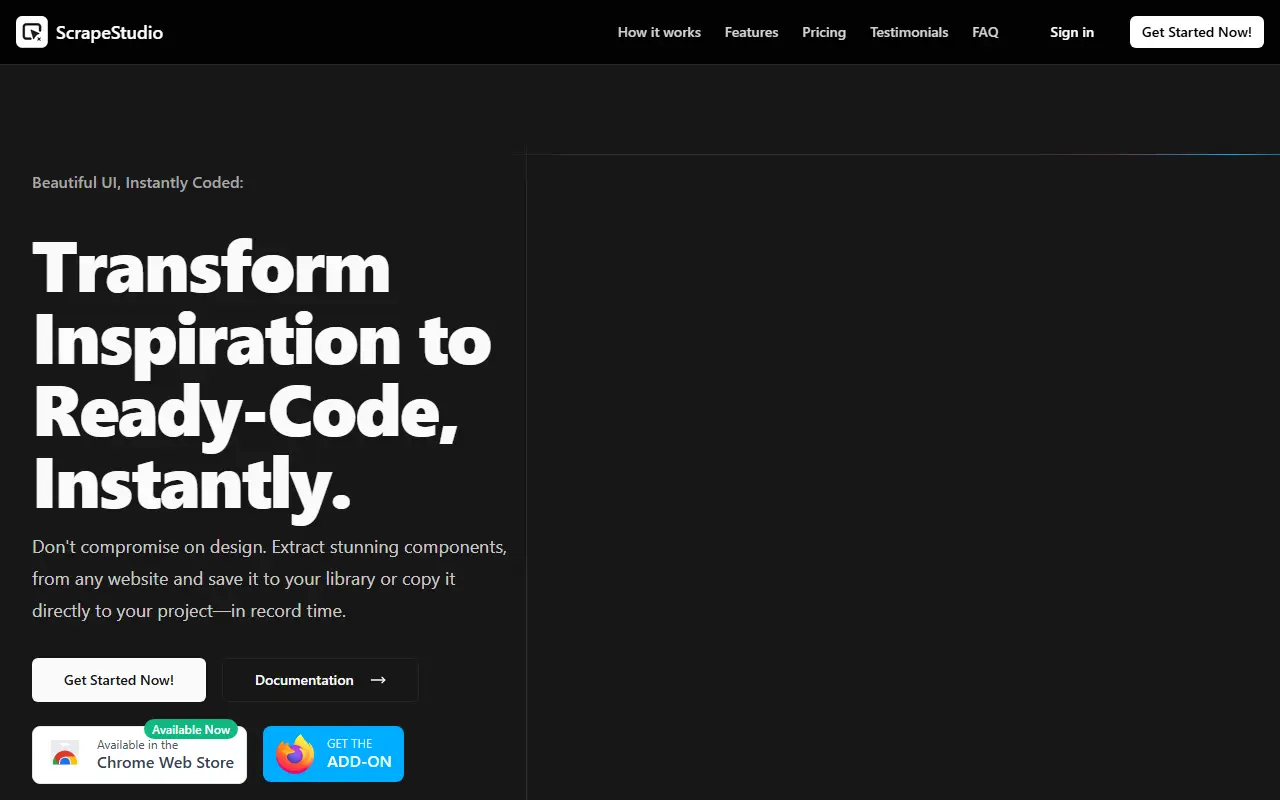
ScrapeStudio is a browser extension for grabbing UI components from websites. You select any element on a page and it extracts the HTML and CSS, cleans and optimizes the code, and lets you save it to a personal component library or copy it straight into your project. A keyboard shortcut captures elements, and a color picker pulls colors from any element.
Saved components can be categorized and tagged for reuse, customized in a live component playground with previews, an editor and a debugger, and exported to React, Vue or Tailwind CSS. The site targets developers and designers who want inspiration from other sites turned into ready code, and lists a Chrome Web Store add-on and documentation.
Pricing is a one-time payment: Lifetime Starter at $39 with extension access, unlimited extractions, basic framework exports and lifetime updates, and a $69 lifetime tier that adds the personal component library, the playground and advanced framework exports.
Key features
- One-click HTML and CSS element extraction
- Code cleanup and optimization
- Personal component library with tags
- Live component playground
- Export to React, Vue or Tailwind
- Color picker for page elements
Good fit for
- Reusing UI patterns seen on other sites
- Building a personal component library
ScrapeStudio: questions and answers
- What is ScrapeStudio used for?
- ScrapeStudio is a Chrome extension and library that extracts HTML and CSS components from any website and exports them to React, Vue or Tailwind code. It is a good fit for reusing UI patterns seen on other sites and building a personal component library.
- How much does ScrapeStudio cost?
- Paid plans for ScrapeStudio start at $39 as a one-time payment, and there is no free plan.
- Is ScrapeStudio open source?
- No. ScrapeStudio is proprietary (closed-source) software and can't be self-hosted. In the Developer Tools category, open-source options include Visual Studio Code, Zed and code-server.
- What are some alternatives to ScrapeStudio?
- Other SaaS products in the Developer Tools category include Design Snap, Efferd and FasterFixes.
Open-source alternatives to ScrapeStudio
See all
Visual Studio Code
Developer Tools
Visual Studio Code
MITvs Sublime Text★ 194k
Zed
Developer Tools
Code at the speed of thought – Zed is a high-performance, multiplayer code editor from the
OSSvs Sublime Text★ 91k
code-server
Developer Tools
VS Code in the browser
MITvs Replit★ 80k
Tabby
Developer Tools
A terminal for a more modern age
MITvs Warp★ 75k
Alacritty
Developer Tools
A cross-platform, OpenGL terminal emulator.
Apache-2.0vs Warp★ 66k
Ghostty
Developer Tools
👻 Ghostty is a fast, feature-rich, and cross-platform terminal emulator that uses platfor
MITvs Warp★ 62k
SaaS alternatives to ScrapeStudio
See all
Design Snap
Developer Tools
Chrome extension that extracts design tokens, exports shadcn/ui and Tailwind themes and inspects CSS
SaaS
Efferd
Developer Tools
Ready-to-use responsive shadcn UI blocks for web developers
SaaS
FasterFixes
Developer Tools
Open-source feedback pipeline that turns client feedback into work for AI-native development teams
SaaS
inspectDev
Developer Tools
Chrome extension for developers to inspect, analyse and understand websites while debugging
SaaS
JSFiddle
Developer Tools
Online editor for testing and sharing HTML, CSS and JavaScript snippets
SaaS
JSON Viewer Pro
Developer Tools
Visualises JSON data as interactive graphs
SaaS