
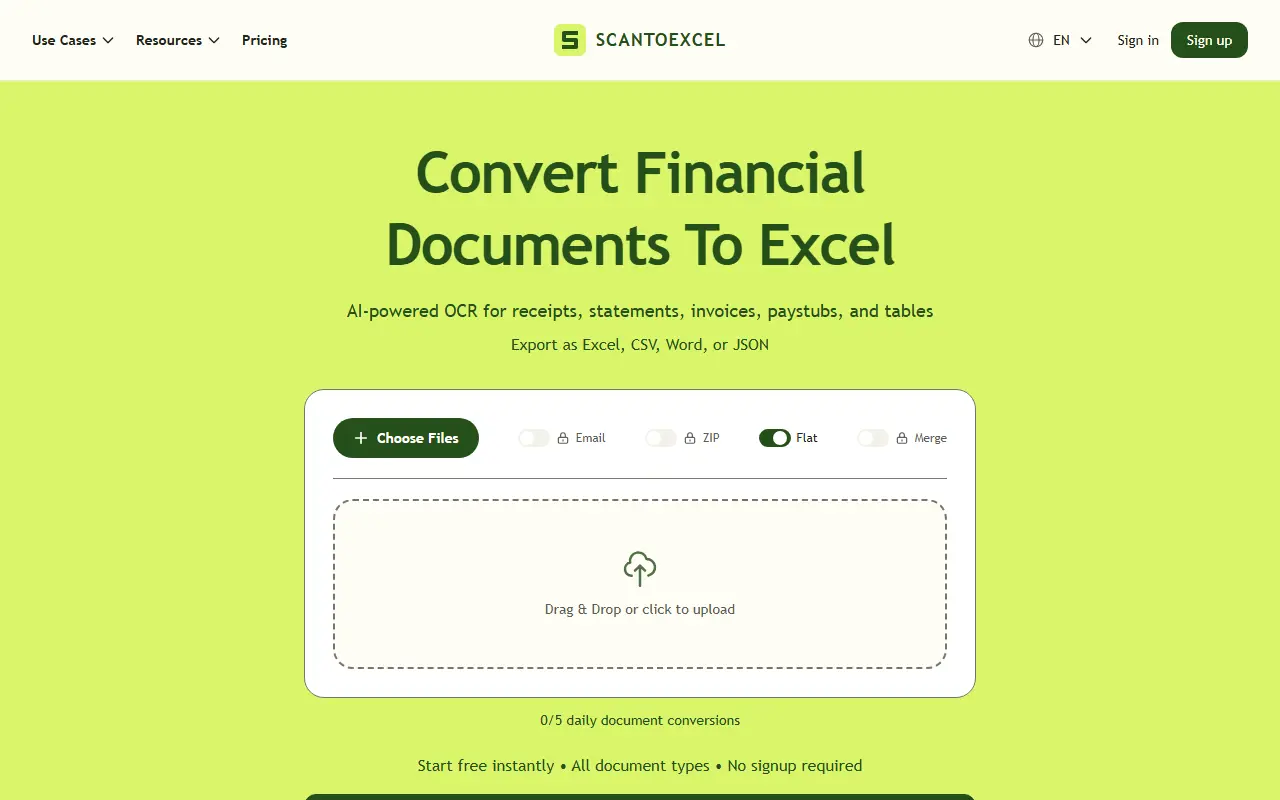
About ScanToExcel
ScanToExcel is a hosted OCR tool that turns financial documents into editable spreadsheets. You upload receipts, invoices, bank statements, credit card statements, paystubs or images and PDFs of tables, and AI extracts the data into rows and columns, such as merchants, dates, totals, line items, transaction descriptions and amounts. It runs without signup on the free plan.
Supported files include JPG, PNG, HEIC, HEIF, TIFF, WebP and single or multi-page PDFs, with export to Excel, CSV, Word or JSON. Premium adds accounting exports: Xero CSV for receipts, invoices and bank and credit-card statements, and QuickBooks CSV for bank and credit-card statements only. Export templates use English headers while extracted text mostly stays in the document's language.
On privacy, the site says files are processed in memory and sent to an AI provider for extraction, and are never stored. The free plan allows 5 conversions per day with single-file uploads up to 5 MB, and Free+ adds batches of up to 5 files of up to 10 MB each and email delivery. Premium is $4.99 a month for high monthly volume.
Key features
- Receipts, invoices and statements to spreadsheet rows
- Export to Excel, CSV, Word and JSON
- Xero and QuickBooks CSV exports on Premium
- Supports images and multi-page PDFs
- Batch uploads with Free+
- Email delivery of results
Good fit for
- Bookkeepers entering receipts and invoices
- Converting bank statements to spreadsheets
- Preparing files for accounting import
ScanToExcel: questions and answers
- What is ScanToExcel used for?
- ScanToExcel is an OCR service that converts receipts, invoices, bank statements and other financial documents into Excel, CSV, Word or JSON files. It is a good fit for bookkeepers entering receipts and invoices, converting bank statements to spreadsheets, and preparing files for accounting import.
- Is ScanToExcel free?
- Yes. ScanToExcel has a free plan, and paid plans start at $4.99 per month.
- Is ScanToExcel open source?
- No. ScanToExcel is proprietary (closed-source) software and can't be self-hosted. In the Finance & Accounting category, open-source options include TaxHacker, Firefly III and Akaunting.
- What are some alternatives to ScanToExcel?
- ScanToExcel competes with Bank Statement Converter, BankStatementConverter and Convert Bank Statement.
Open-source alternatives to ScanToExcel
See all
TaxHacker
Finance & Accounting
Your personal AI accountant
MITvs Expensify★ 6.7k
Firefly III
Finance & Accounting
Firefly III: a personal finances manager
AGPL-3.0vs YNAB★ 25k
Akaunting
Finance & Accounting
Online Accounting Software
OSSvs QuickBooks★ 10k
GnuCash
Finance & Accounting
GnuCash Double-Entry Accounting Program.
OSSvs Quicken★ 4.4k
Rotki
Finance & Accounting
A portfolio tracking, analytics, accounting and management application that protects your
AGPL-3.0★ 4k
Bigcapital
Finance & Accounting
💵 Independent financial accounting with intelligent reporting, alternative to Quickbooks,
AGPL-3.0vs QuickBooks★ 3.9k
SaaS alternatives to ScanToExcel
See all
Bank Statement Converter
Finance & Accounting
Converts PDF bank statements to Excel or CSV locally in your browser without uploading files
SaaS
BankStatementConverter
Finance & Accounting
Converts bank statement PDFs and scans into editable transactions exported as Excel, CSV or JSON
SaaS
Convert Bank Statement
Finance & Accounting
Converts PDF bank statements and invoices into CSV or Excel files
SaaS
Bank to File
Finance & Accounting
Upload a bank statement PDF and get a clean CSV of its transactions
SaaS
Parse My Statement
Finance & Accounting
Converts bank statement PDFs into clean CSV, Excel and JSON using OCR parsing and validation
SaaS
Rahunko
Finance & Accounting
Turns bank statements, invoices and receipts into reviewable financial data with CSV, JSON and XLSX exports
SaaS