
About RestoreBunny
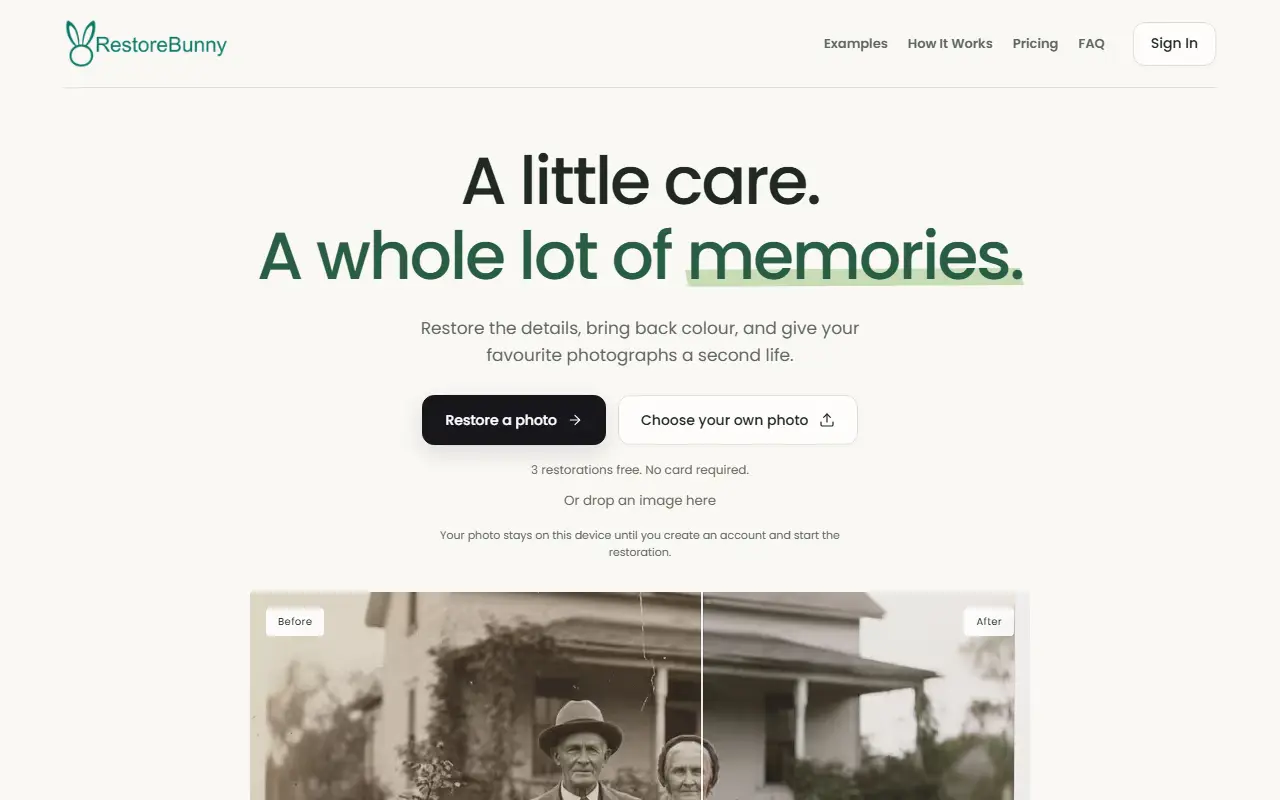
RestoreBunny is a web service that restores old photographs with AI. You upload a damaged, faded, blurry or black and white photo, choose what to fix (repair damage, add color or enhance detail) and download the result in high quality, ready to share or print. It targets scratches, tears, stains, fading and noise while trying to preserve the original details and expressions.
Besides restoration, the site offers an upscaler for blurry, compressed or low-resolution family photos, background removal that produces transparent PNGs, and free browser-based tools to resize, convert and compress images. A set of guides covers topics such as scan settings and keeping faces looking natural.
Handling terms are stated plainly: photos are not used to train AI, uploaded files are deleted after 10 days, failed restorations use no credits, and payment is one-time with no subscriptions or automatic renewals. The audience it names is families, photographers and studios with old collections, and historians, archivists and preservation enthusiasts.
Key features
- AI repair of scratches, tears and stains
- Color restoration for faded photos
- Colorization of black and white images
- Upscaling of blurry low-resolution photos
- Background removal to transparent PNG
- Free resize, convert and compress tools
- Drag-to-compare before and after view
Good fit for
- Restoring family photo collections
- Digitizing archives for historians and archivists
- Preparing scans for printing
RestoreBunny: questions and answers
- What is RestoreBunny used for?
- RestoreBunny is an online AI photo restorer that repairs scratches, tears, stains and fading and adds color, with free browser tools, three free restorations and no subscription. It is a good fit for restoring family photo collections, digitizing archives for historians and archivists, and preparing scans for printing.
- How much does RestoreBunny cost?
- RestoreBunny is a paid product with no free plan. One-time credit packs with no subscription: the Archive Pack is 11 pounds for 100 restorations and the Pro pack 14 pounds for 150.
- Is RestoreBunny open source?
- No. RestoreBunny is proprietary (closed-source) software and can't be self-hosted. In the Photos & Images category, open-source options include Immich, PhotoPrism and Ente.
- What are some alternatives to RestoreBunny?
- RestoreBunny competes with Remini, Deep Nostalgia AI and colorize.cc.
Open-source alternatives to RestoreBunny
See all
Immich
Photos & Images
Self-hosted photo and video management solution. Easily back up, organize, and manage your
AGPL-3.0vs Google Photos★ 116k
PhotoPrism
Photos & Images
AI-powered, privacy-first, self-hosted app for browsing, organizing, and sharing photos an
OSSvs Google Photos★ 40k
Ente
Photos & Images
💚 End-to-end encrypted cloud for everything.
AGPL-3.0vs Google Photos★ 29k
Darktable
Photos & Images
darktable is an open source photography workflow application and raw developer
GPL-3.0vs Adobe Lightroom★ 13k
LibrePhotos
Photos & Images
LibrePhotos is a self-hosted, open source photo management service. Faces, places, events
MITvs Google Photos★ 8.1k
Photoview
Photos & Images
Photoview is a simple and user-friendly Photo Gallery for self-hosted personal servers. It
AGPL-3.0vs Google Photos★ 6.5k
SaaS alternatives to RestoreBunny
See all
Remini
Photos & Images
AI photo enhancer that sharpens and restores low-quality images
SaaS
Deep Nostalgia AI
Photos & Images
Animates old family photos into realistic moving videos using AI
SaaS
colorize.cc
Photos & Images
Online photo colorization and restoration that adds color to black-and-white photos with neural networks
SaaS
Let's Enhance
Photos & Images
AI image upscaler and enhancer for photos and product images
SaaS
Restore Photos App
Photos & Images
AI app that restores old photos, sold in credit packs by number of photos
SaaS
RePho
Photos & Images
iOS app that restores old photos: repairs scratches, colorizes, sharpens and animates them
SaaS