
About PrintMaster
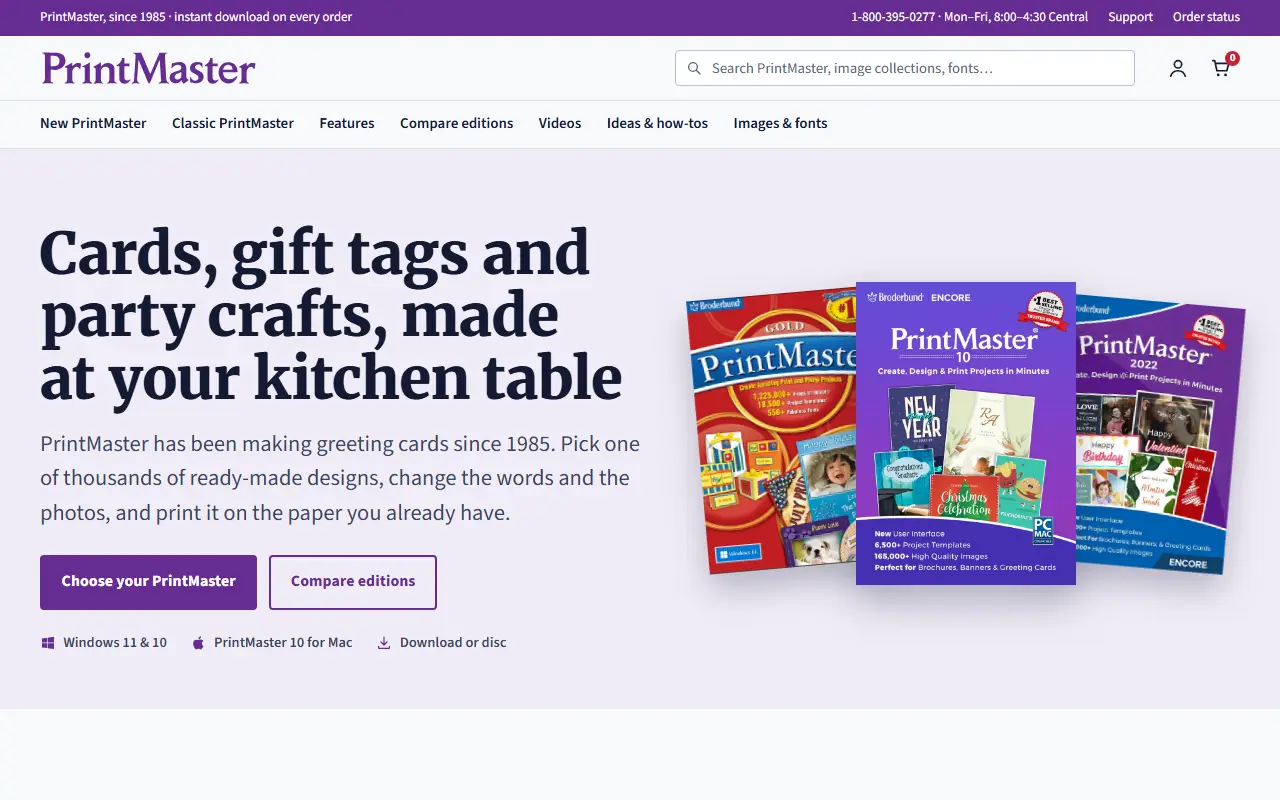
PrintMaster is a desktop application for creating greeting cards, invitations, calendars, labels and crafts. It provides thousands of ready-made designs that users can customize by changing text and photos, then print on their own paper. The software has been available since 1985.
The product line includes a new line (PrintMaster 10 and PrintMaster 2022) with a current interface, curved text, QR codes, emoji, a calendar tab and Talk to Type, running on Windows 11/10 and Mac. The classic line (PrintMaster Gold v19 and v8 Platinum) offers a larger library of designs and photo projects, animated cards, and a familiar layout for long-time customers.
Key features
- Thousands of ready-made templates for cards, invitations, calendars, labels and crafts
- Clip art libraries: up to 165,000+ images in the new line, up to 1,225,000+ in the classic line
- 1,500+ fonts in the new line, 2,000+ fonts and sentiments in the classic line
- Address book and mail merge for envelopes and labels
- QR codes, curved text, emoji and Talk to Type in the new line
- Family Edition installs on up to three computers in one household
Good fit for
- Creating greeting cards and matching envelopes
- Making invitations, gift bags, tags, calendars, certificates, scrapbook pages, labels and signs
- Opening and editing projects from older PrintMaster versions (v8 Platinum opens 2011, 2012 and 5.0 to 7.0 projects)
PrintMaster: questions and answers
- What is PrintMaster used for?
- PrintMaster is a desktop application for creating greeting cards, invitations, calendars, labels and crafts using templates, clip art and fonts. It is a good fit for creating greeting cards and matching envelopes; making invitations, gift bags, tags, calendars, certificates, scrapbook pages, labels and signs; and opening and editing projects from older PrintMaster versions (v8 Platinum opens 2011, 2012 and 5.0 to 7.0 projects).
- Is PrintMaster open source?
- No. PrintMaster is proprietary (closed-source) software. In the Design category, open-source options include Penpot, Graphite and Krita.
- What are some alternatives to PrintMaster?
- PrintMaster competes with Adobe InDesign.
Open-source alternatives to PrintMaster
See all
Penpot
Design
Penpot: The open-source design platform for Product teams that need scalable collaboration
MPL-2.0vs Figma★ 61k
Graphite
Design
Community-built comprehensive 2D content creation appplication for graphic design, digital
Apache-2.0vs Affinity★ 28k
Krita
Design
Krita is a free and open source cross-platform application that offers an end-to-end solut
GPL-3.0vs Adobe Photoshop★ 11k
GIMP
Design
Read-only mirror of https://gitlab.gnome.org/GNOME/gimp
OSSvs Adobe Photoshop★ 6.5k
OpenPencil
Design
Generate complete, multi-screen product interfaces on a live canvas. Refine every layer wi
MITvs Figma★ 6.1k
TiXL
Design
TiXL is an open source software to create realtime motion graphics.
MITvs Adobe After Effects★ 5.1k
SaaS alternatives to PrintMaster
See all
Adobe InDesign
Design
Page layout and publishing software from Adobe
SaaS
Affinity
Design
Vector, photo and layout editing in one app, free for individuals
SaaS
CorelDRAW
Design
Vector illustration and page layout suite from Corel
SaaS
PageStream
Design
Desktop publishing and page layout software for multiple platforms
SaaS
Swift Publisher
Design
Desktop publisher for Mac that helps design flyers, brochures, business cards, labels, envelopes, and disc covers
SaaS
Convitede
Design
Create editable, shareable digital invitations for birthdays, weddings, graduations and other events
SaaS