
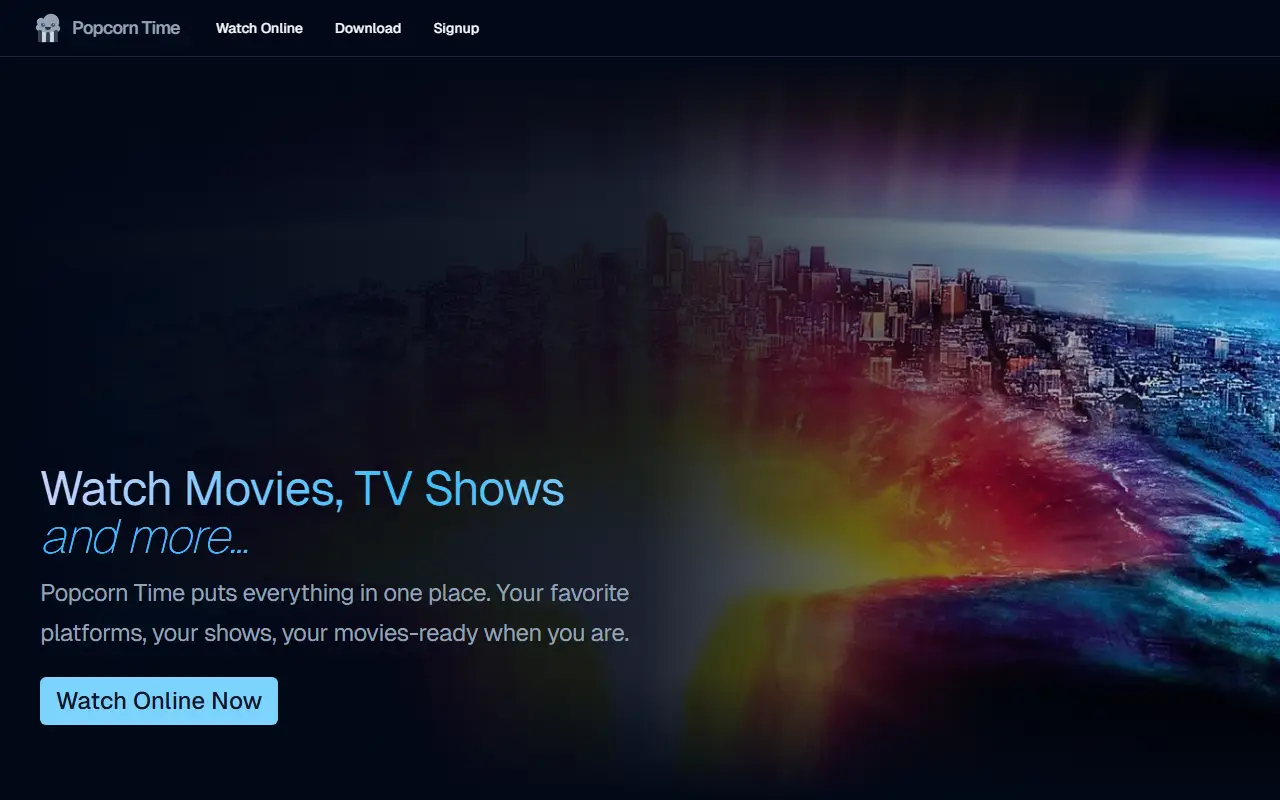
About Popcorn Desktop
Popcorn Time is a streaming application that aggregates content from more than 800 reputable streaming platforms, organizing it based on user taste. It aims to provide a single hub for entertainment, reducing the need to switch between apps.
The app supports cross-platform viewing on any device, with Airplay, Chromecast, and DLNA support. It features a user-friendly interface, extensive catalogs updated regularly, personalized recommendations, offline viewing for imported media, and subtitles in multiple languages.
Key features
- Aggregates content from over 800 streaming platforms
- Cross-platform support with Airplay, Chromecast, and DLNA
- User-friendly interface for browsing and discovery
- Extensive catalogs of movies and TV shows updated regularly
- Personalized content recommendations based on viewing history
- Offline viewing for imported personal media
- Subtitles in multiple languages
Good fit for
- Streaming movies and TV shows from multiple platforms in one place
- Managing and streaming personal media collections alongside aggregated content
- Discovering new content based on taste and viewing history
Popcorn Desktop: questions and answers
- What is Popcorn Desktop used for?
- Popcorn Desktop is a cross-platform app that aggregates content from over 800 streaming platforms, allowing users to watch and discover movies, TV shows, and more in one place. It is a good fit for streaming movies and TV shows from multiple platforms in one place, managing and streaming personal media collections alongside aggregated content, and discovering new content based on taste and viewing history.
- Is Popcorn Desktop open source?
- Yes. Popcorn Desktop is open source under the MIT licence. Its source code is on GitHub at popcorntime/popcorntime and is written mainly in TypeScript.
- Is Popcorn Desktop free?
- Yes. Popcorn Desktop is open source, so the software itself is free to use.
- Can I self-host Popcorn Desktop?
- Yes. Popcorn Desktop can be self-hosted on your own server or infrastructure.
- What are some alternatives to Popcorn Desktop?
- Similar open-source tools in the Media & Streaming category include Jellyfin, Kodi and VLC. SaaS products in the same category include Disney+, Flick and HBO Max.
- Is Popcorn Desktop actively maintained?
- Yes. The most recent commit to Popcorn Desktop was on 4 September 2026. The project has 11k stars on GitHub.
Open-source alternatives to Popcorn Desktop
See all
Jellyfin
Media & Streaming
The Free Software Media System - Server Backend & API
GPL-2.0vs Plex★ 58k
Kodi
Media & Streaming
Kodi is an award-winning free and open source home theater/media center software and enter
OSSvs Plex★ 21k
VLC
Media & Streaming
VLC media player - plays everything, runs anywhere. Code here: https://code.videolan.org/v
GPL-2.0vs Infuse★ 20k
Gpodder
Media & Streaming
The gPodder podcast client.
GPL-3.0vs Apple Podcasts★ 1.5kTempus
Media & Streaming
An open source and lightweight music client for Subsonic, designed and built natively for
GPL-3.0vs Spotify★ 1.4k
Spotube
Media & Streaming
🎧 Open source music streaming app! Available for both desktop & mobile!
OSSvs Spotify★ 50k
SaaS alternatives to Popcorn Desktop
See all
Disney+
Media & Streaming
Subscription streaming of Disney, Pixar, Marvel, Star Wars and National Geographic titles
SaaS
Flick
Media & Streaming
iOS app to swipe on movies and shows from your streaming services and see where to watch them
SaaS
HBO Max
Media & Streaming
Warner Bros. Discovery's subscription streaming service for HBO series, films and more
SaaS
Loggy
Media & Streaming
Tracks movies, TV shows and books, shows where to stream and matches watchlists with friends
SaaS
Amazon Prime Video
Media & Streaming
Amazon's video streaming service for films, series and rentals, included with Prime
SaaS
Rotten Tomatoes
Media & Streaming
Review aggregator for movies and TV shows
SaaS