
About Pixso
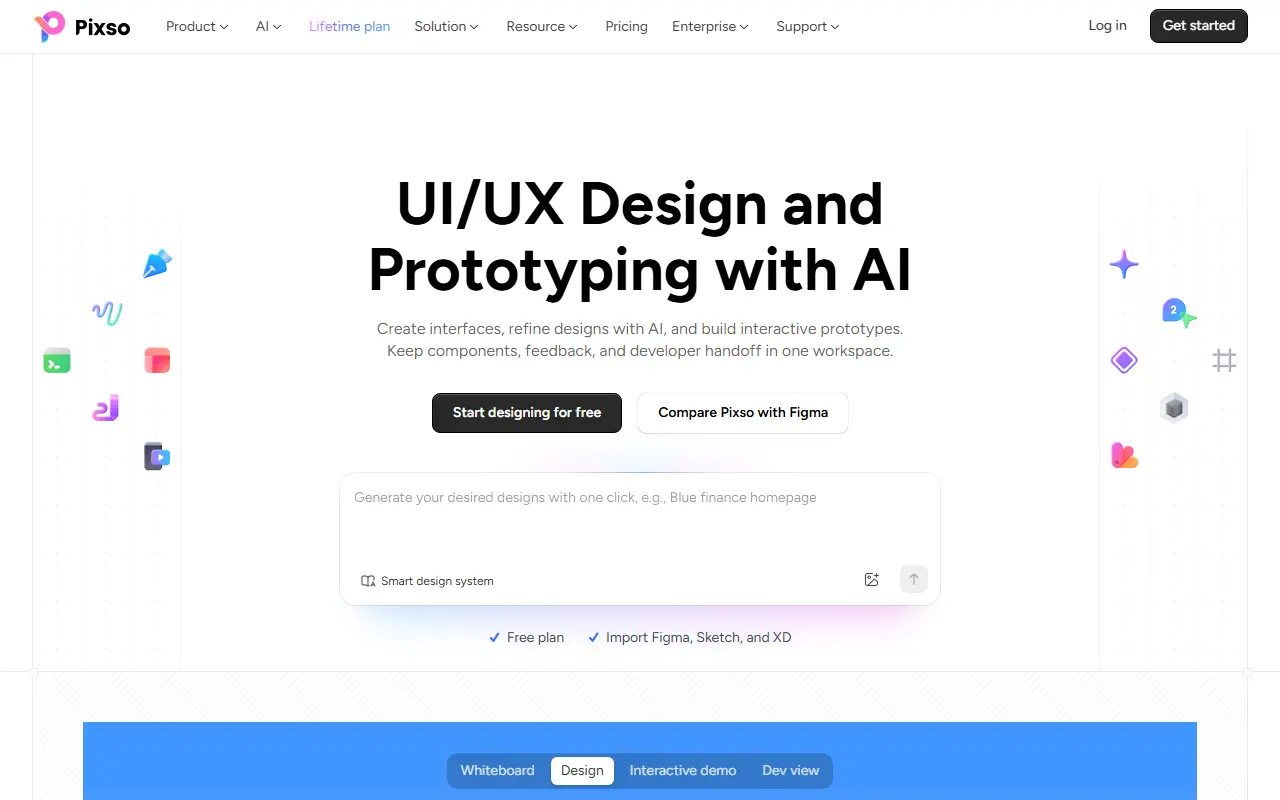
Pixso is a design and prototyping application for interface and experience designers, available in the browser and as a desktop app for Windows and Mac. It lets teams create interfaces, build interactive prototypes, and manage shared components, team comments and the handoff to developers from a single workspace.
AI features allow designs to be generated and refined directly on the canvas, and the vendor markets a smart design system for managing assets. The free plan can import files from Figma, Sketch and Adobe XD, and the site lists component libraries, a plugin community and free design assets. Related products from the same group include a whiteboard called Boardmix and an AI presentation maker.
Pixso is a commercial product with a free plan, paid plans including a lifetime option on its pricing page, and an enterprise edition with private deployment for organizations that need to host it themselves. It suits product design teams that want a lower-cost alternative to larger design suites.
Key features
- Collaborative UI and UX design canvas
- Interactive prototype building
- AI-assisted design generation
- Design system and component libraries
- Developer handoff tools
- Import from Figma, Sketch and XD
- Community plugins to extend design
Good fit for
- →Design teams collaborating on interface mockups
- →Teams migrating files from Figma or Sketch
- Tags
- design
- ui-design
- prototyping
- collaboration
- developer-handoff
- ai
- design-systems
Pixso: questions and answers
- What is Pixso used for?
- Pixso is a collaborative UI and UX design tool with prototyping, AI-assisted design, components and developer handoff in one workspace. It is a good fit for design teams collaborating on interface mockups and teams migrating files from Figma or Sketch.
- Is Pixso free?
- Yes. Pixso has a free plan.
- Is Pixso open source?
- No. Pixso is proprietary (closed-source) software. Open-source alternatives to Pixso include Penpot, OpenPencil and Doop.
- Can I self-host Pixso?
- Yes. Although Pixso is closed source, it can be self-hosted on your own servers, and the vendor also offers a hosted version.
- What are some alternatives to Pixso?
- Pixso competes with Figma, Sketch and MasterGo. For open-source options, see Enlisted's ranked list of open-source Pixso alternatives.
Open-source alternatives to Pixso
See all
Penpot
Design
Penpot: The open-source design platform for Product teams that need scalable collaboration
MPL-2.0vs Figma★ 61k
OpenPencil
Design
The world's first open-source AI-native vector design tool and the first to feature concur
MITvs Figma★ 6.1k
Doop
Design
The open-source alternative to Paper.design. A multiplayer design canvas where humans and
AGPL-3.0vs Figma★ 789
Graphite
Design
Community-built comprehensive 2D content creation appplication for graphic design, digital
Apache-2.0vs Affinity★ 27k
Poster Design
Design
迅排设计 - 图片编辑器、AI 在线海报设计,仿稿定设计,适用于多种场景:海报生成、电商产品图、文章长图、视频/公众号封面等。A beautiful online image de
AGPL-3.0vs Adobe Express★ 4.9k
vue-fabric-editor
Design
快图设计-基于fabric.js和Vue的开源图片编辑器,可自定义字体、素材、设计模板。fabric.js and Vue based image editor, can cust
MITvs Photopea★ 8k
SaaS alternatives to Pixso
See all
Figma
Design
Figma is a collaborative design platform for interface design, prototyping, whiteboarding, slides and developer handoff, with AI and code tools.
SaaS
Sketch
Design
Mac-based vector design tool for UI, icons and collaborative prototypes
SaaS
MasterGo
Design
Browser-based UI design and prototyping tool for product teams
SaaS
UXPin
Design
Design and prototyping tool with code-backed components
SaaS
Moqups
Design
Wireframing, prototyping and diagram tool in the browser
SaaS
Marvel
Design
Browser-based design, prototyping and user testing platform for digital products
SaaS