 TrackMedia
 TrackRev

 Zeplin
 Adobe Substance 3D
 Icons8
About Figma
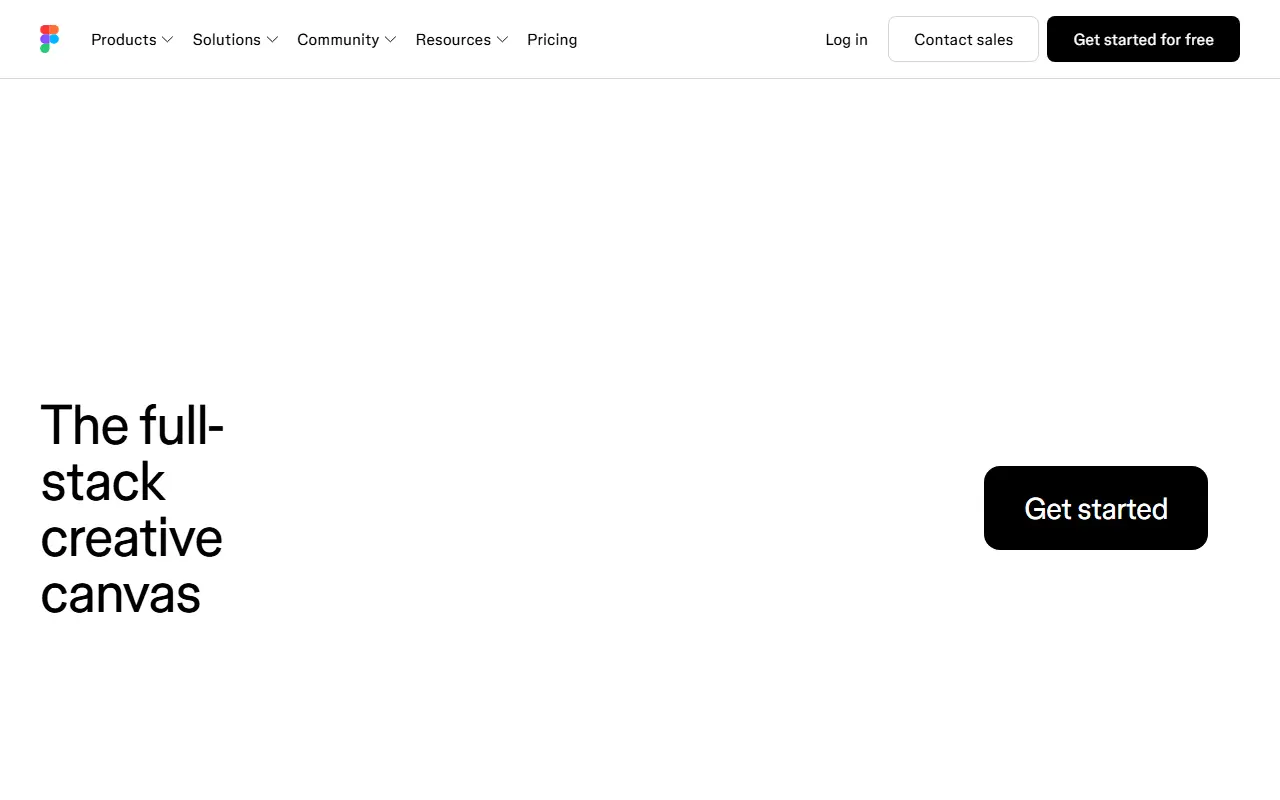
Figma is a commercial design platform that runs in the browser and as a desktop app, built so that whole teams can work on the same file at once. The vendor now describes it as a shared canvas that brings design, code and AI into one place, from the first idea to a shipped product.
Its product family includes Figma Design for design and prototyping, Figma Make for prompt-to-code, Figma Weave for AI workflows with imagery, video and audio, Dev Mode for translating designs into code, Figma Motion for animation, FigJam for whiteboarding, Figma Slides for presentations, Figma Draw for vector illustration, Figma Sites for publishing responsive websites and Figma Buzz for producing on-brand assets at scale. Release notes, downloads and solution pages for design systems, prototyping and UX design are provided.
Figma is hosted, proprietary software with a pricing page, and it is not self-hosted. It suits designers, product managers and developers who want a shared source of truth for interface design. It also provides downloads for desktop use and AI workflows aimed at larger teams.
Key features
- Collaborative interface design and prototyping
- Dev Mode for developer handoff
- FigJam digital whiteboard
- Figma Make for prompt-to-code
- Figma Slides and Draw
- Design systems and component libraries
- Figma Sites for publishing websites
Good fit for
- Product teams designing app interfaces
- Maintaining a shared design system
- Handing designs off to developers
Figma: questions and answers
- What is Figma used for?
- Figma is a collaborative design platform for interface design, prototyping, whiteboarding, slides and developer handoff, with AI and code tools. It is a good fit for product teams designing app interfaces, maintaining a shared design system and handing designs off to developers.
- Is Figma free?
- Yes. Figma has a free plan, and paid plans start at $16 per seat per month.
- Is Figma open source?
- No. Figma is proprietary (closed-source) software and can't be self-hosted. Open-source alternatives to Figma include Penpot, OpenPencil and Grida.
- What are some alternatives to Figma?
- Figma competes with Framer, UXPin and ProtoPie. For open-source options, see Enlisted's ranked list of open-source Figma alternatives.
Open-source alternatives to Figma
See all
Penpot
Design
Penpot: The open-source design platform for Product teams that need scalable collaboration
MPL-2.0vs Figma★ 62k
OpenPencil
Design
Generate complete, multi-screen product interfaces on a live canvas. Refine every layer wi
MITvs Figma★ 7.2k
Grida
Design
Grida — Open Canvas
Apache-2.0vs Figma★ 2.7k
Doop
Design
The open-source alternative to Paper.design. A multiplayer design canvas where humans and
AGPL-3.0vs Figma★ 2k
OpenPencil
Design
AI-native design editor. Open-source Figma alternative.
MITvs Figma★ 9.8k
Graphite
Design
Community-built comprehensive 2D content creation appplication for graphic design, digital
Apache-2.0vs Affinity★ 28k
SaaS alternatives to Figma
See all
Framer
CMS
Visual website builder and design tool that publishes live sites
SaaS
UXPin
Design
Design and prototyping tool with code-backed components
SaaS
ProtoPie
Design
Interactive prototyping tool for apps and hardware interfaces
SaaS
Axure RP
Design
Prototyping and wireframing software with conditional logic
SaaS
Balsamiq
Design
Low-fidelity wireframing tool with a sketch look
SaaS
Spline
3D & CAD
Browser-based 3D design tool for interactive web scenes
SaaS