
About Photopea
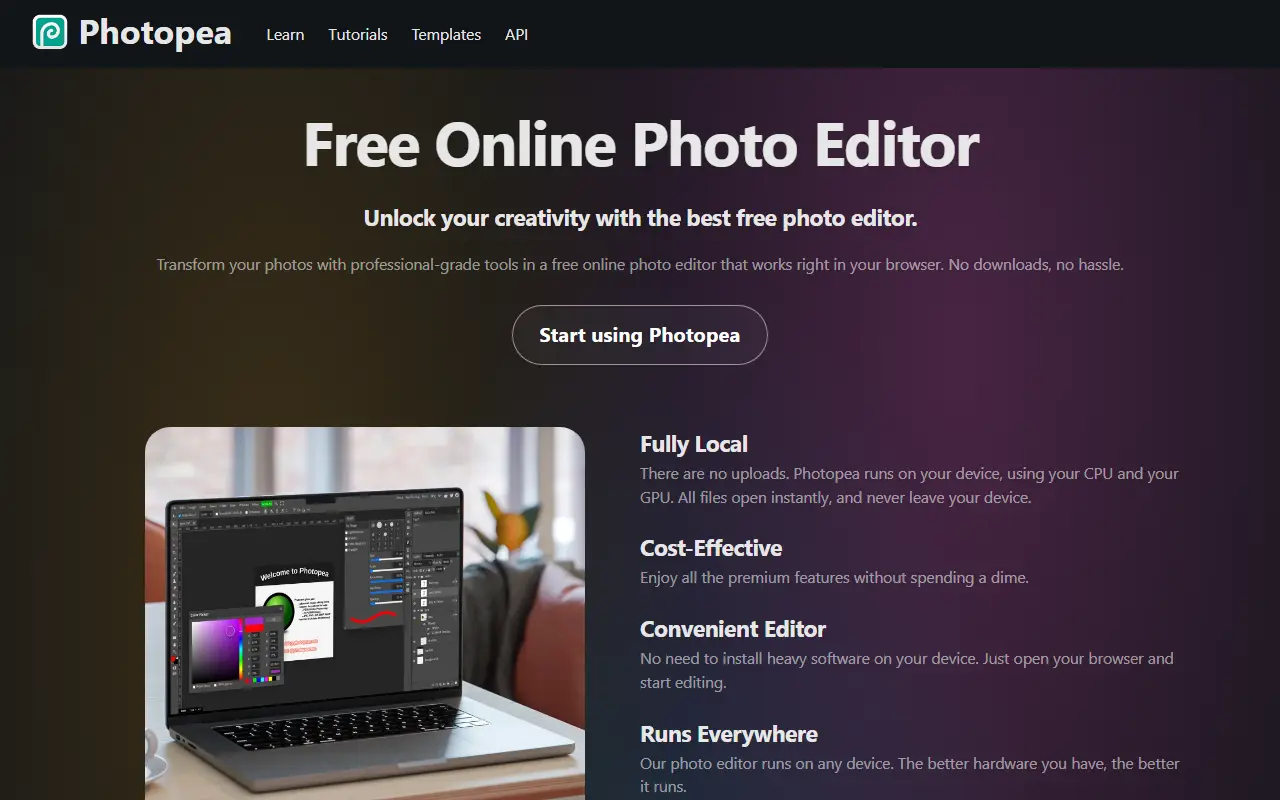
Photopea is a browser-based image editor that works without installing software. It is designed to feel like professional desktop editors, with layers, masks, layer styles, smart objects, adjustment layers, channels, paths, filters and adjustments such as levels and curves.
A key feature is format support: it opens and saves PSD files and can open dozens of other formats, including PNG, JPEG, SVG, PDF, AI, TIFF, HEIC, Sketch, Figma, CDR, INDD and common RAW camera files. The vendor says all processing happens on the user's device, using its CPU and GPU, so files are not uploaded. It also offers AI features such as one-click background removal and replacing parts of an image through a text description.
Photopea is proprietary software that is free to use in the browser according to the vendor, with tutorials, templates and an API for embedding. It suits designers, students and anyone who needs to open or edit a file quickly.
Key features
- Layers, masks and layer styles
- Full PSD open and save support
- Opens Sketch, Figma, AI and RAW files
- Runs locally without uploading files
- One-click AI background removal
- Adjustments, filters and smart objects
- Embeddable API
Good fit for
- →Opening and editing PSD files without Photoshop
- →Quick image edits on any device with a browser
- →Converting between design file formats
- Tags
- image-editor
- browser-based
- psd
- photo-editing
- graphic-design
- online-editor
- free
Photopea: questions and answers
- What is Photopea used for?
- Photopea is a free browser-based image editor that opens and saves PSD, Sketch and many other formats and runs locally on your device. It is a good fit for opening and editing PSD files without Photoshop, quick image edits on any device with a browser, and converting between design file formats.
- Is Photopea free?
- Yes. Photopea has a free plan.
- Is Photopea open source?
- No. Photopea is proprietary (closed-source) software and can't be self-hosted. Open-source alternatives to Photopea include GIMP, vue-fabric-editor and Graphite.
- What are some alternatives to Photopea?
- Photopea competes with Pixlr, Affinity and Fotor. For open-source options, see Enlisted's ranked list of open-source Photopea alternatives.
Open-source alternatives to Photopea
See all
GIMP
Design
Read-only mirror of https://gitlab.gnome.org/GNOME/gimp
OSSvs Adobe Photoshop★ 6.5k
vue-fabric-editor
Design
快图设计-基于fabric.js和Vue的开源图片编辑器,可自定义字体、素材、设计模板。fabric.js and Vue based image editor, can cust
MITvs Photopea★ 8k
Graphite
Design
Community-built comprehensive 2D content creation appplication for graphic design, digital
Apache-2.0vs Affinity★ 27k
Krita
Design
Krita is a free and open source cross-platform application that offers an end-to-end solut
GPL-3.0vs Adobe Photoshop★ 10k
Poster Design
Design
迅排设计 - 图片编辑器、AI 在线海报设计,仿稿定设计,适用于多种场景:海报生成、电商产品图、文章长图、视频/公众号封面等。A beautiful online image de
AGPL-3.0vs Adobe Express★ 4.9k
Penpot
Design
Penpot: The open-source design platform for Product teams that need scalable collaboration
MPL-2.0vs Figma★ 61k
SaaS alternatives to Photopea
See all
Pixlr
Photos & Images
Browser and mobile photo editor with AI tools
SaaS
Affinity
Design
Vector, photo and layout editing in one app, free for individuals
SaaS
Fotor
Photos & Images
Online photo editor and graphic design maker
SaaSCorel PaintShop Pro
Design
Photo editing and graphic design software for Windows
SaaS
Pixelmator Pro
Photos & Images
Mac image editor with layers, ML-powered tools and RAW support
SaaS
Adobe Photoshop
Design
Raster image editor for photo retouching, compositing and digital painting
SaaS