
About Observer
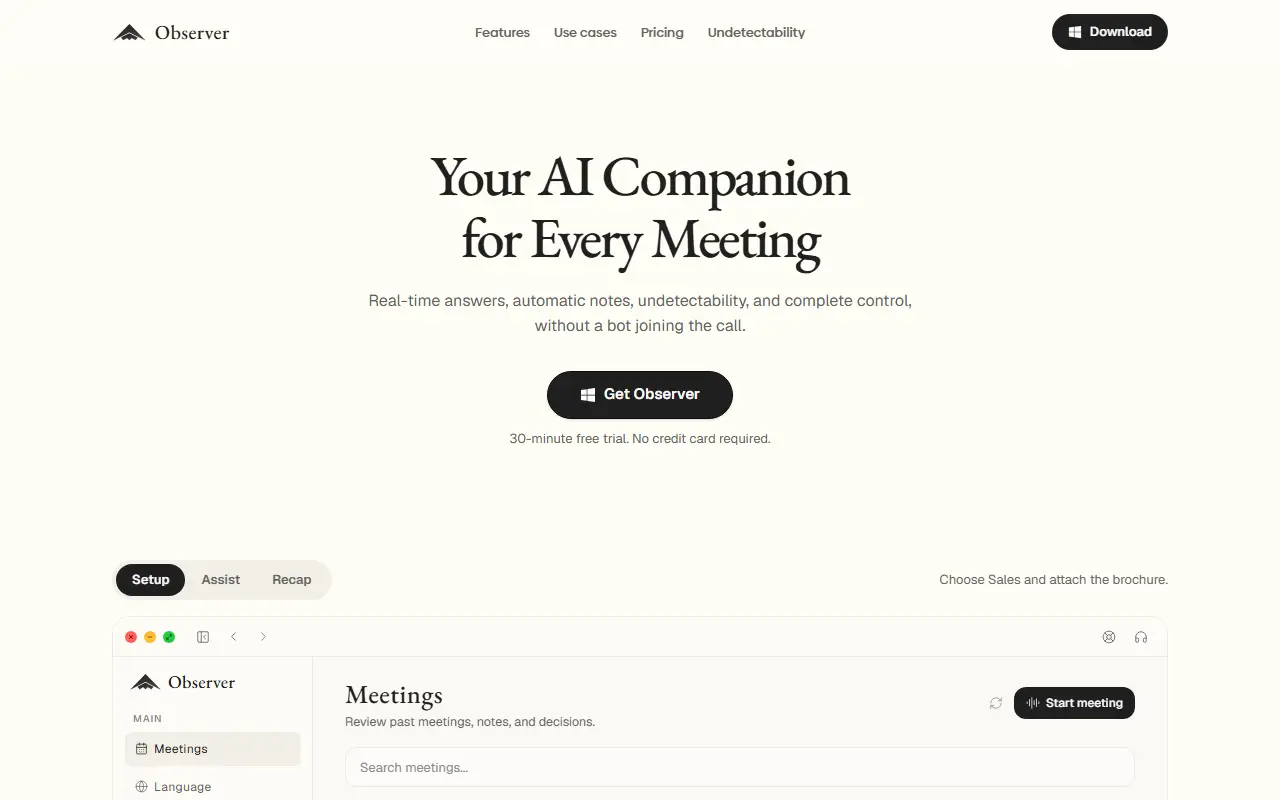
Observer runs on your computer during a meeting and provides real-time answers, suggestions and notes without joining as a bot. The site says it stays hidden from screen sharing, and it works with spoken English, French, German, Italian, Portuguese and Spanish or automatic detection, producing output in up to 22 languages.
You choose a playbook for the situation, such as interview, customer call, recruiting, technical discussion, team meeting or lecture, each with its own prompt and notes template, for example meeting context, decisions, action items and open questions. Quick actions cover replying, help with what is on screen, recaps and lookups, and you can attach documents such as a brochure so answers use them. Past meetings are saved with notes and decisions for review. A 30-minute free trial is offered with no credit card, and paid plans are on the pricing page.
Key features
- Real-time answers during meetings
- Automatic notes with templates
- Playbooks for interviews, calls and lectures
- Hidden from screen sharing
- Quick actions for replies and recaps
- Document attachments for context
Good fit for
- Customer calls with live product answers
- Meeting notes and action items without a bot
Observer: questions and answers
- What is Observer used for?
- Observer is an AI meeting companion for Mac and Windows that gives live answers and automatic notes while staying hidden from screen sharing, with no bot in the call. It is a good fit for customer calls with live product answers, and meeting notes and action items without a bot.
- How much does Observer cost?
- Paid plans for Observer start at $25 per seat per month, and there is no free plan. A free trial is available.
- Is Observer open source?
- No. Observer is proprietary (closed-source) software and can't be self-hosted. In the AI Tools category, open-source options include Meetily, Buzz and Ego Lite.
- What are some alternatives to Observer?
- Observer competes with Granola, Otter.ai and Fireflies.ai.
Open-source alternatives to Observer
See all
Meetily
AI Tools
The most secure and privacy-focused AI meeting note taker. 100% local transcription. Plugg
MITvs Otter.ai★ 31k
Buzz
AI Tools
Buzz transcribes and translates audio offline on your personal computer. Powered by OpenAI
MITvs Otter.ai★ 22k
Ego Lite
AI Tools
The fastest browser for AI agents to run browser automation, built for sharing your logged
MITvs ChatGPT Atlas★ 17k
Pluely
AI Tools
The Open Source Alternative to Cluely - A lightning-fast, privacy-first AI assistant that
GPL-3.0vs Otter.ai★ 2.7kEnchanted
AI Tools
Enchanted is iOS and macOS app for chatting with private self hosted language models such
Apache-2.0vs ChatGPT★ 6k
Call.md
AI Tools
Turn meetings into live agent loops. Record, transcribe, and analyze meetings with real-ti
OSSvs Otter.ai★ 1.5k
SaaS alternatives to Observer
See all
Granola
AI Tools
AI notepad that enhances your meeting notes without a bot joining the call
SaaS
Otter.ai
AI Tools
Meeting transcription, notes and summaries for Zoom, Meet and Teams
SaaS
Fireflies.ai
AI Tools
AI notetaker that records, transcribes and summarizes meetings across platforms
SaaS
Read AI
AI Tools
AI meeting assistant that records, summarizes and scores meetings and emails
SaaS
Krisp
AI Tools
Noise cancellation and AI meeting notes that work with any call app
SaaS
NotchLive
AI Tools
Local-first Mac app for live captions and speaker-aware meeting records with no meeting bot
SaaS