
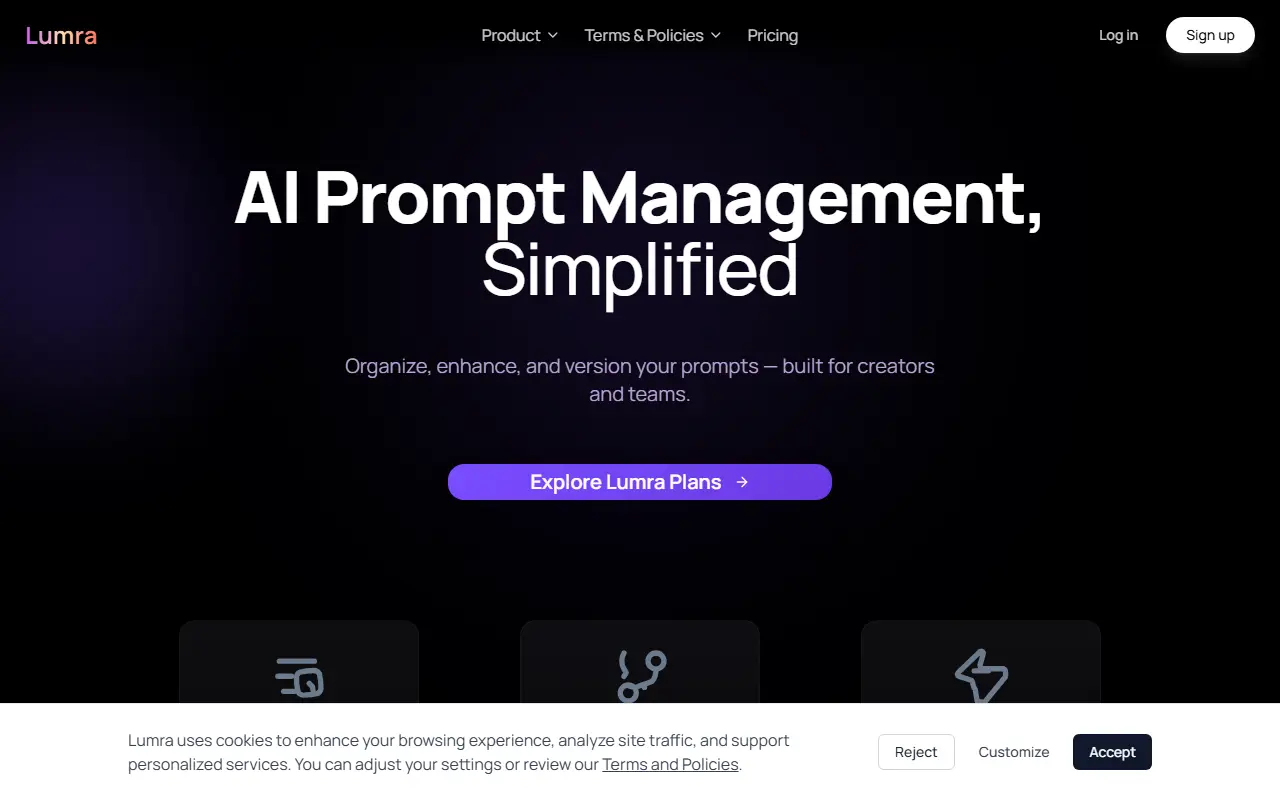
About Lumra Prompt Manager
Lumra treats prompts as assets to be managed like code. You can save, tag, categorize and snapshot prompts in one place, keep versions, roll back and iterate safely. A Live Inputs feature monitors prompts as you type, and the product also offers collaboration for teams and creators.
Two extensions bring the library to where you work. The Chrome extension gives one-click access to saved prompts inside ChatGPT, Claude or any other AI tool without leaving the tab. The VS Code extension lets you open, search and use prompts in your editor, assemble multi-step prompt chains, copy and inject steps into agent workflows and create new versions.
Lumra is made by Orionth and is a hosted service with a dashboard, solutions pages and a pricing page. The page marks some capabilities as available now and others as in beta, and the site also publishes terms, privacy and cookie preference pages.
Key features
- Save, tag and categorize prompts
- Version history with rollback
- Chrome extension for ChatGPT and Claude
- VS Code extension for prompt access
- Multi-step prompt chains for agents
- Live monitoring of prompt inputs
- Collaboration for teams
Good fit for
- Developers reusing prompts inside VS Code and agent runs
- Teams keeping one source of truth for AI prompts
Lumra Prompt Manager: questions and answers
- What is Lumra Prompt Manager used for?
- Lumra Prompt Manager is a prompt manager with version control that saves and organizes prompts and reaches them from a dashboard, a Chrome extension and VS Code. It is a good fit for developers reusing prompts inside VS Code and agent runs, and teams keeping one source of truth for AI prompts.
- How much does Lumra Prompt Manager cost?
- Paid plans for Lumra Prompt Manager start at $10 per month, and there is no free plan. A free trial is available.
- Is Lumra Prompt Manager open source?
- No. Lumra Prompt Manager is proprietary (closed-source) software and can't be self-hosted. In the Developer Tools category, open-source options include GitHub Desktop, Visual Studio Code and Zed.
- What are some alternatives to Lumra Prompt Manager?
- Lumra Prompt Manager competes with Promptay.
Open-source alternatives to Lumra Prompt Manager
See all
GitHub Desktop
Developer Tools
Focus on what matters instead of fighting with Git.
MITvs GitKraken★ 22k
Visual Studio Code
Developer Tools
Visual Studio Code
MITvs Sublime Text★ 194k
Zed
Developer Tools
Code at the speed of thought – Zed is a high-performance, multiplayer code editor from the
OSSvs Sublime Text★ 91k
code-server
Developer Tools
VS Code in the browser
MITvs Replit★ 80k
Tabby
Developer Tools
A terminal for a more modern age
MITvs Warp★ 75k
Alacritty
Developer Tools
A cross-platform, OpenGL terminal emulator.
Apache-2.0vs Warp★ 66k
SaaS alternatives to Lumra Prompt Manager
See allPromptay
AI Tools
Mobile app that generates optimized prompts for ChatGPT, Claude, Gemini and Mistral
SaaS
inspectDev
Developer Tools
Chrome extension for developers to inspect, analyse and understand websites while debugging
SaaS
JSON Viewer Pro
Developer Tools
Visualises JSON data as interactive graphs
SaaS
Prompted
Developer Tools
Prompt library to save, organize and reuse prompts with variables across Claude Code, Cursor, VS Code and MCP clients
SaaS
Quey
Developer Tools
Browser extension and CLI agent that leaves comments on your site and ships fixes into Claude Code
SaaS
Qursor
Developer Tools
Developer tool to annotate UI visually and target exact elements to ship UI fixes faster
SaaS