 TrackMedia
 TrackRev

 Zoom
 Webex
 Zoho Workplace
 Bitrix24
 Flock
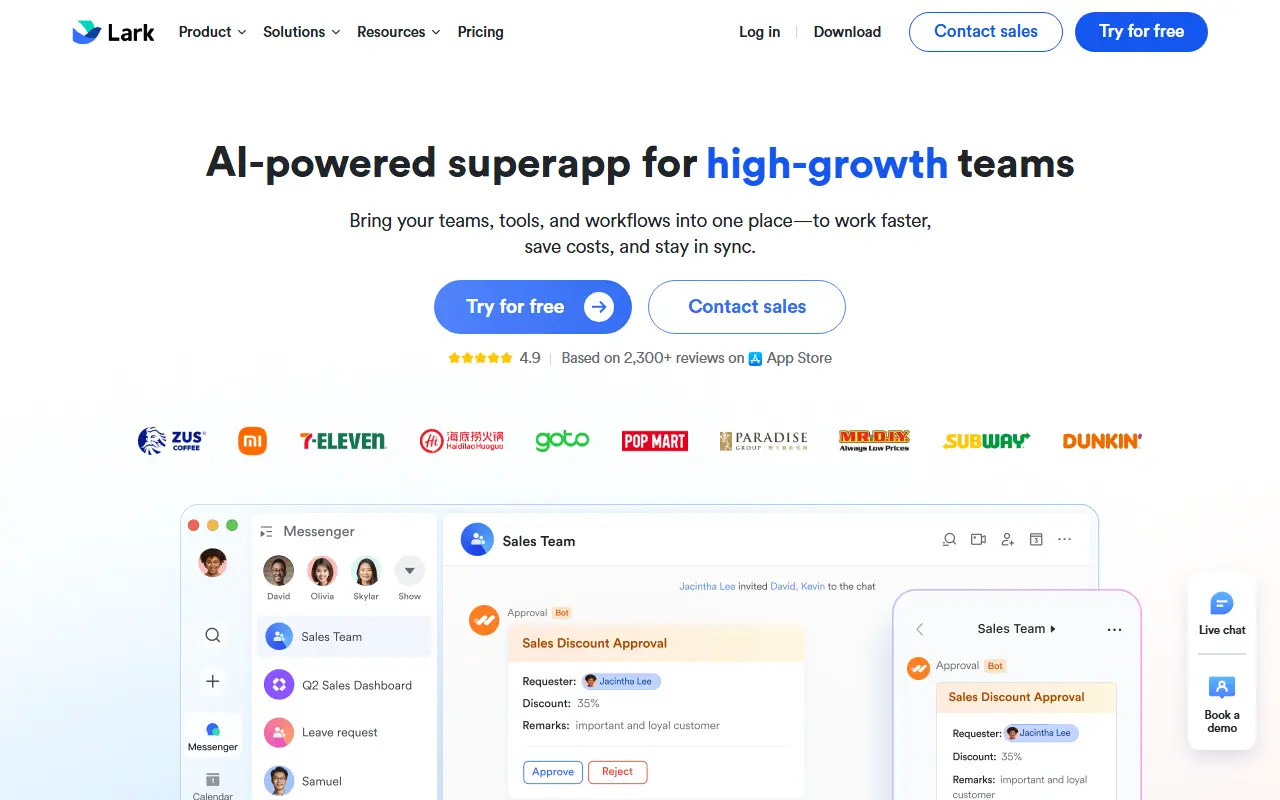
About Lark
Lark bundles messaging, email, calendar, approvals, Base, Docs, Wiki, meetings, OKR and developer tools into a single platform, and every plan includes all of those apps. The plans differ in user caps, storage, automation volume, meeting size and security controls rather than in which apps you get.
Base is the no-code part of the suite. Spreadsheets can be imported and turned into dashboards, data can be viewed as grid, gallery, kanban or Gantt, and automations are built in a visual trigger-action builder. Mobile forms, shared by QR code, embedded form or link, send results straight into those dashboards.
AI features are spread across the product: workflows that route requests and enforce approvals with a choice of AI model, and Base AI tools for analysis and formulas. Base AI is described as early access with an application form, and the plans list only a limited or expanded trial of it.
Key features
- Messenger, email, calendar, approvals and Docs in every plan
- Unlimited real-time translation on paid plans
- No-code Base platform for business data
- Over 20 live chart types for dashboards
- Pre-built automations for sales, marketing and development
- Grid, gallery, kanban and Gantt views of the same data
- Workflows that route requests and enforce approvals
- Data collection through QR codes, embedded forms and links
Good fit for
- Team chat and video meetings
- No-code databases and dashboards
- Approval workflows
- Mobile data collection forms
Lark: questions and answers
- What is Lark used for?
- Lark is a work suite that puts chat, email, calendar, docs, meetings, approvals and a no-code Base database under one subscription, starting with a free Starter plan. It is a good fit for team chat and video meetings, no-code databases and dashboards, and approval workflows.
- Is Lark free?
- Yes. Lark has a free plan. Starter is $0 per user per month, Basic is $6 per user per month and Pro is $12 per user per month, billed annually; Enterprise pricing comes from a personalised quote. Prices are in USD, excluding tax.
- Is Lark open source?
- No. Lark is proprietary (closed-source) software. Open-source alternatives to Lark include Rocket.Chat, Mattermost and Twake Legacy.
- What are some alternatives to Lark?
- Lark competes with DingTalk, Slack and Microsoft Teams. For open-source options, see Enlisted's ranked list of open-source Lark alternatives.
Open-source alternatives to Lark
See all
Rocket.Chat
Team Chat
The Secure CommsOS™ for mission-critical operations
OSSvs Slack★ 46k
Mattermost
Team Chat
Mattermost is an open source platform for secure collaboration across the entire software
OSSvs Slack★ 40k
Twake Legacy
Team Chat
Twake is a secure open source collaboration platform to improve organizational productivit
AGPL-3.0vs Microsoft Teams★ 1.9k
Element
Team Chat
A glossy Matrix collaboration client for the web.
AGPL-3.0vs Slack★ 14k
Colanode
Docs & Wikis
Open-source and local-first Slack and Notion alternative that puts you in control of your
Apache-2.0vs Notion★ 5.2k
Macro
Productivity
Macro is a unified workspace for teams: email, chat, docs, tasks, agents, calls, and CRM —
AGPL-3.0vs Slack★ 6.3k
SaaS alternatives to Lark
See all
DingTalk
Team Chat
Alibaba's workplace app for messaging, calls and attendance tracking
SaaS
Slack
Team Chat
Slack is a team messaging platform with channels, huddles, canvases, workflows and AI features, now part of Salesforce.
SaaS
Microsoft Teams
Team Chat
Microsoft Teams is Microsoft's workspace for chat, video meetings and file collaboration, closely tied to Microsoft 365.
SaaS
Notion
Note Taking
Notion is an AI-enabled workspace for notes, docs, wikis and projects, with agents, meeting notes and search across connected apps.
SaaS
Google Workspace
Productivity
Cloud suite with email, docs, calendar, meetings and storage for businesses
SaaS
Chatwork
Team Chat
Business chat tool from Japan with group messaging and task assignment
SaaS