
About Kortex
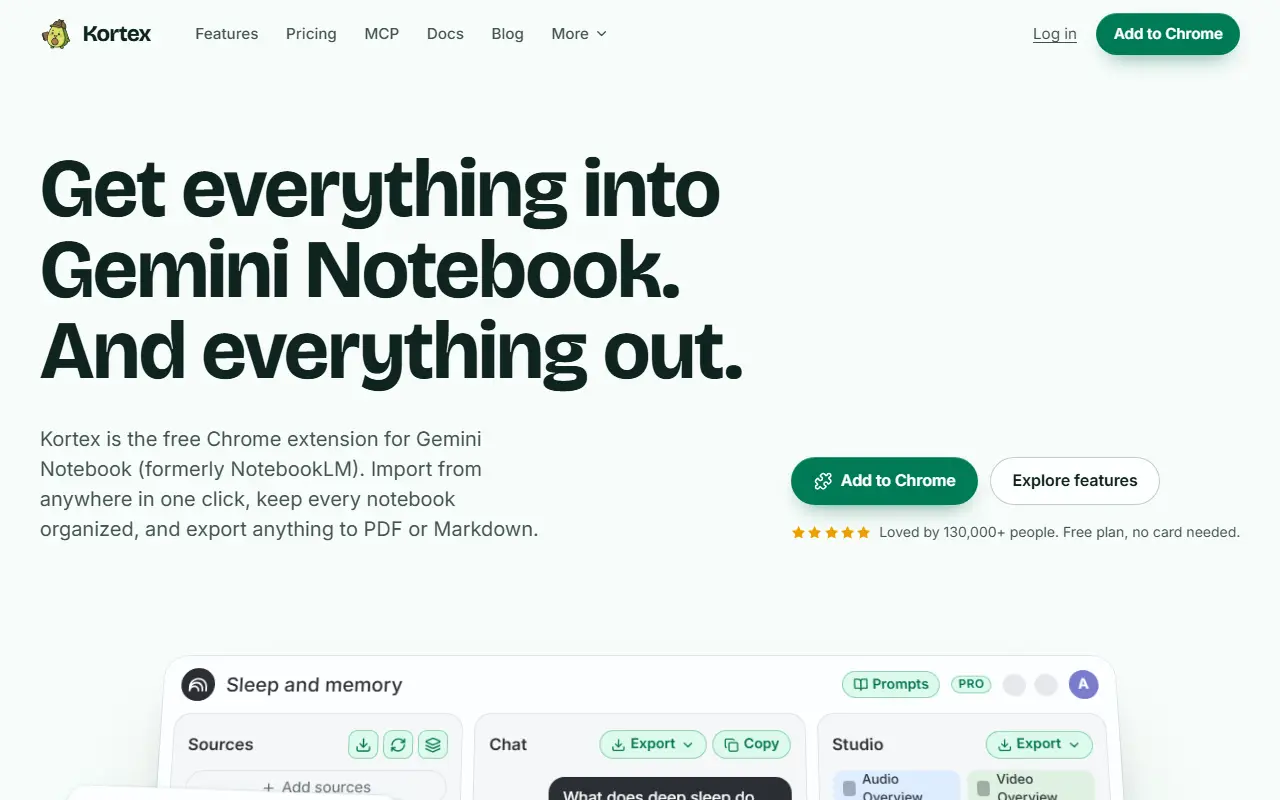
Kortex is a browser extension that adds missing workflow features to Gemini Notebook, which the page says was formerly called NotebookLM. In one click you can send sources into a notebook from ChatGPT conversations, X threads, YouTube videos or any highlighted web page, and you can export notebooks and sources to PDF, Markdown, plain text or a ZIP of everything.
For organization it adds collections and tags across notebooks and a workspace search opened with Ctrl K. Automation rules run when a notebook receives a tag, for example creating a study guide, generating an audio overview and adding it to a podcast feed. A newer Schedules feature, listed as Pro and in private beta, uses the Kortex MCP server so an AI assistant can set up hourly, daily or weekly runs that ask your notebooks a question and save the answer or audio.
Kortex runs in Chrome with your own Google sign-in and operates while the browser is open. The extension is free with a free plan that needs no card, and a Pro plan is listed on the pricing page. The site also offers documentation, a roadmap, free planners and prompt builders and an affiliate program.
Key features
- One-click import from ChatGPT, X, YouTube and web pages
- Collections and tags across notebooks
- Automation rules triggered by tags
- Export to PDF, Markdown, text or ZIP
- Workspace search with a keyboard shortcut
- Scheduled notebook queries through MCP (Pro beta)
Good fit for
- Students organizing research for exam prep
- Researchers collecting web sources into notebooks
Kortex: questions and answers
- What is Kortex used for?
- Kortex is a free Chrome extension for Gemini Notebook, formerly NotebookLM, that imports sources, organizes notebooks, automates tasks and exports content. It is a good fit for students organizing research for exam prep and researchers collecting web sources into notebooks.
- Is Kortex free?
- Yes. Kortex has a free plan, and paid plans start at $9.99 per month.
- Is Kortex open source?
- No. Kortex is proprietary (closed-source) software. In the Note Taking category, open-source options include SiYuan, NoteGen and EdgeEver.
- What are some alternatives to Kortex?
- Kortex competes with NotebookLM, mymind and Glasp.
Open-source alternatives to Kortex
See all
SiYuan
Note Taking
思源笔记 - 隐私优先的个人知识管理系统,支持 Markdown 排版、块级引用和双向链接
AGPL-3.0vs Notion★ 47k
NoteGen
Note Taking
Capture first. Organize later. A local-first Markdown app that turns scattered records int
GPL-3.0vs Mem★ 13k
EdgeEver
Note Taking
Open-source, AI-native knowledge base & Evernote alternative with native MCP. Zero-cost on
AGPL-3.0vs Evernote★ 2k
TidGi
Note Taking
TidGi is an privacy-in-mind, automated, auto-git-backup, freely-deployed knowledge managem
MPL-2.0vs Evernote★ 2k
Neuron
Note Taking
Future-proof note-taking and publishing based on Zettelkasten (superseded by Emanote: http
AGPL-3.0vs Obsidian★ 1.6k
SoloMD
Note Taking
A markdown editor — and the bridge to your LLM. Local-first, MIT, ~15 MB. Bundled MCP serv
MITvs Typora★ 1.2k
SaaS alternatives to Kortex
See all
NotebookLM
AI Tools
Google AI research assistant that answers questions grounded in uploaded sources
SaaS
mymind
Note Taking
Private space for saving notes, images and web pages with automatic tagging
SaaS
Glasp
Note Taking
Web highlighter that saves and shares highlights and notes from articles and videos
SaaS
Capacities
Note Taking
Object-based notes where pages are typed items linked into a graph
SaaS
Mem
Note Taking
AI-assisted note app that organizes and surfaces notes automatically
SaaS
markwise.app
Note Taking
Organises notes, tabs and bookmarks into shareable Spaces with AI-powered search
SaaS