
About GPT Master
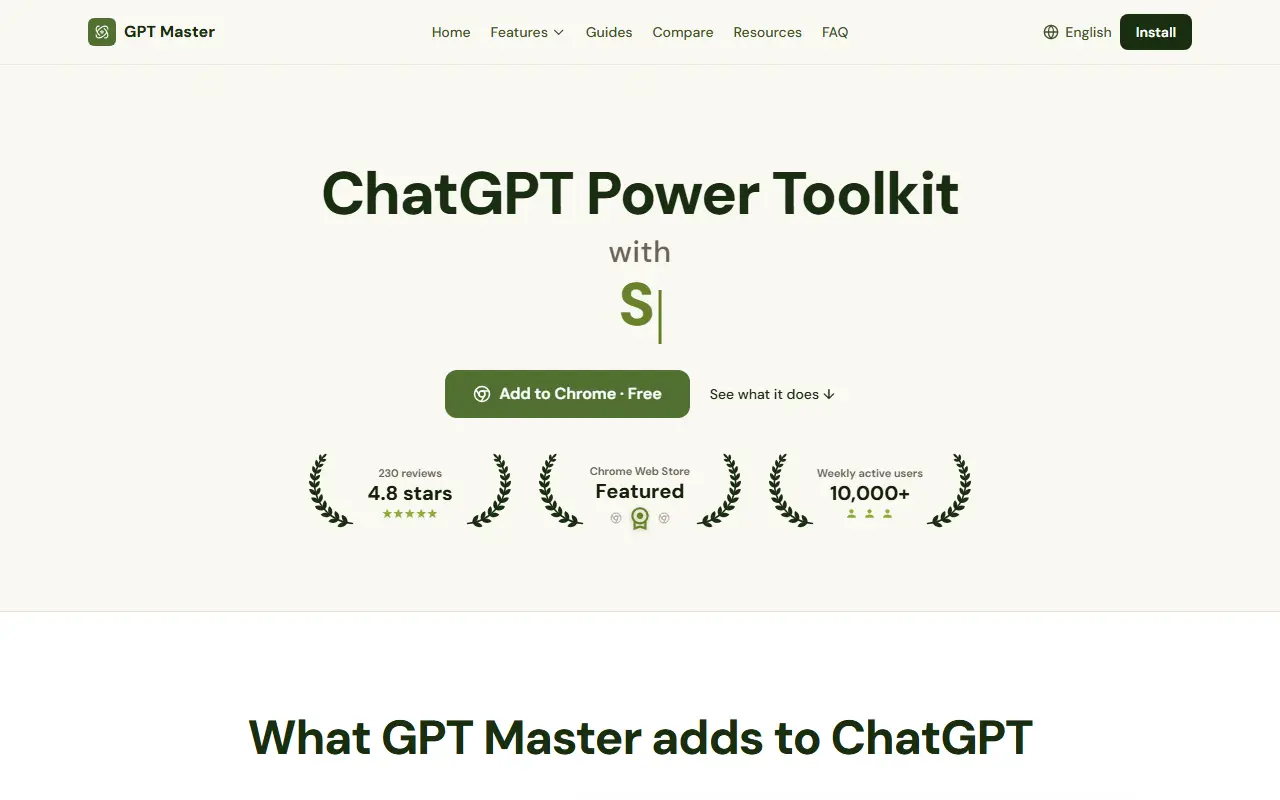
GPT Master is a browser extension that sits on top of chatgpt.com and adds organization and navigation tools the interface lacks. Features include folders, bookmarks and notes for the chat sidebar, a minimap for jumping around long conversations, and bulk actions to move or archive many chats at once.
A prompt library lets you save prompts and insert them by typing a double slash, with variables, and a prompt optimizer reworks a draft prompt into a clearer version prior to sending. Side Chat lets you ask a side question without cluttering the main thread. The site also lists timestamps, a legacy dark mode and export. It works across Free, Plus, Team, Pro and Enterprise plans, including Custom GPTs and Projects.
The extension requests permissions only for chatgpt.com and Chrome storage, and the site says prompts and chats stay in your ChatGPT account and local browser profile. It renders only what is near the viewport to keep long chats smooth. It installs from the Chrome Web Store for free without signup.
Key features
- Folders, bookmarks and notes for chats
- Minimap for long conversation navigation
- Prompt library with // shortcut
- Prompt optimizer before sending
- Side Chat for side questions
- Bulk move and archive of chats
- Export of chats
- Timestamps and legacy dark mode
Good fit for
- Organizing hundreds of ChatGPT chats
- Reusing saved prompts across conversations
- Navigating long threads during spec reviews
GPT Master: questions and answers
- What is GPT Master used for?
- GPT Master is a Chrome extension that adds folders, bookmarks, a prompt library, a minimap and bulk actions to the ChatGPT website. It is a good fit for organizing hundreds of ChatGPT chats, reusing saved prompts across conversations and navigating long threads during spec reviews.
- Is GPT Master free?
- Yes. GPT Master has a free plan, and paid plans start at $7.99 per month.
- Is GPT Master open source?
- No. GPT Master is proprietary (closed-source) software and can't be self-hosted. In the Productivity category, open-source options include Vimium, PowerToys and Files.
- What are some alternatives to GPT Master?
- GPT Master competes with ChatGPT Pro Tools.
Open-source alternatives to GPT Master
See allVimium
Productivity
The hacker's browser.
MIT★ 27k
PowerToys
Productivity
Microsoft PowerToys is a collection of utilities that supercharge productivity and customi
MITvs Alfred★ 139k
Files
Productivity
A modern file manager that helps users organize their files and folders.
MIT★ 46k
Zen Browser
Productivity
Welcome to a calmer internet
MPL-2.0vs Google Chrome★ 45k
ShareX
Productivity
ShareX is a free and open-source application that enables users to capture or record any a
GPL-3.0vs Snagit★ 40k
Rectangle
Productivity
Move and resize windows on macOS with keyboard shortcuts and snap areas
OSSvs BetterTouchTool★ 30k
SaaS alternatives to GPT Master
See all
ChatGPT Pro Tools
Productivity
Browser extension adding search, date and tag filters, bulk actions and AI tags to ChatGPT history
SaaSOrganizeChatGPT
Productivity
Chrome extension that organises ChatGPT conversations into customisable folders
SaaS
Supercharge All AI
Productivity
Chrome extension that organises ChatGPT, Gemini and Grok chats into folders and subfolders in one workspace
SaaS
Superpower for AI
Productivity
Chrome extensions that add export, organisation and automation features to Gemini, Claude, NotebookLM and ChatGPT
SaaS
SaveAIChats
Productivity
Chrome extension that saves your AI prompts and responses without leaving the tab
SaaSPowerTools For ChatGPT
Productivity
Adds pinning and search of messages and conversations to ChatGPT
SaaS