
 Gemini Code Assist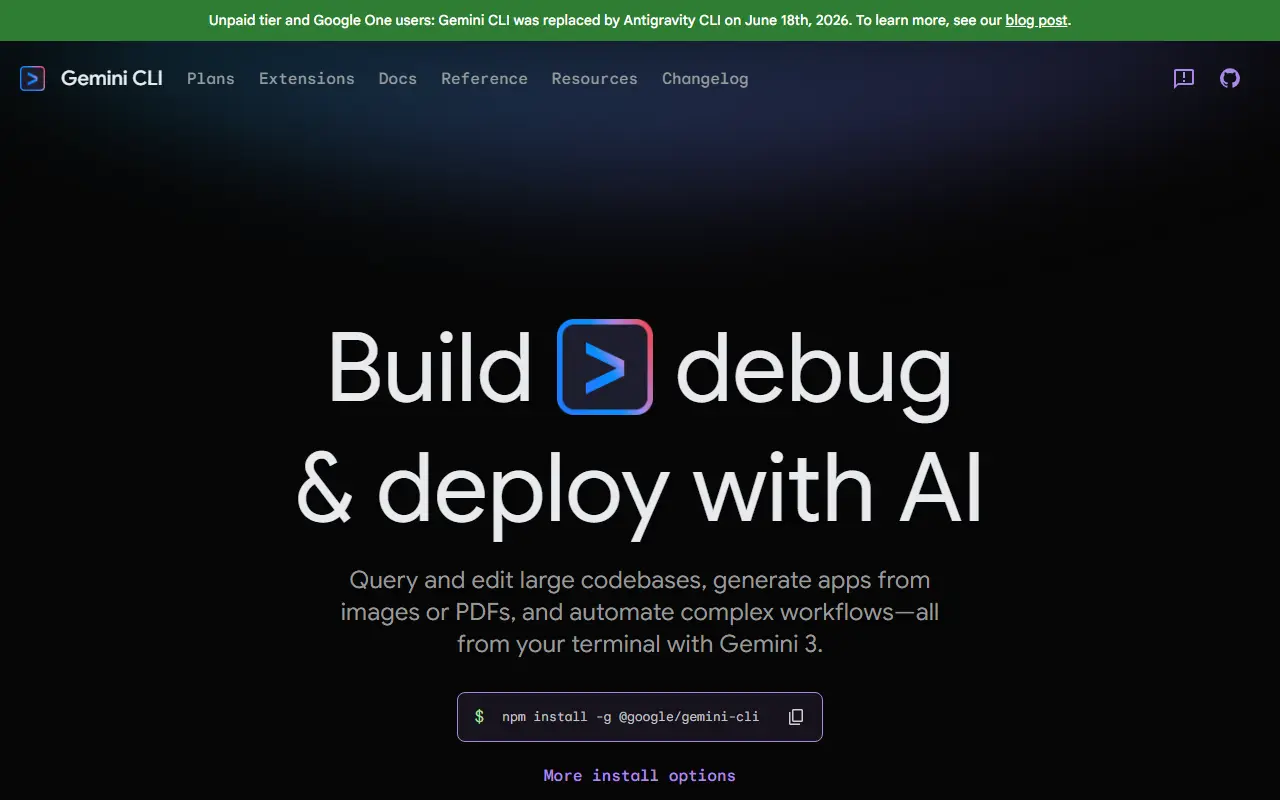
About Gemini CLI
Gemini CLI is Google's open-source terminal agent for working with Gemini models from the command line. It offers a lightweight path from a prompt on the command line to the model, and it is designed for developers who spend their day in a shell. The project is written in TypeScript and licensed under Apache-2.0.
Built-in tools cover Google Search grounding, file operations, shell commands and web fetching, and further integrations can be added through the Model Context Protocol (MCP). The project highlights access to Gemini models with a large context window, and a free tier when you sign in with a personal Google account.
You can run it instantly with npx or install it globally with npm, Homebrew, MacPorts or Anaconda. It has preview, stable and nightly release channels published on a regular schedule. It suits developers who want an AI assistant for code and shell tasks without leaving the terminal.
Key features
- Terminal-first AI agent powered by Gemini
- Google Search grounding for current information
- Built-in file, shell and web-fetch tools
- MCP support for custom integrations
- Install via npx, npm, Homebrew or MacPorts
- Preview, stable and nightly release channels
Good fit for
- →AI-assisted coding in the terminal
- →Automating shell and file tasks
- →Connecting custom tools through MCP
- Built with
- TypeScript
- Tags
- gemini
- ai-agent
- cli
- terminal
- mcp
- typescript
- ai-coding
Gemini CLI: questions and answers
- What is Gemini CLI used for?
- Gemini CLI is an open-source command-line AI agent that brings Google's Gemini models into the terminal, with built-in tools and Model Context Protocol support. It is a good fit for AI-assisted coding in the terminal, automating shell and file tasks, and connecting custom tools through MCP.
- Is Gemini CLI open source?
- Yes. Gemini CLI is open source under the Apache-2.0 licence. Its source code is on GitHub at google-gemini/gemini-cli and is written mainly in TypeScript.
- Is Gemini CLI free?
- Yes. Gemini CLI is open source, so the software itself is free to use.
- What is Gemini CLI an alternative to?
- Gemini CLI is an open-source alternative to Claude Code, Amazon Q Developer, Augment Code and Google Antigravity. Other open-source alternatives to Claude Code include Kilo Code, OpenCode and OpenHands.
- Is Gemini CLI actively maintained?
- Yes. The most recent commit to Gemini CLI was on 2 October 2026, and the latest release is v0.62.0, published on 29 September 2026. The project has 107k stars on GitHub.
Open-source alternatives to Gemini CLI
See all
Kilo Code
AI Tools
Kilo is the all-in-one agentic engineering platform. Build, ship, and iterate faster with
MITvs Cursor★ 27k
OpenCode
AI Tools
The open source coding agent.
MITvs Claude Code★ 211k
OpenHands
AI Tools
🙌 OpenHands: AI-Driven Development
MITvs Devin★ 90k
Cline
AI Tools
Autonomous coding agent as an SDK, IDE extension, or CLI assistant.
Apache-2.0vs GitHub Copilot★ 70k
Aider
AI Tools
aider is AI pair programming in your terminal
Apache-2.0vs Claude Code★ 49k
Codex CLI
AI Tools
Lightweight coding agent that runs in your terminal
Apache-2.0vs Claude Code★ 128k
SaaS alternatives to Gemini CLI
See all
Claude Code
AI Tools
Anthropic coding agent for the terminal, IDEs and web that edits code and runs commands
SaaS
Amazon Q Developer
AI Tools
AWS AI assistant for coding, debugging and cloud operations
SaaS
Augment Code
AI Tools
AI coding assistant for large codebases with context-aware chat and agents
SaaS
Google Antigravity
AI Tools
Agent-first coding environment from Google built around Gemini models
SaaS
Jules
AI Tools
Asynchronous coding agent from Google that works on GitHub repositories
SaaS
OpenAI Codex
AI Tools
Coding agent from OpenAI available in the cloud, terminal and IDE
SaaS