
About flare.design
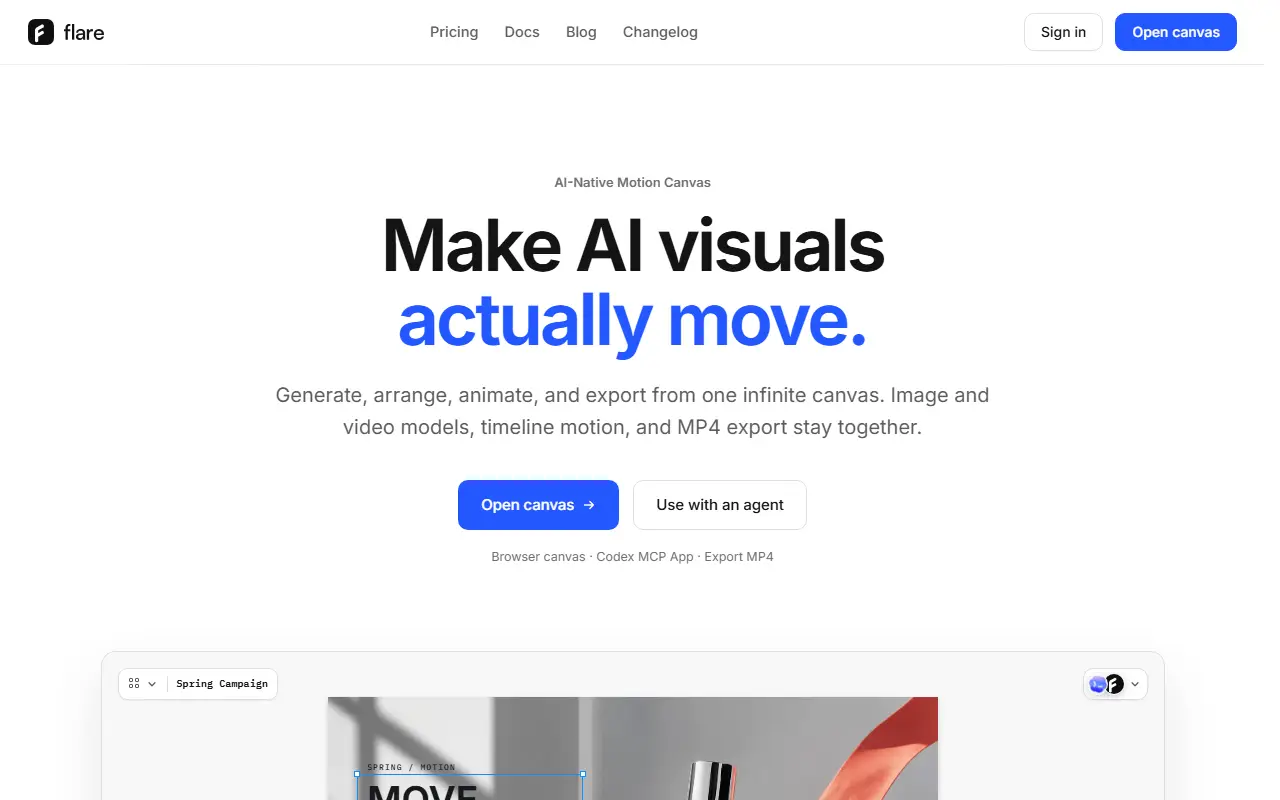
flare.design is a motion canvas in the browser where AI visuals can be generated, arranged, animated and exported in one place. Images, 4K video, PNGs, long text, reference images and moodboards share one canvas, where you scale, align, nest and arrange them in context. Generation switches between models such as GPT Image, Nano Banana, Seedream, Seedance, Veo and Kling without leaving the canvas, and outputs land in the project.
Layers move with IN and OUT animation presets, and a timeline gives frame-level control over transform and opacity with keyframes. Selected frames export as MP4. For teams there is semantic search over references, generation history and brand assets, pasting designs from Figma as editable layers, shared workspaces with editor, viewer and admin roles, and Recipes that save a workflow for rerunning with new inputs. An MCP app lets an agent in ChatGPT or Codex open the same project and return edits to the right place on the canvas. The site has pricing, docs, a blog and a changelog.
Key features
- Infinite canvas for images, video and text
- Generation across several image and video models
- IN and OUT animation presets with keyframes
- MP4 export of selected frames
- Semantic search of team materials
- Paste from Figma as editable layers
- MCP app for ChatGPT and Codex
Good fit for
- Turning generated images into a short animated video
- Letting an AI agent edit a canvas project
flare.design: questions and answers
- What is flare.design used for?
- flare.design is a browser-based infinite canvas for generating AI images and video, arranging them with text, adding timeline motion and exporting MP4, with an MCP app for ChatGPT and Codex. It is a good fit for turning generated images into a short animated video and letting an AI agent edit a canvas project.
- Is flare.design free?
- Yes. flare.design has a free plan, and paid plans start at $15 per month.
- Is flare.design open source?
- No. flare.design is proprietary (closed-source) software and can't be self-hosted. In the Design category, open-source options include vue-fabric-editor, Doop and Penpot.
- What are some alternatives to flare.design?
- flare.design competes with Krea, Freepik AI Suite and Leonardo.Ai.
Open-source alternatives to flare.design
See all
vue-fabric-editor
Design
快图设计-基于fabric.js和Vue的开源图片编辑器,可自定义字体、素材、设计模板。fabric.js and Vue based image editor, can cust
MITvs Photopea★ 8k
Doop
Design
The open-source alternative to Paper.design. A multiplayer design canvas where humans and
AGPL-3.0vs Figma★ 810
Penpot
Design
Penpot: The open-source design platform for Product teams that need scalable collaboration
MPL-2.0vs Figma★ 61k
Graphite
Design
Community-built comprehensive 2D content creation appplication for graphic design, digital
Apache-2.0vs Affinity★ 27k
OpenPencil
Design
Generate complete, multi-screen product interfaces on a live canvas. Refine every layer wi
MITvs Figma★ 6.1k
Poster Design
Design
迅排设计 - 图片编辑器、AI 在线海报设计,仿稿定设计,适用于多种场景:海报生成、电商产品图、文章长图、视频/公众号封面等。A beautiful online image de
AGPL-3.0vs Adobe Express★ 4.9k
SaaS alternatives to flare.design
See all
Krea
AI Tools
Real-time AI image and video generation, upscaling and enhancement studio
SaaS
Freepik AI Suite
AI Tools
AI image, video and design generation tools within Freepik
SaaS
Leonardo.Ai
AI Tools
AI image and video generation platform with fine-tuned models and editing tools
SaaSPlayground
AI Tools
AI graphic design and image generation tool
SaaS
AIBananaFlow
AI Tools
AI image creation platform with a visual node-based flow editor for generating and editing visuals
SaaS
Playcut AI
AI Tools
Generates and edits images and videos from text prompts or reference images
SaaS