
About Dnote
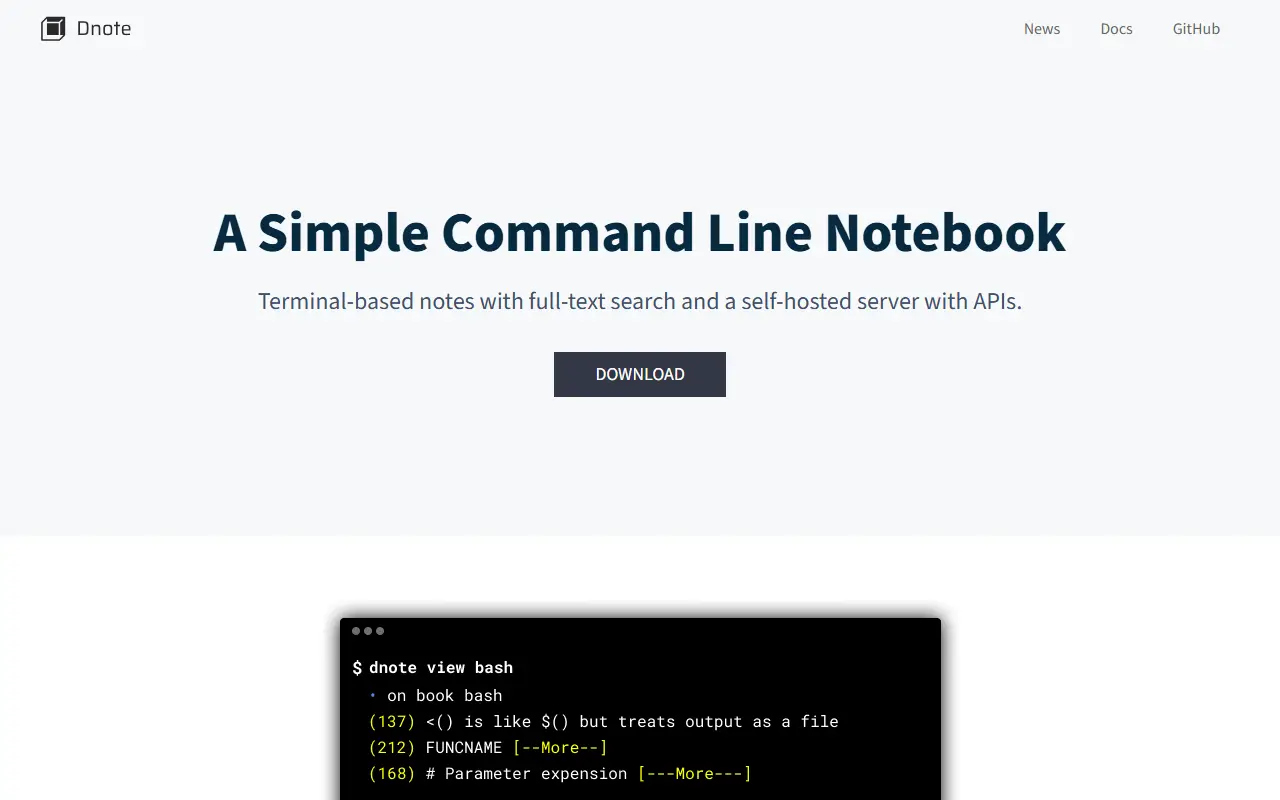
Dnote is a command line notebook for capturing commands, snippets and insights without leaving the terminal. It ships as a single binary with no dependencies, has been developed since 2017, and keeps all notes in one SQLite file that is portable, searchable and fully under your control.
Notes are found again with full-text search, and Dnote works with your favorite text editor, whether terminal-based or graphical. Because the data is a SQLite file, you can back it up anywhere, query it with standard tools or migrate it easily. An optional server, also a single binary with embedded SQLite, lets you sync notes between devices and access them through a REST API, and it can be deployed with Docker or run directly.
Dnote is written in Go and licensed under Apache-2.0, with binaries for macOS, Linux, FreeBSD and Windows and installation through Homebrew or direct download. The project states it will always be free. It suits developers and sysadmins who want a lightweight personal knowledge base inside the terminal.
Key features
- Single binary with no dependencies
- Full-text search across notes
- Notes stored in one SQLite file
- Works with any text editor
- Optional self-hosted sync server
- REST API access to notes
Good fit for
- →Saving commands and snippets from the terminal
- →Keeping a private developer knowledge base
- →Syncing notes between machines you control
- Built with
- Go
- Tags
- notes
- cli
- command-line
- sqlite
- note-taking
- developer-tools
- self-hosted
- go
- knowledge-base
Dnote: questions and answers
- What is Dnote used for?
- Dnote is a simple command line notebook that stores notes in a single SQLite file, with full-text search and optional sync through a self-hosted server. It is a good fit for saving commands and snippets from the terminal, keeping a private developer knowledge base, and syncing notes between machines you control.
- Is Dnote open source?
- Yes. Dnote is open source under the Apache-2.0 licence. Its source code is on GitHub at dnote/dnote and is written mainly in Go.
- Is Dnote free?
- Yes. Dnote is open source, so the software itself is free to use.
- What is Dnote an alternative to?
- Dnote is an open-source alternative to Evernote. Other open-source alternatives to Evernote include Memos, Trilium Notes and CherryTree.
- Is Dnote actively maintained?
- Yes. The most recent commit to Dnote was on 25 July 2026. The project has 3.1k stars on GitHub.
Open-source alternatives to Dnote
See all
Memos
Note Taking
Your own timeline for quick notes, private by default.
MITvs Google Keep★ 63k
Trilium Notes
Note Taking
Trilium Notes is an open-source note-taking and personal knowledge base app that runs loca
AGPL-3.0vs Evernote★ 38kCherryTree
Note Taking
cherrytree
OSSvs Microsoft OneNote★ 4k
NoteDiscovery
Note Taking
Your Self-Hosted Knowledge Base
MITvs Notion★ 2.8k
EdgeEver
Note Taking
Open-source, AI-native knowledge base & Evernote alternative with native MCP. Zero-cost on
AGPL-3.0vs Evernote★ 2kFlatnotes
Note Taking
A self-hosted, database-less note taking web app that utilises a flat folder of markdown f
MITvs Evernote★ 3.2k
SaaS alternatives to Dnote
See all
Evernote
Note Taking
Evernote is a note-taking app for capturing notes, documents and web clippings and keeping them organized and searchable across devices.
SaaS
Notejoy
Note Taking
Shared notes app for teams with fast search and sync across devices
SaaS
Agenda
Note Taking
Date-focused notes app that links notes to calendar events and projects
SaaS
Amplenote
Note Taking
Notes and tasks app with backlinks and calendar scheduling
SaaS
Bear
Note Taking
Markdown notes app for Apple devices with tags and nested organization
SaaS
Google Keep
Note Taking
Lightweight notes, checklists and reminders synced with Google accounts
SaaS