
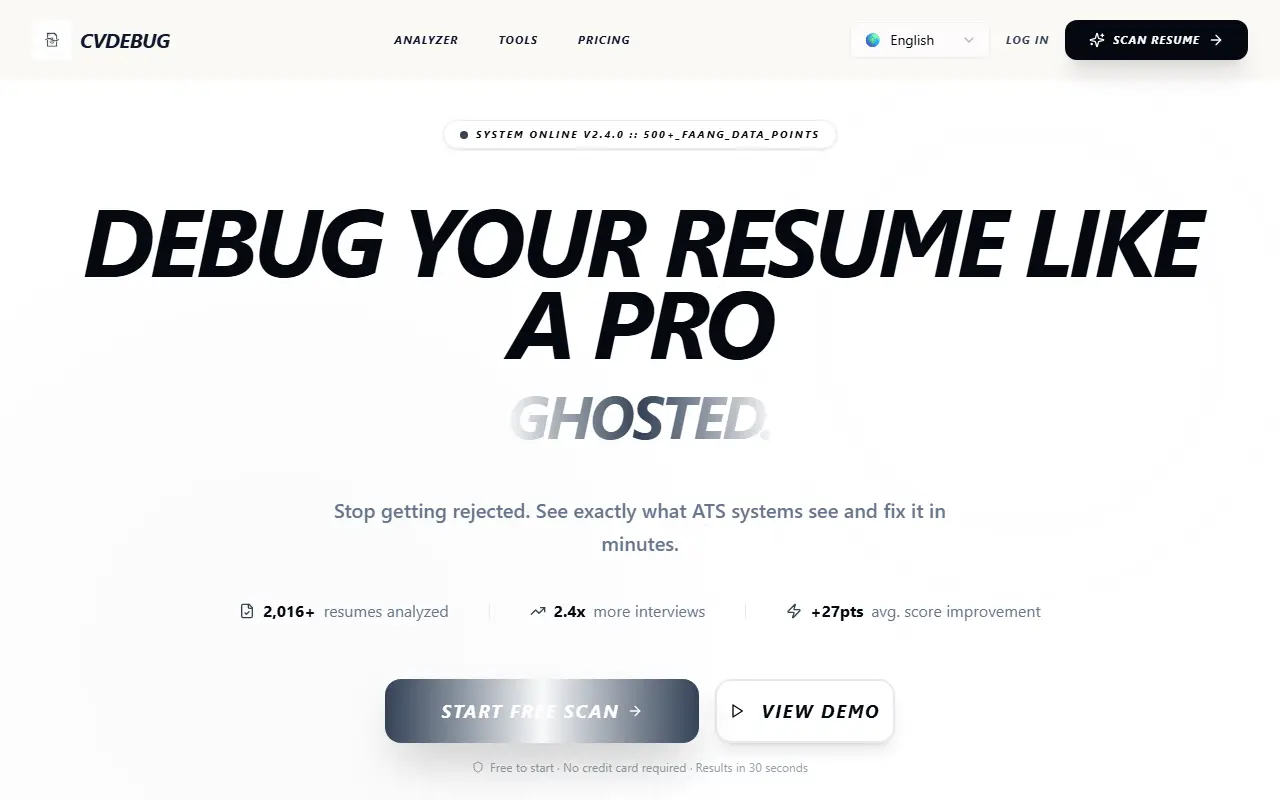
About CVDebug
CVDebug is a web tool for job seekers who want to know how their resume looks to applicant tracking software. Its Robot View shows the text an ATS parser extracts, which exposes layout problems, and the scan returns an ATS score and points out missing keywords compared with a target role.
The site describes the scanner as free to use, with results in about ten seconds, and it has a separate pricing page for paid options. Marketing copy on the site references accuracy figures for format detection, optical character recognition, and semantic matching, which are vendor claims that this entry does not repeat.
Key features
- Robot View of how an ATS parses your resume
- ATS compatibility score
- Keyword gap detection
- Format error detection
- Fast scan of an uploaded resume
Good fit for
- →Job seekers checking resume parsing before applying
- →Fixing keyword gaps for a specific job posting
- Tags
- ats
- resume-scanner
- job-search
- keyword-optimization
- careers
- resume-checker
CVDebug: questions and answers
- What is CVDebug used for?
- CVDebug is an ATS resume scanner with a Robot View that shows how applicant tracking systems read your resume, plus a score and keyword gap suggestions. It is a good fit for job seekers checking resume parsing before applying and fixing keyword gaps for a specific job posting.
- Is CVDebug free?
- Yes. CVDebug has a free plan.
- Is CVDebug open source?
- No. CVDebug is proprietary (closed-source) software and can't be self-hosted. In the HR & Recruiting category, open-source options include Resume Matcher, JobOps and Reactive Resume.
- What are some alternatives to CVDebug?
- CVDebug competes with ATS Scorer, Analyzer.cv and ATS First.
Open-source alternatives to CVDebug
See all
Resume Matcher
HR & Recruiting
The #1 AI Harness for Building Resumes, PDFs, Cover Letters & more, locally with 100+ LLMs
Apache-2.0★ 29k
JobOps
HR & Recruiting
job-ops: DevOps principles applied to job hunting. A self-hosted pipeline to track, analyz
OSS★ 4k
Reactive Resume
HR & Recruiting
Free, open-source resume builder. Create, update, and share a professional resume in minut
MIT★ 44k
Frappe HR
HR & Recruiting
Open Source HR and Payroll Software
GPL-3.0vs BambooHR★ 8.9k
Horilla
HR & Recruiting
Horilla is a free and open source HR software.
LGPL-2.1vs BambooHR★ 1.4k
OrangeHRM
HR & Recruiting
OrangeHRM is a comprehensive Human Resource Management (HRM) System that captures all the
GPL-3.0vs BambooHR★ 1.1k
SaaS alternatives to CVDebug
See all
ATS Scorer
HR & Recruiting
Create resumes with AI, tailor them to job listings and check them against ATS systems
SaaS
Analyzer.cv
HR & Recruiting
Scores a CV against a job description and lists strengths, missing skills and improvements
SaaS
ATS First
HR & Recruiting
Scores resumes against job descriptions, finds missing keywords and builds ATS-safe resumes and cover letters
SaaS
Ats Unlock
HR & Recruiting
AI career tool for ATS-optimised resumes, tailored cover letters and scoring against job descriptions
SaaS
CVScore
HR & Recruiting
AI CV evaluator that scores your resume from 1 to 100 across categories
SaaS
CVMax
HR & Recruiting
AI tool that scores how well your CV matches a job offer and suggests improvements
SaaS