 TrackMedia
 TrackRev
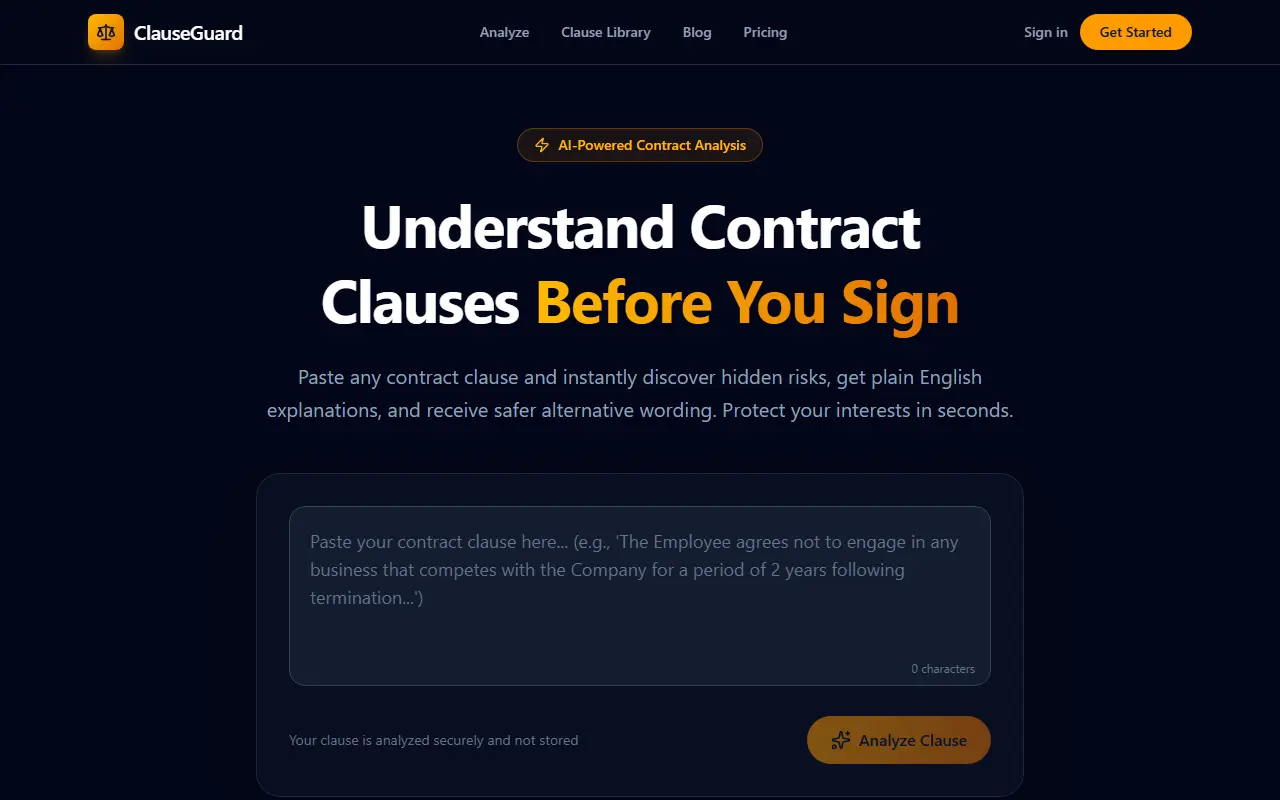
About ClauseGuard
ClauseGuard works on one clause at a time. You paste contract text, and the AI points out legal and commercial risks, explains in plain English what the language means for you, and suggests safer wording that could be used when negotiating.
The site says the clause is analyzed securely and not stored. A clause library and blog cover common types such as non-compete, indemnification, confidentiality, limitation of liability and termination, plus legal terms like force majeure and liquidated damages.
The vendor is clear about the limits. The results are informational, may be inaccurate, incomplete or outdated, and are not legal advice, so the output is meant as a starting point for a conversation with a lawyer. The pricing page provided shows no plan details.
Key features
- Paste a clause to get a risk review
- Flags legal and commercial risk in dense language
- Plain-English explanation of each clause
- Suggests safer wording for negotiation
Good fit for
- Reading an unfamiliar clause before signing
- Preparing questions for a lawyer
ClauseGuard: questions and answers
- What is ClauseGuard used for?
- ClauseGuard is an AI tool that analyzes pasted contract clauses and returns risks, plain-English explanations and safer alternative wording. It is a good fit for reading an unfamiliar clause before signing and preparing questions for a lawyer.
- Is ClauseGuard open source?
- No. ClauseGuard is proprietary (closed-source) software. In the AI Tools category, open-source options include Handy, Open Generative AI and ComfyUI.
- What are some alternatives to ClauseGuard?
- ClauseGuard competes with Spellbook, CoCounsel and Legora.
Open-source alternatives to ClauseGuard
See all
Handy
AI Tools
A free, open source, and extensible speech-to-text application that works completely offli
MITvs Wispr Flow★ 38k
Open Generative AI
AI Tools
Unrestricted Open-source alternative to AI video platforms — Free AI image & video generat
MITvs Midjourney★ 34k
ComfyUI
AI Tools
The most powerful and modular diffusion model GUI, api and backend with a graph/nodes inte
GPL-3.0vs Midjourney★ 146k
Ego Lite
AI Tools
The fastest browser for AI agents to run browser automation, built for sharing your logged
MITvs ChatGPT Atlas★ 23k
AIHOT
AI Tools
一个自己找热点、自己写日报的网站框架。把信源和精选标准换成你的,它就是你的行业热点站。
MIT★ 10k
DramaClaw
AI Tools
A general-purpose AIGC video engine: script to finished film in one pipeline — dramas, ads
OSSvs InVideo★ 7.7k
SaaS alternatives to ClauseGuard
See all
Spellbook
AI Tools
AI contract drafting and review assistant that works inside Microsoft Word
SaaS
CoCounsel
AI Tools
AI legal assistant from Thomson Reuters for research and document review
SaaS
Legora
AI Tools
Collaborative AI platform for law firms to review and draft legal documents
SaaSAgreedly
AI Tools
AI tools to draft professional agreements and analyze contracts
SaaS
Avocadosai
AI Tools
AI legal assistant that answers questions about Swiss law
SaaS
Explains
AI Tools
Paste a legal document to get a plain-English translation with hidden risks flagged
SaaS